

How to Optimize Google Business Profile for More Leads
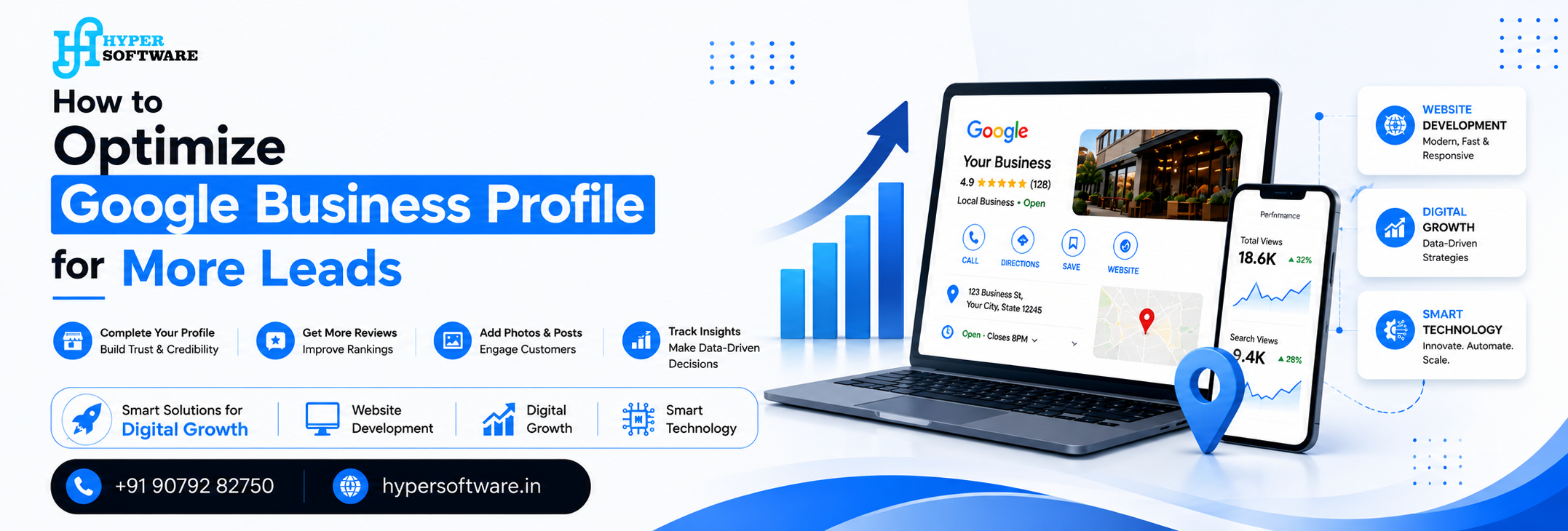
Today, if your business is not effectively optimized for Google, then you might be losing a large number of prospective customers. Your business needs to be optimized in order for it to be listed in local searches, Google maps, and “near me” results. Consequently, you will be able to gain more calls, website traffic, and leads.
To begin with, it should be noted that all the information listed on your Google Business Profile should be accurate, starting from your business name, telephone number, address, business hours, and website links. Additionally, always make sure to upload good photos, post often, and never forget to reply to your reviews.
You will need to include the appropriate keywords like "website development services," "digital marketing agency," and "SEO services." In addition, you need to your services and products appropriately.
Hyper Software specializes in optimizing Google Business Profiles for businesses to maximize their local presence and generate more leads. In case you want to see your business rank higher in Google Search, contact us immediately.
What is Google Business Profile?
Google Business Profile is an open-source Google product that provides businesses online visibility on Google Search and Google Maps. Through Google Business Profile, customers can view your business details such as name, location, phone number, website, reviews, photos, hours of operation, and services.
If any user searches for services "near me" or local services, an optimized Google Business Profile will assist you in ranking your business on the top results. It is highly significant for local SEO, customer trust building, increasing website traffic, calls, and leads.
Businesses can enhance their online presence by managing their profile, offers, photos, and customer reviews.
Optimize Your Google Business Profile in 2026
1. Fill All Business Information Properly
Put information about the name of your business, its contact numbers, address, web site URL, timing, and categories.Not following this step could result in your website being poorly ranked on Google search results.
2. Add Good Photos
Add photographs showing how your office looks like, activities performed by your staff, services you provide, and how customers are enjoying their experience. This will help increase credibility and clicks.
3. Collect Reviews from Customers
Ask your customers to provide feedback after using your services and always give proper responses. This step helps not only improve Local SEO, but also provides leads.
4. Include Keywords
Use SEO-friendly terms in your descriptions and products, such as "web development," "SEO services," or "marketing local businesses."
5. Update Regularly
Make Google Posts once a week about the various offers, blog posts, business news, festive seasons, or services being introduced. An active Google profile usually ranks higher on Google.
6. Keep Messaging and Calls Available
Do not disable the direct calls and messaging features because this will increase the chances of converting website visitors into customers.
7. Optimize Services and Products Section
Ensure that the service list is well-titled, described, and contains the price of goods and services provided by the business for a deeper analysis by Google.
8. Monitor Insights and Performance
Monitor performance insights like the number of searches, visits, and interactions with the business profile.
Hyper Software – Contact Us Now
Email: info@hypersoftware.in
Call :+919079282750, +917372991000
Website Link: hypersoftware.in
Frequently Asked Questions – How to Optimize Your Google Business Profile for More Leads
Qus 1: How would a Google Business Profile be able to generate leads?
Answer: Once the Google business profile is optimized, the potential clients will be able to locate you, contact you, get directions to your office, and go to your website. As a result, more inquiries and sales will be made.
Qus 2: Which is the most crucial step in optimizing the Google Business Profile?
Answer: The crucial part of optimization is to provide all the information regarding the business, including the name, phone number, location, website, operating hours, type, and services.
Qus 3. What role does review play in the growth of a Google Business Profile?
Answer: Reviews increase the trust of the customer and Google ranking. The better and genuine the reviews you get, the better your Google ranking would be.
Qus 4. Can we use keywords in a Google Business Profile?
Answer: Yes, but in a very natural way. Using the right keywords in your Google Business Profile makes your business rank higher in the local searches.
Qus 5. Is it significant to create Google Business Profile for Local SEO?
Answer: Yes, as it is the biggest factor in Local SEO and once your Google Business Profile is properly optimized, it can make your business visible in your local area through Google Maps and Search.
Get Free Consultation Within Minutes
Popular Post
Android Training: Complete Guide to Learning Android App Developmentin 2026
Web Design and Development Course in Jaipur
What Is SEO? The Complete 2026 Guide to Search Engine Optimization
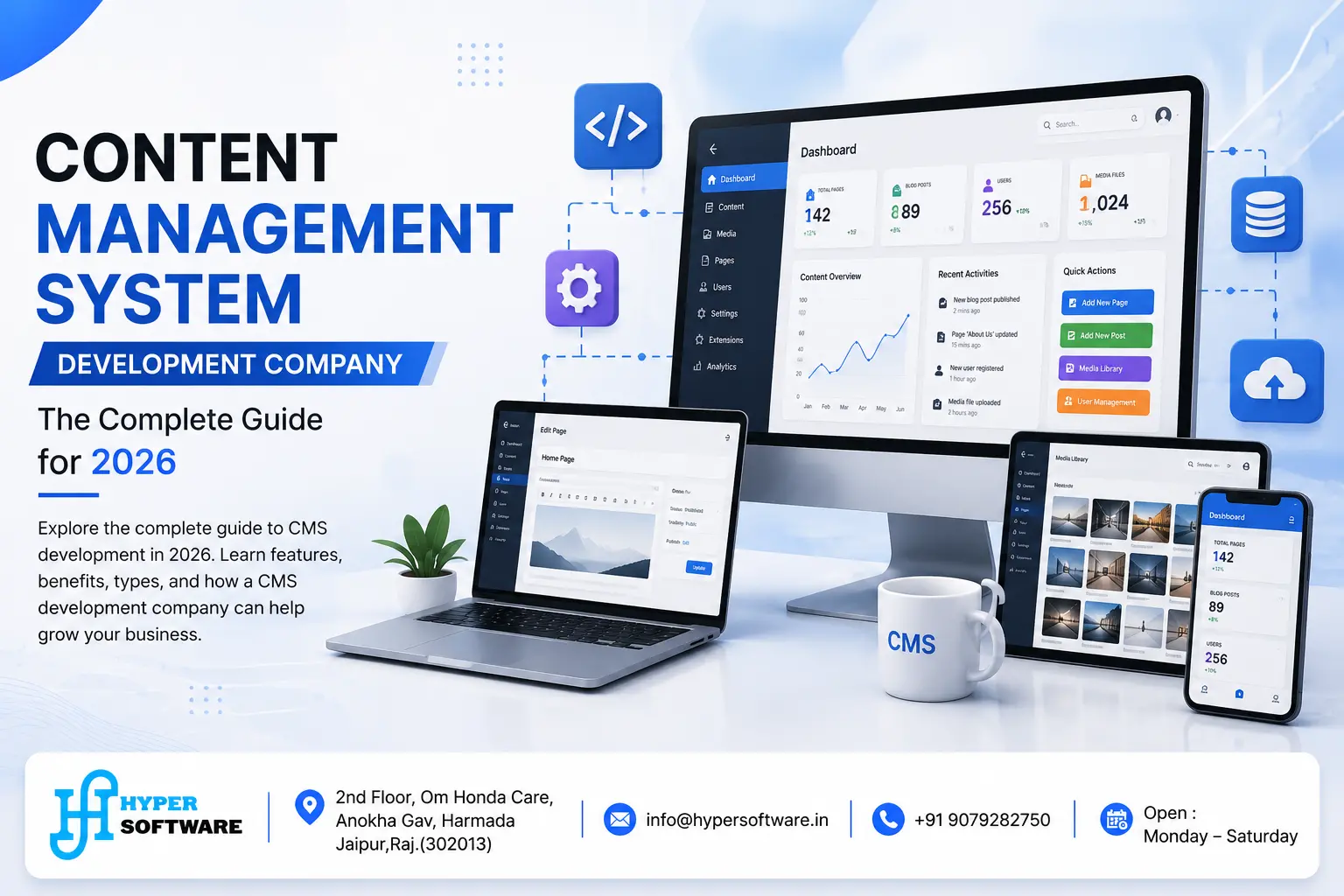
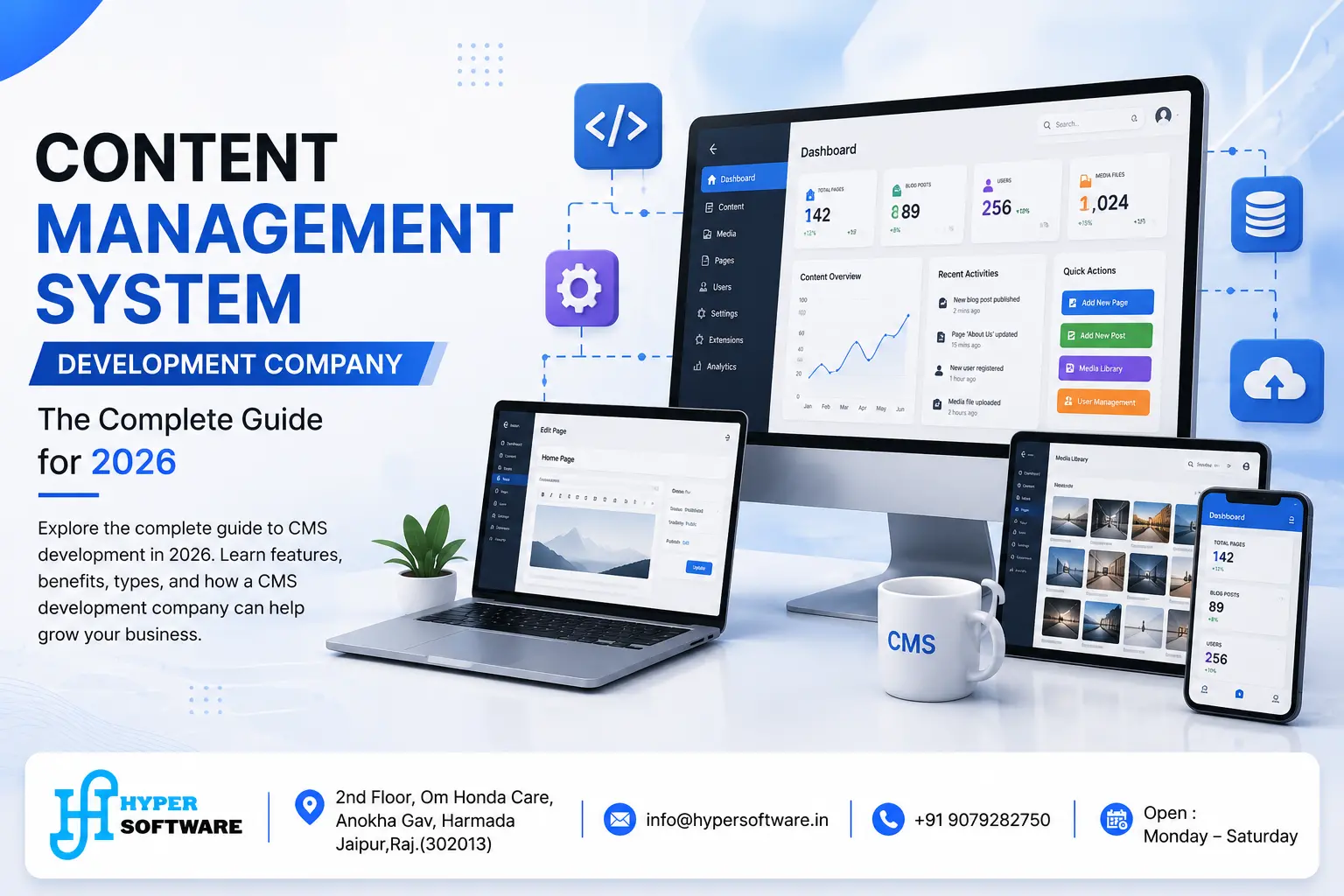
Content Management System Development Company: The Complete Guide for 2026

Domain Hosting: The Complete Guide to Choosing, Buying and Managing It (2026)