

Secure file sharing for modern
Secure file sharing for modern
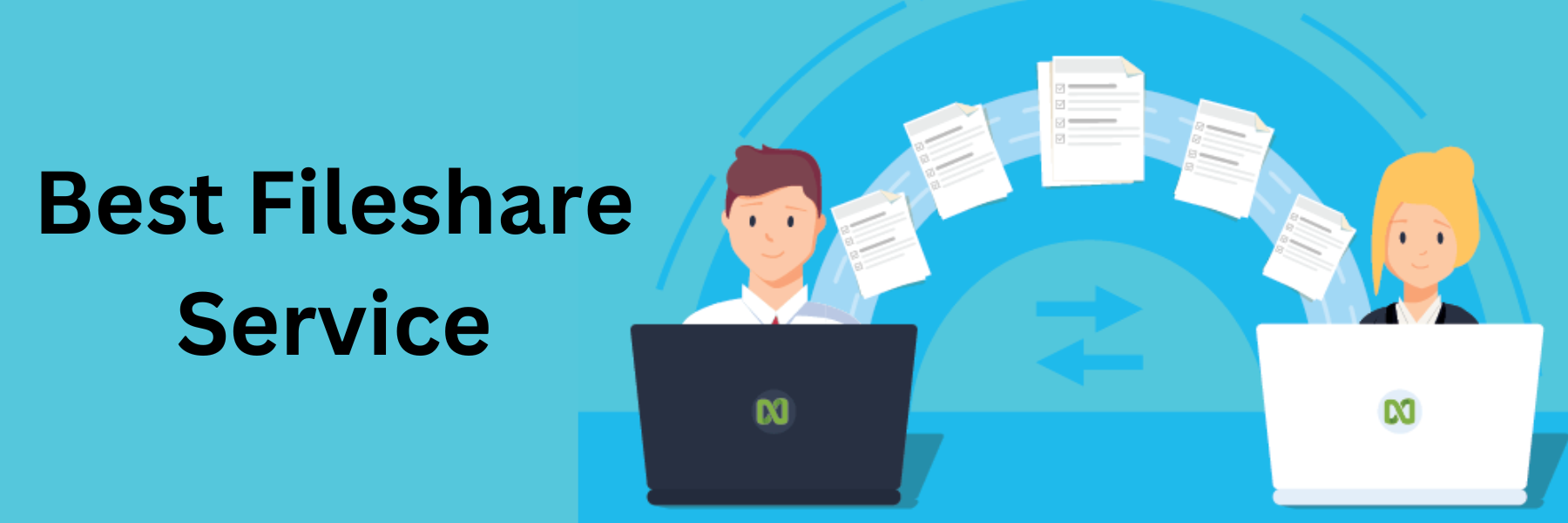
Secure file sharing is crucial in modern times due to the increasing reliance on digital communication and data exchange. There are several methods and technologies available to ensure secure file sharing:
- End-to-End Encryption: Use file-sharing services or tools that offer end-to-end encryption. This means that the data is encrypted on the sender's device and can only be decrypted by the intended recipient. Even if the data is intercepted during transmission or stored on a server, it remains encrypted and inaccessible without the encryption keys.
- Password Protection: When sharing files, consider using password protection. Encrypt the files with a strong password and share the password with the intended recipient through a separate communication channel (e.g., SMS or phone call) to prevent unauthorized access.
- Secure File Transfer Protocols: Choose secure file transfer protocols like SFTP (SSH File Transfer Protocol) or HTTPS (Hypertext Transfer Protocol Secure) for uploading and downloading files. These protocols encrypt data during transmission, making it difficult for attackers to intercept or tamper with the files.
- Multi-Factor Authentication (MFA): Implement MFA on file-sharing platforms to add an extra layer of security. This ensures that even if someone gains access to the account, they won't be able to access the shared files without the additional authentication factor.
- Expire Links and Access: Set expiration dates for file links or access permissions. This helps ensure that files are only accessible for a limited time, reducing the risk of unauthorized access in the future.
- File Permissions and Access Control: Use platforms or systems that allow you to control file permissions. Limit access to specific users or groups, and restrict the ability to download or forward files to maintain control over your shared data.
- Audit Logs and Tracking: Choose file-sharing solutions that offer audit logs and tracking capabilities. These features allow you to monitor who accessed the shared files and when, enhancing accountability and security.
- Data Loss Prevention (DLP): Implement DLP tools to detect and prevent sensitive data from being shared unintentionally or with unauthorized users.
- Mobile Device Management (MDM): If file sharing involves mobile devices, consider using MDM solutions to manage and secure devices, enforce policies, and remotely wipe data if necessary.
- Regular Updates and Patches: Keep all file-sharing software, applications, and systems up to date with the latest security patches and updates to address any known vulnerabilities.
File Share Types
There are various types of file sharing, each with its own characteristics and use cases. Here are some common file share types:
- Peer-to-Peer (P2P) File Sharing: P2P file sharing allows users to share files directly with each other without relying on a centralized server. Users connect to a network and share files from their devices with others on the same network. Popular P2P file-sharing protocols include BitTorrent and eDonkey.
- Cloud Storage Services: Cloud storage services allow users to store files on remote servers and access them from any internet-connected device. These services often offer file sharing functionalities, enabling users to share files and folders with others via links or user permissions. Examples include Google Drive, Dropbox, OneDrive, and Box.
- Email Attachments: One of the simplest methods of file sharing is through email attachments. Users can attach files to an email and send them to recipients. However, there are often limitations on file size, and large files may be challenging to share via email.
- FTP (File Transfer Protocol): FTP is a standard network protocol used to transfer files between a client and a server over a network. It allows for easy and efficient file sharing, particularly for larger files. For increased security, consider using SFTP (SSH File Transfer Protocol), which adds an encryption layer to FTP.
- Secure File Sharing Platforms: Specialized secure file-sharing platforms provide enhanced security features like end-to-end encryption, password protection, access controls, and audit logs. These platforms are designed to ensure that files are shared securely between authorized parties.
- Collaboration Tools: Many collaboration and project management tools include file sharing capabilities to facilitate teamwork and document collaboration. Examples include Microsoft Teams, Slack, and Trello.
- Instant Messaging Apps: Some instant messaging applications allow users to share files with each other during conversations. This type of file sharing is usually limited to smaller files and may not be the most secure option.
- Local Network File Sharing: Local network file sharing enables users to share files and folders within a local network without the need for an internet connection. Common protocols for local network file sharing include SMB/CIFS (Server Message Block/Common Internet File System) for Windows networks and AFP (Apple Filing Protocol) for macOS networks.
- File Transfer Services: Some websites and online services specialize in file transfer, enabling users to upload files and generate links to share with others. These services are often used for one-time or temporary file sharing.
- Enterprise File Sharing and Sync (EFSS): EFSS solutions cater specifically to businesses and enterprises, providing secure file sharing and synchronization capabilities across multiple devices and users.
Each type of file sharing has its strengths and weaknesses, so choosing the most suitable method depends on factors like file size, security requirements, convenience, and the number of users involved.
Quick Enquiry
Get Free Consultation Within Minutes
Popular Post

Android Training: Complete Guide to Learning Android App Developmentin 2026

Web Design and Development Course in Jaipur

What Is SEO? The Complete 2026 Guide to Search Engine Optimization

Content Management System Development Company: The Complete Guide for 2026

Domain Hosting: The Complete Guide to Choosing, Buying and Managing It (2026)