
Hyper Software ne hamare business ko online ek nayi pehchan di. Website professional, fast aur SEO optimized hai. Website Design & Development ke liye best company.

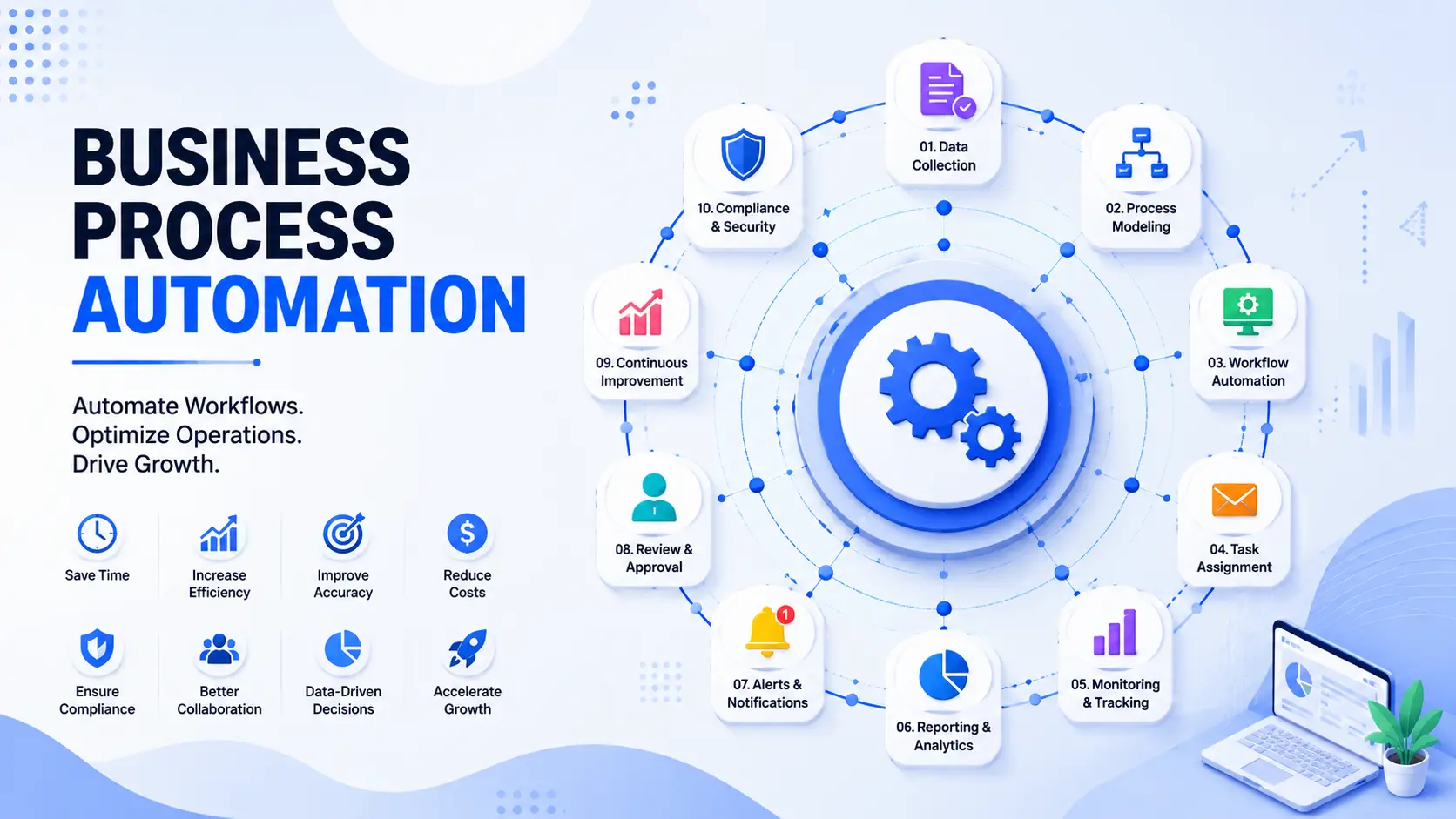
Business process automation means using software to run the repetitive parts of your business — invoicing, approvals, onboarding, reporting — automatically, instead of your team doing it by hand every single time. Done right, it cuts the hours your staff spends on copy-paste work, removes the errors that come with manual data entry, and lets your business handle more volume without hiring more people. Hyper Software builds this kind of automation for companies across India and abroad, and this page walks through exactly what it involves, what it costs, and how to know if you're ready.
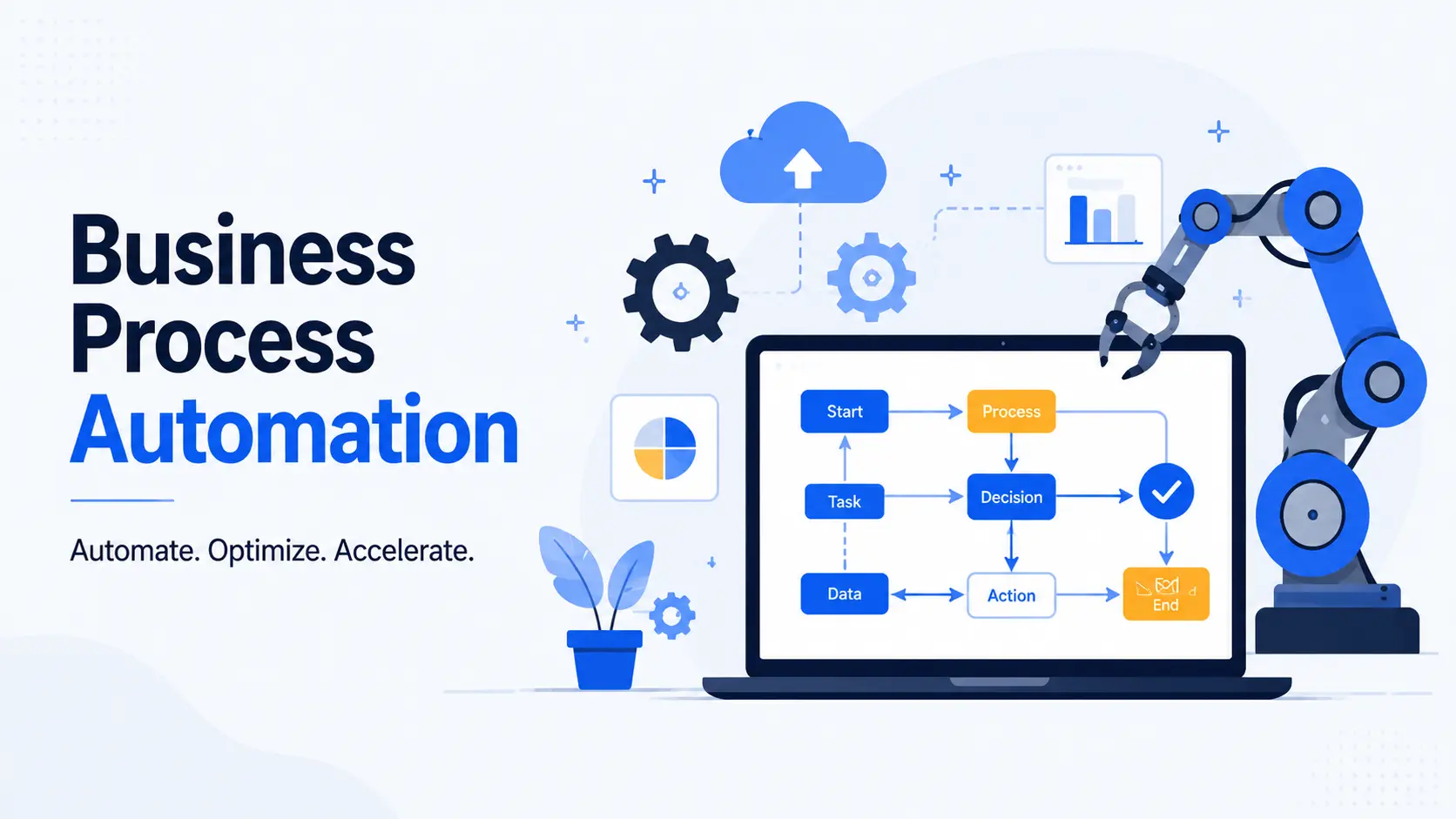
Business process automation (BPA) is the use of software to run a complete business process from start to finish, not just one step of it. Think about the difference between automating a single email versus automating the entire order: receive it, check stock, raise the invoice, confirm payment, schedule dispatch, notify the customer. BPA handles that whole chain, passing data from one step to the next without someone manually re-entering it each time.
It's a bigger idea than task automation. A task is one action — send a reminder email. A process is the sequence of actions that gets a real business outcome, and Gartner BPA research automatesb that sequence end to end.
Most people confuse BPA with related terms, so here's the plain version: BPA is the umbrella term. Robotic process automation (RPA) and workflow automation are both methods you can use to achieve it. We'll break that down properly in a moment.
Get Free Consultation Within Minutes
You don't need to rip out your existing systems to automate a process. Here's the sequence we follow, and it's roughly what any competent automation project looks like:
1. Map the process as it actually happens today. Not how the SOP says it should work — how your team really does it, including the workarounds. This step alone often reveals where time is being lost.
2. Pick the highest-value process to automate first. High volume, repetitive, and rule-based tasks (invoicing, onboarding, lead follow-up, reporting) give the fastest payback. We don't recommend automating everything at once.
3. Build, connect, and test. The automation is built to talk to the systems you already use — your CRM, accounting software, spreadsheets, or ERP — through APIs,
database connections, or file transfers. It's tested against real edge cases (empty fields, duplicate entries, unusual formats) before it goes live.
A pilot process typically goes live in 4–8 weeks. Full department-wide rollouts, covering multiple connected processes, usually take 3–6 months depending on how many systemsare involved.
You probably don't need a consultant to tell you this — you already feel it. But here's the checklist we use with new clients:
If two or more of these sound familiar, the process is a good automation candidate. If none of them apply yet, automation can probably wait.
These three terms get used interchangeably, and that's exactly where a lot of businesses buy the wrong tool. Here's the actual difference:
|
Business Process Automation (BPA) |
Robotic Process Automation (RPA) |
Workflow Automation |
|
|
What it |
An entire multi-step |
Repetitive, rule-based |
A single sequence of |
|
automates |
business process, end to |
actions that mimic a human |
steps within one tool |
|
end |
clicking through screens |
or a few connected apps |
|
|
Best for |
Complex processes |
High-volume, repetitive |
Simple, linear tasks |
|
spanning multiple |
digital tasks (data entry, |
(approval routing, |
|
|
departments and systems |
copying between legacy |
notification triggers) |
|
|
(order-to-cash, hire-to- retire) |
systems) |
||
|
Typical |
Custom-built platforms, |
Bot software that operates |
Zapier, Make, Power |
|
tools |
low-code BPM tools, AI- |
existing screens/interfaces |
Automate, native app |
|
driven orchestration |
automations |
||
|
Setup |
Higher upfront, but built |
Moderate — bots need to be |
Low — often no-code, |
|
effort |
around your exact process |
trained per task |
plug-and-play |
|
Where it |
Rarely, since it's custom- |
When the underlying app's |
When you outgrow |
|
breaks |
built for your rules |
screen layout changes |
simple, single-app |
|
logi |
Hyper Software ne hamare business ko online ek nayi pehchan di. Website professional, fast aur SEO optimized hai. Website Design & Development ke liye best company.

In practice, most real automation projects use a mix: workflow tools for the simple connections, RPA development for legacy-system tasks that can't be integrated any other way, and a proper BPA platform tying it all together with business logic and exception handling.
Automation isn't limited to one department. Here's where it usually pays off first:
Finance and accounts: invoice processing and approval, expense claim reimbursement, payment reminders and follow-ups, financial reporting sent automatically to the right people every month.
HR and onboarding: offer letter generation, document collection, IT access provisioning, training schedule assignment — so a new hire's first week runs the same way every time, without HR chasing five different people.
Sales and customer service: lead capture and routing to the right salesperson within minutes instead of hours, automated follow-up sequences, support ticket categorization and assignment.
Operations and supply chain: order-to-dispatch tracking, inventory alerts, vendor communication, delivery notifications.
Compliance and reporting: recurring regulatory reports, audit trail generation, data retention and deletion schedules.
A useful rule: if a task is high-volume, follows the same rules every time, and involves moving information between systems or people, it's a strong automation candidate. One-off, judgment-heavy tasks usually aren't worth automating.
Most pages selling automation skip this part. We'd rather you know it upfront.
A badly scoped automation creates new problems. If the process itself is broken or undocumented, automating it just makes the mess move faster. Map the process
properly before building anything.
Integrations can break. When a connected app updates its interface orAPI, an automation built on top of it can fail silently unless someone is monitoring it. Budget for ongoing maintenance, not just the initial build.
Not every process should be automated. Tasks that need genuine human judgment, or that change too often to justify the setup cost, are usually better left manual — at least for now.
Change management is a real cost. Staff need to understand why the process changed and trust the new system, or they'll quietly go back to the old spreadsheet.
1. Automating a process before fixing it, so the automation just enforces a bad workflow faster.
2. Trying to automate everything in one go instead of starting with the single highest- impact process.
3. Choosing a generic SaaS tool that almost fits, instead of one that's actually built around how the business works.
4. Skipping documentation, so only the person who built it understands how it runs — and everything stalls when they leave.
5. Not testing edge cases (what happens with an empty field, a duplicate record, or an unusual format) before going live.
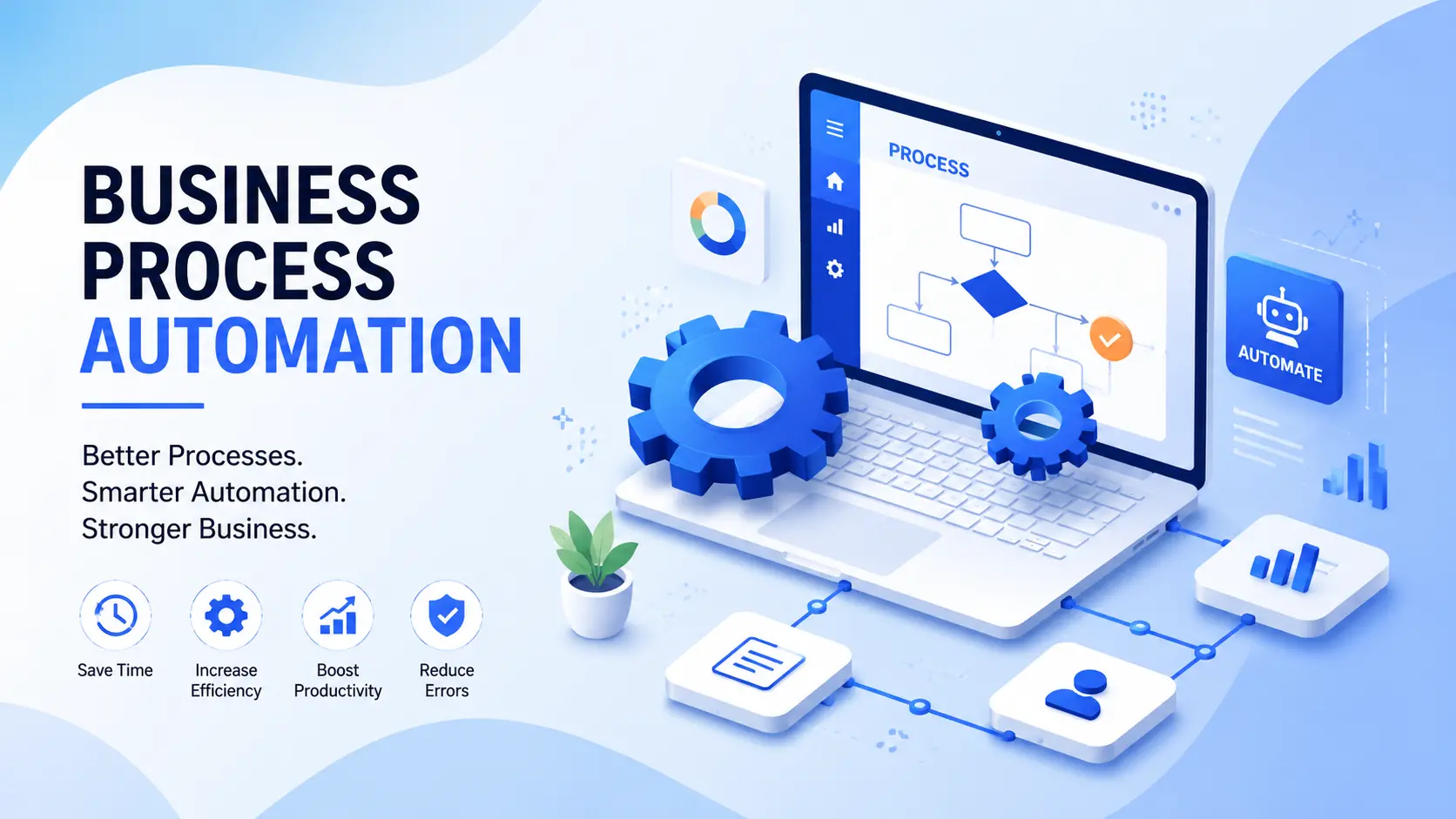
This is the question we get asked most, and the honest answer is: it depends on how complex your process is.
Once you're connecting more than two or three systems, dealing with legacy software that doesn't have clean APIs, handling exceptions that need actual business logic, or automating a process with compliance requirements, DIY tools start to strain. They also tend to lack proper documentation and a maintenance plan, so the automation works until something changes — and then nobody knows how to fix it.
|
DIY (No-Code Tools) |
Hiring an Agency |
|
|
Best for |
Single-app, simple automations |
Multi-system, complex, or |
|
compliance-sensitive processes |
||
|
Typical cost |
Free to a few thousand rupees a month |
Project-based, scoped around the |
|
in subscription fees |
outcome |
|
|
Setup time |
Hours to days |
Weeks, but built to your exact process |
|
What can go |
Breaks when volume grows or logic |
Higher upfront cost ifscoped poorly |
|
wrong |
gets more complex; no real documentation |
— get a clear, written scope before starting |
|
Maintenance |
Usually falls on whoever set it up |
Should be included in the |
|
engagement, not an afterthought |
Most businesses that start with DIY tools eventually hit a wall once the process gets more than a couple of systems deep. That's the point where a custom-built solution starts paying for itself faster than patched-together no-code flows.
Costs vary a lot depending on complexity, number of systems involved, and how much customization the process needs. These are typical market ranges, not a fixed quote — every business's process is different, so treat this as a planning guide and request a scoped quote for your exact case.
| Project Type | Typical Range (India) |
| Single-process automation (e.g., invoice approval, lead routing) |
Roughly ₹50,000 – ₹3,00,000 |
| Multi-process automation for a small business (2–4 connected workflows) |
Roughly ₹3,00,000 – ₹8,00,000 |
| Department-wide or multi-system automation (ERP/CRM integration) |
₹8,00,000 and above, scoped per project |
| Ongoing maintenance and support |
Typically a monthly retainer, based on number of automations live |
What moves the number: how many systems need to connect, whether you need custom API work versus native integrations, how much staff training and documentation is required, and how thoroughly the process needs to be tested before go-live. Businesses generally see a return within 6–12 months once time saved and errors avoided are added up — sometimes faster for high-volume processes like invoicing or lead follow-up
Business process automation is the use of software to run a complete business process — like invoicing, onboarding, or approvals — automatically from start to finish, instead of relying on manual steps at each stage.
RPA automates specific, rule-based digital tasks by mimicking clicks and keystrokes across existing software. BPA is broader — it automates the entire process, often using RPA as one of several tools within it.
A single-process automation typically costs between ₹50,000 and ₹3,00,000, while multi-process or department-wide automation can run into several lakhs, depending on complexity and integrations required.
A single pilot process usually goes live within 4–8 weeks. Larger, multi-department rollouts generally take 3–6 months to complete fully.
Start with high-volume, repetitive, rule-based tasks like invoicing, lead follow-up, or approvals. These give the fastest, most measurable payback.
Yes, for simple, single-app automations, no-code tools like Zapier or PowerAutomate work well. Once multiple systems, legacy software, or compliance requirements are involved, a custom-built solution is usually more reliable.
Most businesses see a return within 6–12 months, based on time saved, errors avoided, and the ability to handle more volume without adding headcount.
No. Automation is typically built to connect and work with the systems you already use — your accounting software, CRM, or ERP — rather than replacing them.
No. Small businesses often see the fastest, most visible time savings, since manual processes tend to eat up a larger share of a small team's total working hours.
A well-built automation is designed with some flexibility, but significant process changes usually need a review and update. This is why ongoing support matters, not just the initial build.
We follow a structured process for every project, whether it's one workflow or ten:
1. Free process audit. We look at where your time and money are actually leaking — not a sales pitch, an honest assessment of what's worth automating first.
2. Process mapping. We document the process exactly as your team runs it today, including the exceptions and workarounds nobody wrote down.
3. Solution design. We decide the right mix of tools — custom-built automation, RPA, or workflow platforms — based on your systems and budget, not a one-size-fits-all product.
4. Build and integrate. We connect to the systems you already use: your accounting software, CRM, ERP, or spreadsheets, through APIs, database connections, or file transfers.
5. Test against real edge cases. Empty fields, duplicate records, unusual formats — we test the process the way it will actually be used, not just the happy path.
6. Go live and support. We train your team, document how the system works, and stay on for ongoing support so a small change on your end doesn't break the automation six months later.
One of our clients, a mid-size textile export business based in Jaipur, was processing every export invoice by hand — checking order details in one spreadsheet, cross-referencing shipment data in another, and manually typing the same customer and product details into their accounting software three or four times over. Their finance team was spending close to 20 hours a week just on this one process, and errors in duplicate entries were causing payment delays with overseas buyers.
We mapped the full order-to-invoice process, then built an automated workflow that pulled shipment and order data directly into their accounting system, auto-generated invoices against a set of rules they already used manually, and flagged only the genuine exceptions for a human to check. The finance team went from spending most of a working day on this to about two hours a week, and invoice errors dropped to close to zero within the first month. The business didn't need to change its core accounting software — the automationwas built to work with what they already had.
Manufacturing and export businesses, retail and eCommerce, healthcare and clinics, professional services firms, education institutions, logistics and supply chain companies, and financial and insurance services. Process automation requirements differ by industry based on regulatory needs, transaction volume, and how many legacy systems are involved — which is why we start every engagement with a process audit rather than a generic package.
Hyper Software has been building digital solutions for businesses since 2020, from Jaipur, Rajasthan, and for clients across India and internationally. Automation is one part of a broader capability that includes custom software, mobile apps, CRM and ERP development solutions, eCommerce platforms, and UI/UX design — which means when your automation projectneeds a custom dashboard, a mobile app for field staff, or a CRM development overhaul, it's handled by one team that already understands your systems, not a separate vendor starting from scratch.
We scope every project around a measurable outcome, not a billable-hours estimate, and we stay on after go-live for support and maintenance — because an automation that breaks quietly six months later isn't a finished project.
Yes. Automated processes create a consistent, timestamped record of every step, which makes it easier to demonstrate that a process was followed correctly during audits.
The main risks are automating a broken process without fixing it first, integrations breaking when a connected app changes, and skipping proper documentation so only one person understands how the system works.
Not necessarily, especially with no-code tools for simple automations. For custom-built systems, ongoing support from your implementation partner usually covers maintenance and updates.
If your team spends several hours a week on repetitive manual tasks, you've had the same errors happen more than once, or growth means hiring more people to do the same work, your business is ready.
Yes. Hyper Software works with clients globally, delivering custom automation solutions from its Jaipur, Rajasthan base for businesses across different countries and time zones.
Have questions or need expert guidance? Our team is ready to help you with the right technology solutions for your business.