
Hyper Software ne hamare business ko online ek nayi pehchan di. Website professional, fast aur SEO optimized hai. Website Design & Development ke liye best company.

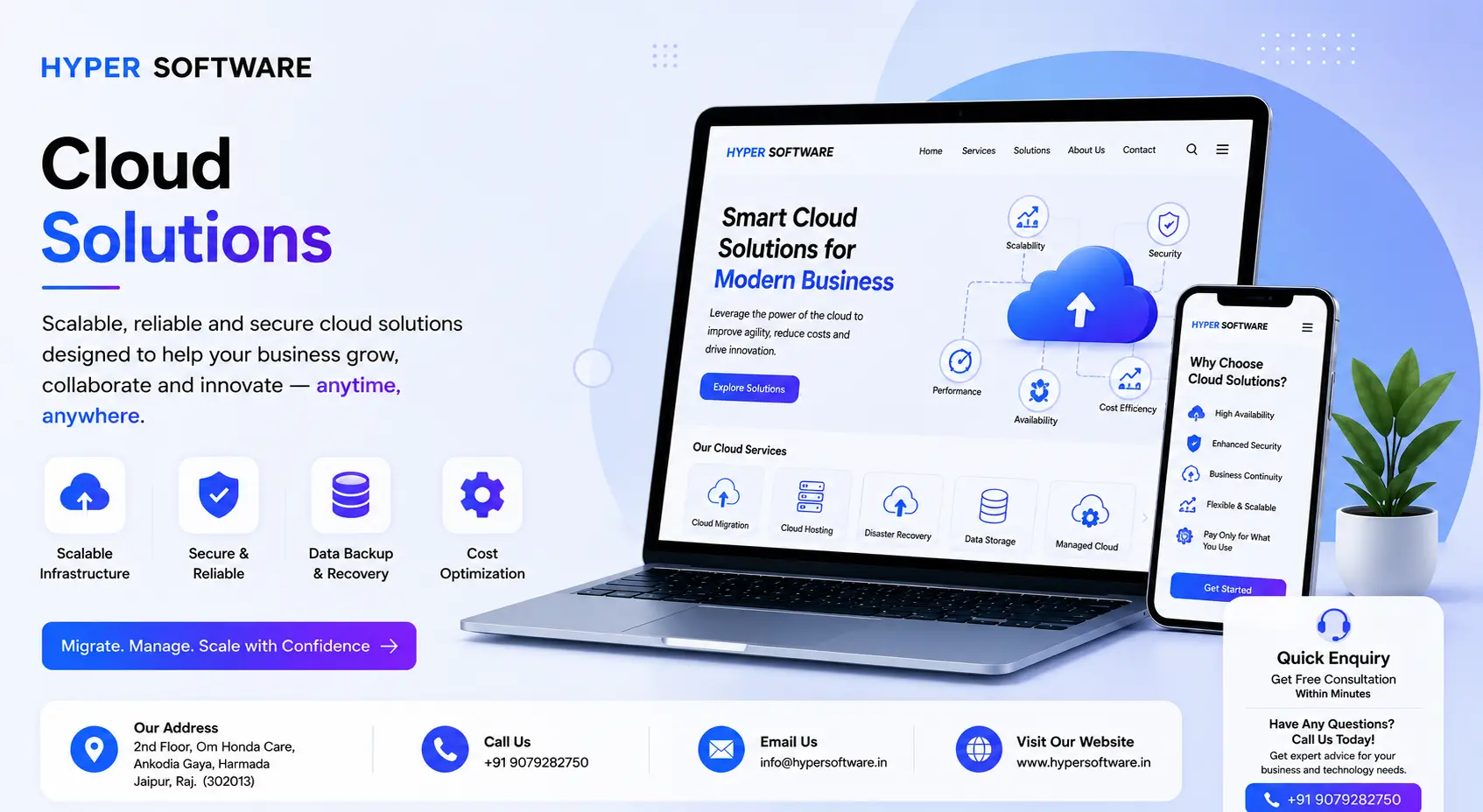
Your servers crash during a sale. Your team can't access files from home. Every time business grows, you're buying more hardware you'll outgrow in a year. That's the exact problem cloud solutions solve — and it's why most growing businesses have already made the move, or are about to.
In simple terms, cloud solutions let you run your servers, storage, software, and data over the internet instead of on physical machines sitting in your office. You rent what you need, scale it up or down as demand changes, and stop worrying about hardware failures at 2 AM. At Hyper Software, we design, migrate, and manage cloud infrastructure for businesses across India and globally, from small teams moving off shared hosting to companies running full ERP systems in the cloud.
This guide covers what cloud solutions actually include, what they cost, how migration works, and when it makes sense to do it yourself versus bringing in a specialist.
Cloud solutions are IT services — computing power, storage, databases, s
oftware, and networking — delivered over the internet by a provider, instead of being run on your own physical servers. You don't own the hardware. You pay for what you use, and someone else handles the maintenance, security patching, and uptime.
Think of it like electricity. You don't own a power plant to run your office lights; you just pay the electricity board for what you use. Cloud computing works the same way for your business's technology needs.
Three things typically define a good cloud solution for a business:
Get Free Consultation Within Minutes
Not every business needs the same setup. Cloud services generally fall into three models, and most businesses end up using a mix of all three rather than picking just one.
Infrastructure as a Service (IaaS) gives you virtual servers, storage, and networking — the raw building blocks — without you owning any physical hardware. This is the right fit if you're running custom applications or need full control over your environment. Think of it as renting an empty apartment instead of buying a building.
Platform as a Service (PaaS) gives developers a ready environment to build, test, and deploy applications without worrying about the underlying servers. It's faster to build on, but you give up some control in exchange for speed.
Software as a Service (SaaS) is the model most people already use without realizing it — email, CRM tools, accounting software, all delivered as a subscription you access through a browser. No installation, no maintenance on your end.
Beyond these three models, there's also the question of where your cloud lives:
Hyper Software works across all three models and helps you figure out which combination actually fits your business, instead of pushing a one-size-fits-all package.
Hyper Software ne hamare business ko online ek nayi pehchan di. Website professional, fast aur SEO optimized hai. Website Design & Development ke liye best company.

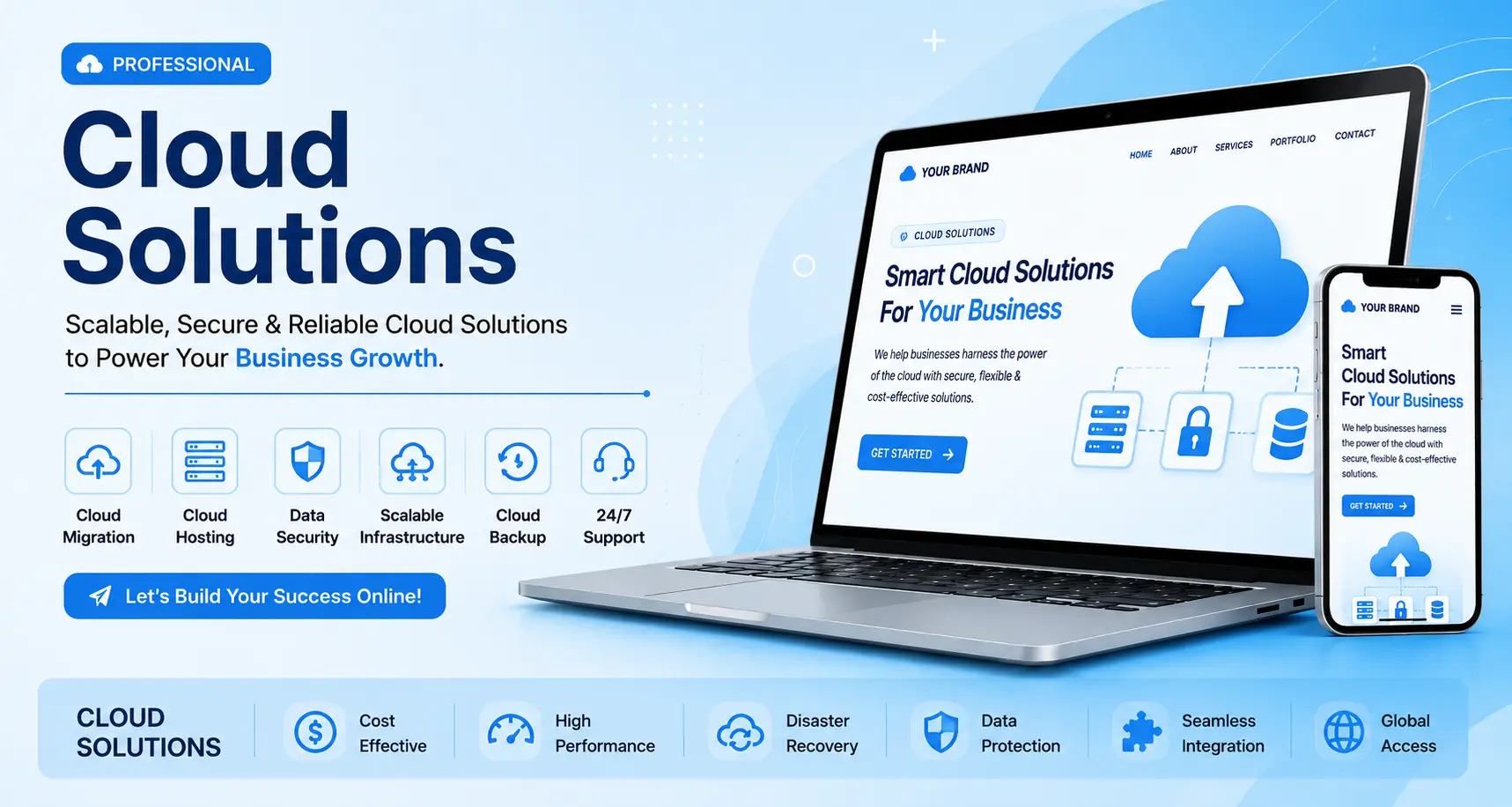
A logistics client of ours used to lose half a day every time their local server needed a restart. That's the kind of cost that doesn't show up on a balance sheet but adds up fast. Here's what moving to the cloud actually fixes:
Lower upfront costs. No buying servers, no data center rent, no hardware refresh cycle every 3–4 years.
Scalability on demand. Handle a traffic spike during a sale without buying permanent capacity you'll barely use the rest of the year.
Remote access. Your team works from anywhere, on any device, without VPN headaches.
Better uptime. Reputable cloud providers offer 99.9%+ uptime SLAs — far better than most in-house server setups manage.
Built-in disaster recovery. Automated backups mean a hardware failure doesn't mean lost data.
Faster time to market. New applications and features can be spun up in hours, not weeks.
That said, cloud isn't free of trade-offs. Ongoing subscription costs can add up if usage isn't monitored, and a poorly planned migration can create more problems than it solves — which is exactly why the process matters as much as the decision.
We follow a four-stage process, refined over dozens of migrations across different industries and business sizes.
Stage 1: Assessment. We audit your current setup — applications, data, dependencies, and pain points — and figure out what actually needs to move and in what order. This usually takes 3–5 days for a small business, longer for complex systems.
Stage 2: Planning. We choose the right cloud model (public, private, or hybrid), map out a migration sequence, and set a realistic timeline with clear milestones. Low-risk systems move first; mission-critical systems move once we've proven the process works.
Stage 3: Migration. Data and applications are moved in planned batches, not all at once. We back up everything before touching it, test each batch thoroughly, and keep your old system running as a fallback until the new one is fully validated.
Stage 4: Support and optimization. Migration isn't the finish line. We monitor performance, tune costs (a lot of businesses overpay simply because nobody's watching usage), and provide ongoing support so issues get caught before they become downtime.
A typical migration for a small business takes 2 to 4 weeks. Larger, multi-system migrations can run 6 to 8 weeks or longer, depending on data volume and how many applications are involved.
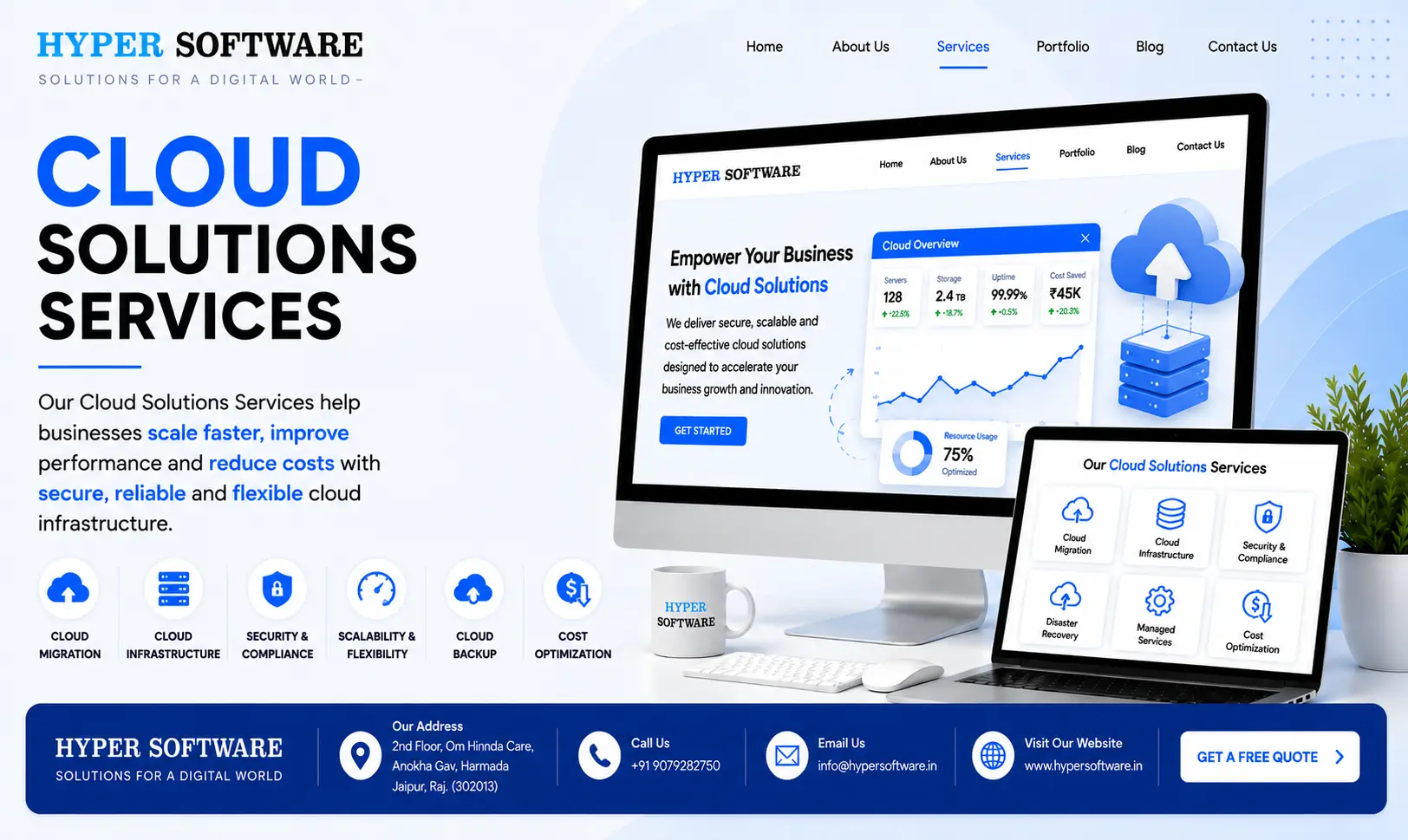
This is the question almost every business owner asks, and honestly, the answer depends on your setup.
When DIY makes sense: If you're a solo founder or a very small team using off-the-shelf SaaS development tools (like Google Workspace or a hosted CRM), you probably don't need a consultant. Sign up, configure the basics, and you're running.
When it doesn't: The moment you're dealing with customer data, multiple interconnected systems, compliance requirements, or a full server management migration, DIY gets risky fast. The most common failure points we see in businesses that tried it alone: skipping the security setup until "later" (which usually means never), underestimating data transfer time, and discovering mid-migration that two systems don't talk to each other the way they assumed.
| Factor | DIY | Hiring a Cloud Solutions Company |
| Upfront cost | Lower | Higher (but avoids costly mistakes) |
| Time to complete | Longer, trial and error | Faster, structured process |
| Security setup | Often incomplete or late | Built in from day one |
| Risk of data loss | Higher | Lower, with tested backups |
| Ongoing support | You're on your own | Included in most engagements |
| Best for | Single SaaS tool, very small teams | Multi-system migrations, growing businesses, compliance-sensitive data |
If you're unsure which camp you fall into, the honest test is this: if losing a day of data or a day of downtime would genuinely hurt your business, don't do it alone.
Cloud pricing varies a lot depending on scale, so treat these as realistic ranges rather than fixed numbers — your actual quote depends on usage, data volume, and which services you need.
Beyond compute and storage, factor in migration cost as a one-time expense (varies heavily by data volume and system complexity — always get a specific quote rather than assuming a flat number) and ongoing management or support retainers if you want a team monitoring things rather than handling it in-house.
For global clients, we quote in USD with equivalent transparency, and infrastructure choices are matched to where your users and compliance obligations actually are.
Exact pricing depends on your specific requirements — reach out to Hyper Software at +91 9079282750 for a free, no-obligation quote based on your setup.
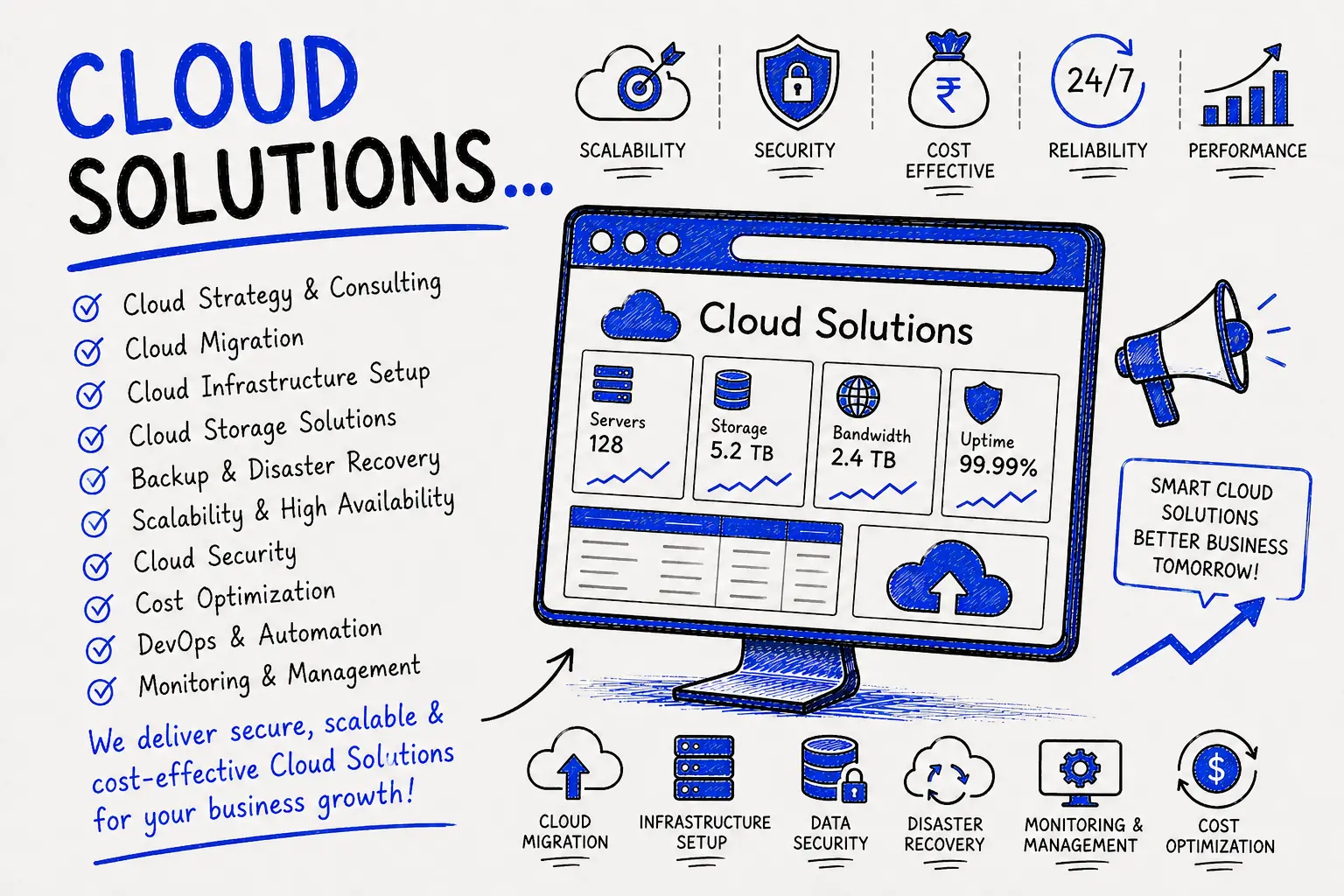
A mid-sized retail client came to us running their entire inventory and billing system off a single physical server in their office. Every power cut meant billing stopped. Every festive sale meant the system slowed to a crawl right when they needed it most.
We started with a two-week assessment, mapped their systems, and moved their inventory and billing software to a cloud-hosted setup in phases — starting with a non-critical backup system to prove the process worked, then moving billing during a planned low-traffic window with a tested rollback plan in place. Within six weeks, their entire operation was cloud-based. Their next big sale ran without a single slowdown, and they've had zero unplanned downtime since. Their monthly IT costs actually dropped, because they stopped paying for hardware maintenance and a dedicated on-site serverAMC.
That's the pattern we see again and again: the fear is usually bigger than the actual disruption, as long as the migration is planned properly.
Cloud solutions aren't one-size-fits-all across industries. Here's how we tailor them:
We've fixed enough broken migrations to know where things usually go wrong:
A cloud solution is a way of running your business's computing, storage, and software over the internet instead of on physical machines you own. You access it remotely and pay for what you use.
The three main models are Infrastructure as a Service (IaaS), Platform as a Service (PaaS), and Software as a Service (SaaS). Most businesses use a combination of all three.
Migration cost depends heavily on howmuch data and how many systems you're moving. Ongoing monthly cloud costs for small businesses typically start around ₹15,000, rising with scale — get a specific quote based on your setup for an accurate number.
A small business migration usually takes 2 to 4 weeks. Larger, multi-system migrations can take 6 to 8 weeks or more.
Yes, when set up correctly, with encryption, access controls, and tested backups in place from the start. Security depends more on how the migration is done than on the cloud itself.
Public cloud uses shared infrastructure and is the most cost-effective. Private cloud is dedicated to one company, offering more control. Hybrid cloud combines both, often used when some data must stay on-premise for compliance reasons.
Yes. Cloud pricing is typically pay-as-you-go, so small businesses often pay less than they would for physical hardware and its maintenance.
If you're using a single SaaS tool, DIY is fine. If you're moving multiple systems, handling customer data, or need compliance, hiring a specialist reduces risk significantly.
Most businesses keep old systems running as a fallback for a short period after migration, then decommission them once the new cloud environment is fully validated.
Often yes, since it removes hardware purchase, maintenance, and on-site AMC costs, replacing them with predictable subscription pricing. Savings depend on your specific usage pattern.
Security has to be built into a cloud solution from the first day, not bolted on afterward. At Hyper Software, every cloud deployment includes:
If your business handles customer or financial data, ask any cloud provider directly how they handle encryption, backup testing, and compliance — a vague answer is a warning sign.
It's a system of automated backups and recovery procedures that let a business restore operations quickly after data loss, hardware failure, or a cyber incident.
It depends on your compliance needs, existing tools, and budget. Providers with Indian data centers matter most for data localization requirements — we help you choose based on your specific case rather than a fixed recommendation.
Yes, that's one of the core strengths of cloud infrastructure — resources scale automatically during high-traffic periods like festive sales, then scale back down afterward.
Typically ongoing monitoring, security patching, cost optimization, backup management, and technical support — so your team isn't handling infrastructure issues alone.
No. A phased migration — moving lower-risk systems first — is generally safer and lets you catch issues before they affect your entire operation.
Have questions or need expert guidance? Our team is ready to help you with the right technology solutions for your business.