
Hyper Software ne hamare business ko online ek nayi pehchan di. Website professional, fast aur SEO optimized hai. Website Design & Development ke liye best company.

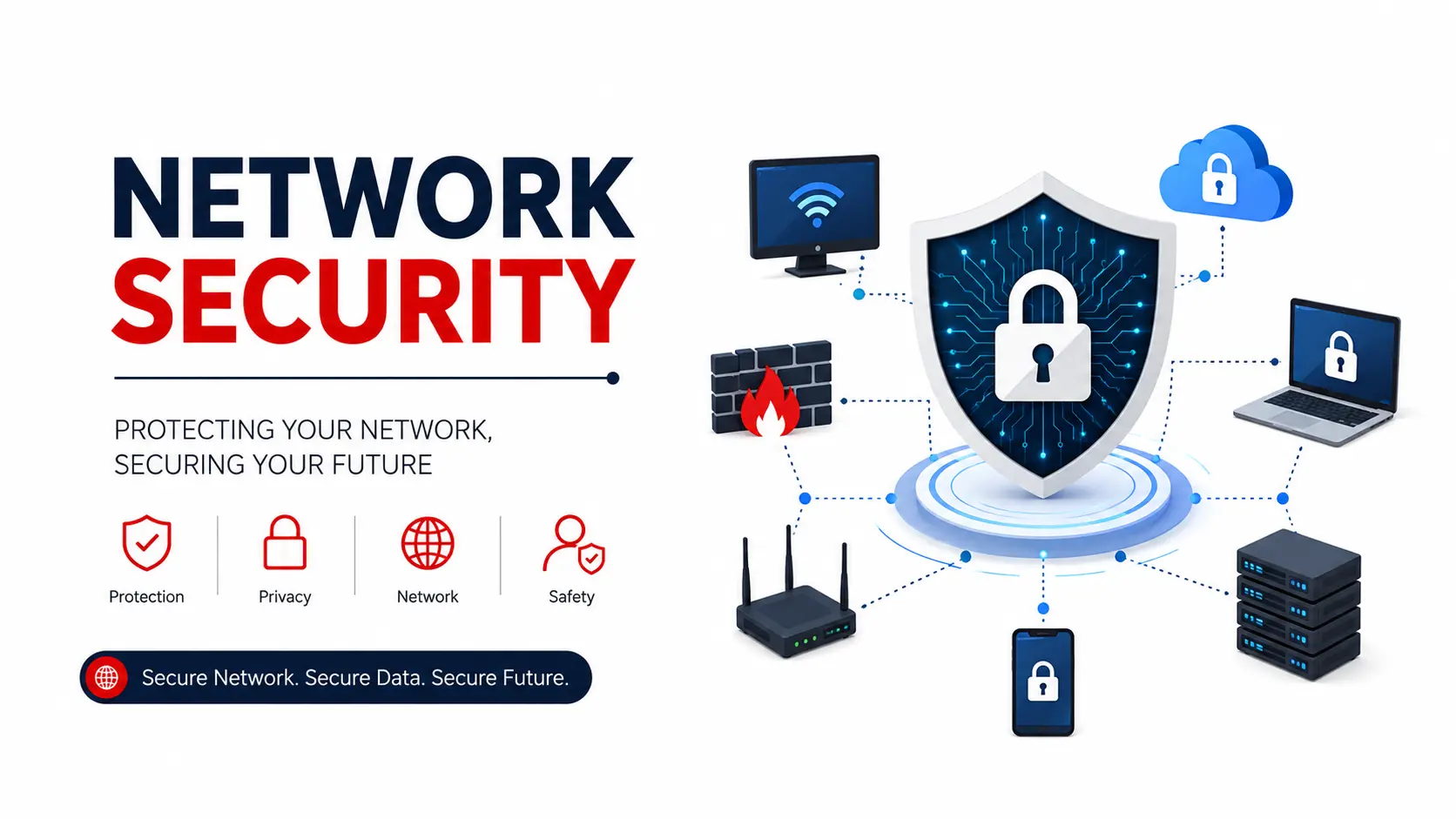
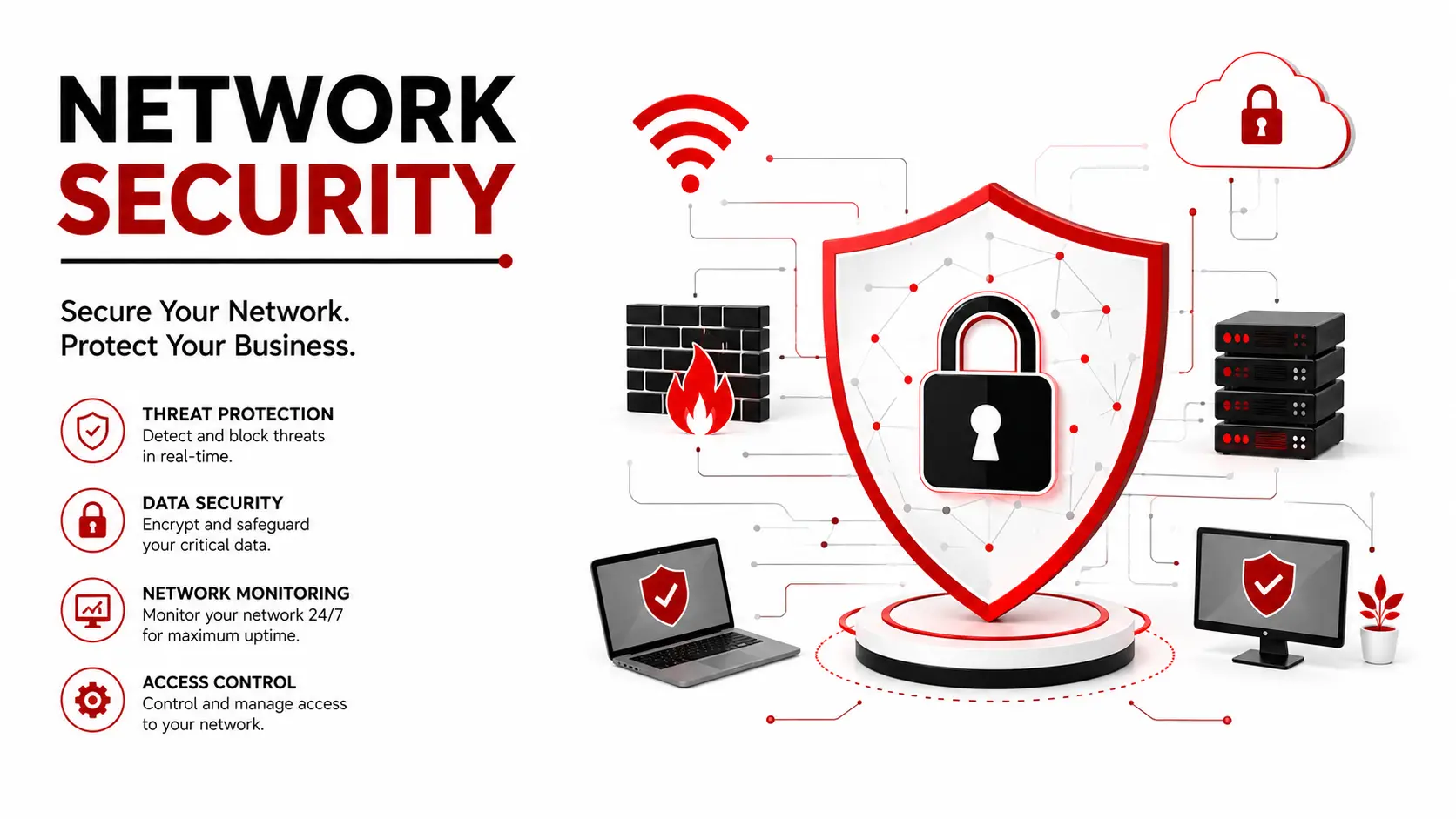
Network security is what stops a stranger on the internet from reading your customer database, locking your files for ransom, or quietly sitting inside your systems for months. It's the combination of firewalls, VPNs, monitoring, and access rules that keep your business network usable for your team and closed to everyone else.
If you run a business with even a handful of computers, a website, or a payment system, this guide walks you through what network security actually means, what it costs in India, what the law expects from you, and how to decide between doing it yourself or bringing in a company like Hyper Software to handle it.
Network security is the practice of protecting a company's computer network, and everything connected to it, from unauthorised access, theft, and disruption. That includes your office Wi-Fi, your servers, your employees' laptops, your Cloudflare WAF accounts, and the connections between all of them.
It isn't one product. It's a stack of tools and habits working together: a firewall at the edge, encryption on the data moving through, monitoring watching for strange behaviour, and rules that decide who gets access to what. Take away any one layer and the others still have to hold.
Think of it the way you'd think about securing a building. A lock on the front door helps, but you'd still want cameras, an alarm, and a rule about who gets a key. Network security works the same way, just for your data.
Get Free Consultation Within Minutes
Indian organisations face an average of over 2,000 cyberattacks per week, more than double the global average, and small and mid-sized businesses are the primary target. Not because they hold more valuable data, but because they're easier to get into.
The cost of getting it wrong keeps climbing. The average data breach in India now costs around ₹220 million, a jump of 13% in a single year according to IBM's 2025 report. Ransomware shows up in 44% of all breaches worldwide, and a striking 88% of breaches at lsmall and mid-sized businesses specifically.
Most owners assume attackers only go after big companies. The data says the opposite. A small business with unpatched software and a flat network (where the guest Wi-Fi and the billing system sit on the same connection) is often the easier, faster target.
Hyper Software ne hamare business ko online ek nayi pehchan di. Website professional, fast aur SEO optimized hai. Website Design & Development ke liye best company.

A proper setup uses several of these together, not just one.
Firewalls
A firewall sits between your internal network and the outside internet, checking traffic against a set of rules and blocking anything that doesn't belong. It's usually the first thing installed and the most basic layer of protection.
Intrusion Detection and Prevention Systems (IDS/IPS)
An IDS watches your network traffic and raises an alarm when it spots something suspicious. An IPS goes a step further and blocks the suspicious traffic automatically, without waiting for a person to react.
VPN and Encryption
A VPN creates a secure, encrypted tunnel between a remote device and your company network, so an employee working from home or a café connects as safely as if they were in the office. Encryption itself scrambles data so that even if someone intercepts it, they can't read it without the key.
Endpoint Security
This covers the laptops, phones, and desktops that connect to your network. Antivirus, device encryption, and remote-wipe tools all fall under this. A network can be locked down tightly and still get breached through one unpatched laptop.
Network Access Control (NAC) and Zero Trust
NAC decides which devices are allowed onto the network at all. Zero Trust takes it further: no device or user is automatically trusted, even if they're already inside the network, and every access request gets checked again.
Wireless and Cloud Security
Wireless security protects your Wi-Fi from unauthorised access using strong encryption protocols. Cloud security extends the same principles (access control, encryption, monitoring) to the cloud tools and storage your team uses every day, since a growing share of business data now lives outside the office entirely.
These three get confused constantly because they all show up in the same conversation. Here's the simple version.
|
Tool |
What It Actually Does |
When It Acts |
|
Firewall |
Filters traffic in and out based on rules (source, destination, port) |
Before traffic enters the network |
|
VPN |
Encrypts the connection so data can't be read in transit |
While data is moving |
|
IDS |
Watches traffic and alerts you to suspicious activity |
After it happens, passively |
|
IPS |
Watches traffic and blocks suspicious activity |
In real time, actively |
|
automatically |
A firewall decides who gets in. A VPN protects the data on its way there. An IDS tells you something went wrong. An IPS stops it from going wrong in the first place. Most serious setups use all four together, because each one covers a gap the others leave open.
Attackers today don't rely on loud, obvious break-ins nearly as often. Stolen credentials, legitimate-looking tools, and encrypted traffic are far more common than the "hacker in a hoodie" image most people picture.
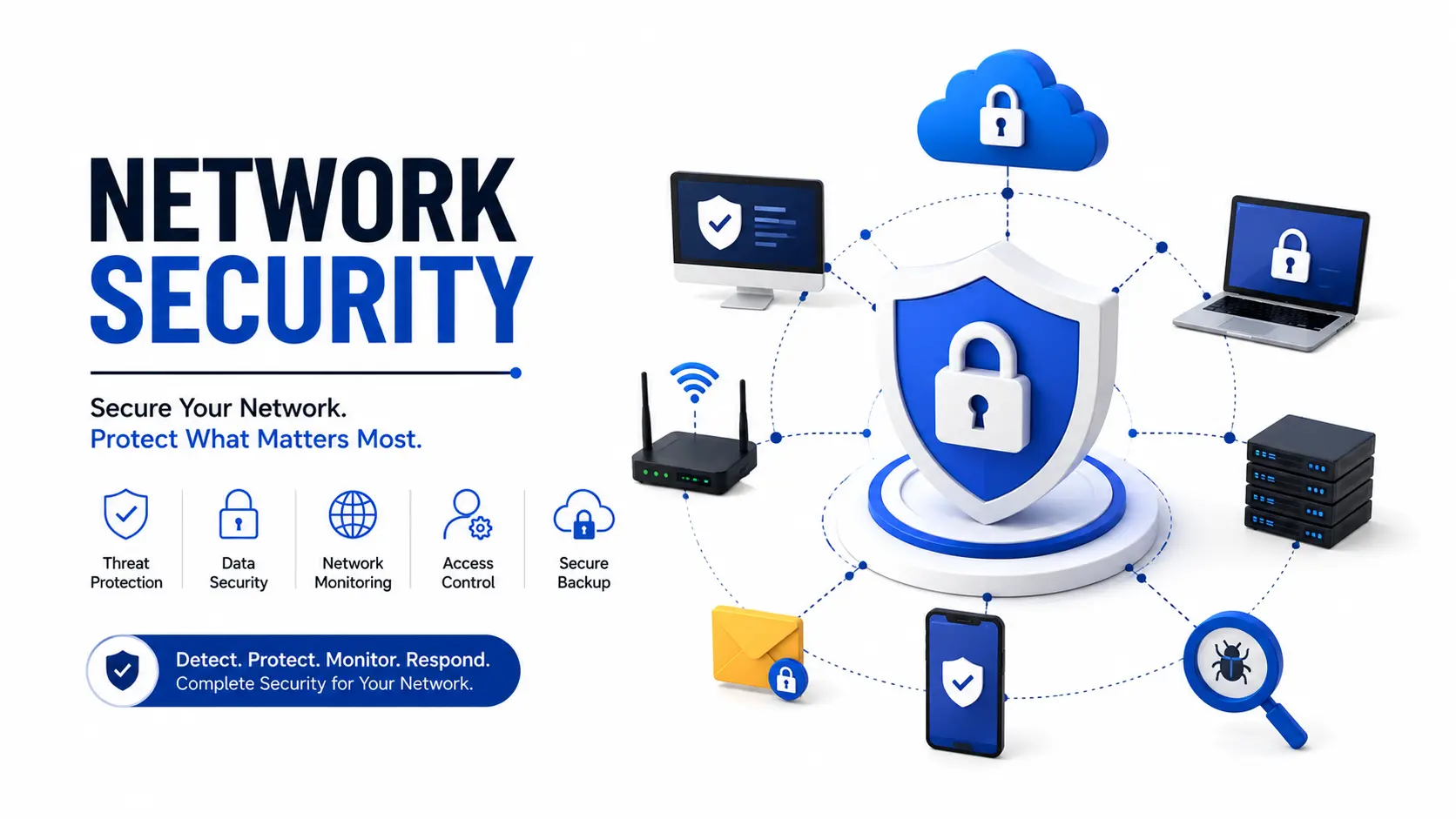
No single tool carries the whole job. A layered approach means that if one control fails, another one is still standing between an attacker and your data.
1. Perimeter layer – firewall and VPN control what gets in and how
2. Network layer – segmentation keeps guest Wi-Fi, payment systems, and internal tools on separate zones
3. Endpoint layer – antivirus and device management protect individual laptops and phones
4. Application layer – secures the software and websites your business runs
5. Data layer – encryption and backups protect the information itself, even if every other
layer is bypassed
This is the part most businesses miss entirely, and it applies more broadly than owners expect.
CERT-In Directions (issued under Section 70B of the ITAct, 2000) require organisations to report cybersecurity incidents within 6 hours of becoming aware of them, maintain system logs for 180 days, and synchronise system clocks to NTP servers traceable to India's NIC or NPL. These rules apply to "all entities" with a server, an email system, or customers in India. There is no exemption based on company size or revenue.
The Digital Personal Data Protection Act, 2023 (DPDPA) adds a separate obligation: if personal data is breached, you must notify the Data Protection Board and the affected individuals. Non-compliance carries penalties that can run into crores of rupees for serious violations.
A common myth is "we're too small for this to apply to us." It doesn't work that way. If you have a server, a website, or customer data, you're very likely already in scope. Many small businesses only discover this when a larger client's compliance team asks for proof during a vendor review.
Real numbers help more than vague ranges, so here's what businesses typically pay.
|
Setup Type |
Typical Cost (INR) |
Typical Cost (USD) |
|
Basic segmented network (20-person office): |
₹80,000 – ₹1,50,000 (one- |
$960 – $1,800 |
|
switches, VLANs, firewall |
time) |
|
|
Managed network security (monthly, small |
₹15,000 – ₹60,000/month |
$180 – $720/month |
|
business) |
||
|
Managed network security (mid-size business, |
₹60,000 – |
$720 – |
|
24/7 Security monitoring) |
₹1,00,000+/month |
$1,200+/month |
|
Annual security budget (recommended, % of IT |
8–15% oftotal IT budget |
Same ratio |
|
spend) |
Network security is the set of tools and rules that protect a business's computer network from hackers, malware, and unauthorised access. It includes firewalls, VPNs, monitoring, and access controls working together.
The main types are firewalls, VPN and encryption, intrusion detection and prevention systems (IDS/IPS), endpoint security, network access control, and wireless/cloud security. Most businesses need a combination, not just one.
A basic segmented network setup costs roughly ₹80,000–₹1.5 lakh one-time, while ongoing managed security typically runs ₹15,000–₹1,00,000+ per month depending on business size and monitoring needs.
No. Cyber security is the broader field covering all digital protection, including applications, cloud, and data. Network security is one part of that, focused specifically on protecting the network itself.
A firewall filters traffic entering and leaving a network based on rules. A VPN encrypts the connection so data can't be read while it travels between a device and the network. They solve different problems and work best together.
Yes. CERT-In directions apply to any entity with a server, email system, or customers in India, regardless of company size or revenue. There is no small-business exemption.
Non-compliance with CERT-In's reporting timeline can result in penalties under Section 70B of the ITAct, including fines and, in serious cases, imprisonment.
For a very small setup with no customer data, basic DIY tools (a good firewall, a VPN, antivirus) can work. Once you handle customer data or grow past a handful of devices, gaps like missed patches and no after-hours monitoring become real risks.
An IDS detects and alerts on suspicious activity but doesn't block it. An IPS detects the same activity and blocks it automatically, in real time.
A standard office network rebuild with segmentation and a managed firewall typically takes one to two weeks, depending on the number of devices and existing infrastructure.
When DIY works: A very small setup (a handful of devices, no customer payment data, no compliance obligation) can often get by with a good router-level firewall, a reputable VPN, and basic antivirus. It costs little and takes a day to set up.
Where DIY breaks down: Once you're handling customer data, running an e-commerce store, or growing past a dozen devices, the gaps show up fast. Nobody's watching logs at 2 AM. Patches get missed. There's no one to call within the 6-hour CERT-In window if something goes wrong, because you find out three days later.
What can go wrong doing it alone:
When hiring makes sense: If a breach would cost you more than a monitoring contract, hiring wins the math easily, and for most businesses handling any customer data, it does. A managed provider brings 24/7 eyes on the network, a documented incident response process, and someone accountable when the CERT-In clock starts ticking.
A Jaipur-based garment export company came to Hyper Software after their office Wi-Fi and their internal design-file server management were sitting on the same flat network, with no firewall configuration rules separating the two. An employee's laptop got infected through a phishing email, and within hours the infection had reached the file server.
We isolated the affected segment, rebuilt their network with proper VLANs separating guest Wi-Fi, staff devices, and the file server, installed a managed firewall with active monitoring, and set up automated log retention to meet the CERT-In 180-day requirement. The whole rebuild took under two weeks. Eighteen months on, they haven't had a single incident, and they now pass client security reviews without scrambling for documentation.
1. Free network audit – we map your current setup and flag the actual gaps, not a generic checklist
2. Risk assessment – we identify what data and systems matter most and where they're exposed
3. Design and setup – firewall, VPN, segmentation, and endpoint protection configured for your specific network
Compliance alignment – log retention, NTP sync, and incident response documentation set up to meet CERT-In requirements
5. Monitoring and support – ongoing watch on your network with a clear escalation path if something looks wrong
Network segmentation splits a network into separate zones, for example separating guest Wi-Fi from the systems that hold customer or payment data. It stops one compromised device from giving an attacker access to everything.
It significantly reduces the risk. Firewalls, endpoint protection, and monitoring catch most ransomware before it spreads, but regular backups remain essential as a last line of defence if an attack does get through.
Zero Trust means no device or user is automatically trusted, even inside the network, and access is checked continuously. Larger or fast-growing businesses benefit most, but the core principle, verify before granting access, is worth applying at any size.
At minimum, once a year, and immediately after any major change like new office locations, new remote staff, or a new customer-facing system going live.
Look for a provider who runs an actual audit before quoting a price, offers 24/7 monitoring, can clearly explain how they handle CERT-In reporting, and has experience with businesses your size.
Have questions or need expert guidance? Our team is ready to help you with the right technology solutions for your business.