
Hyper Software ne hamare business ko online ek nayi pehchan di. Website professional, fast aur SEO optimized hai. Website Design & Development ke liye best company.

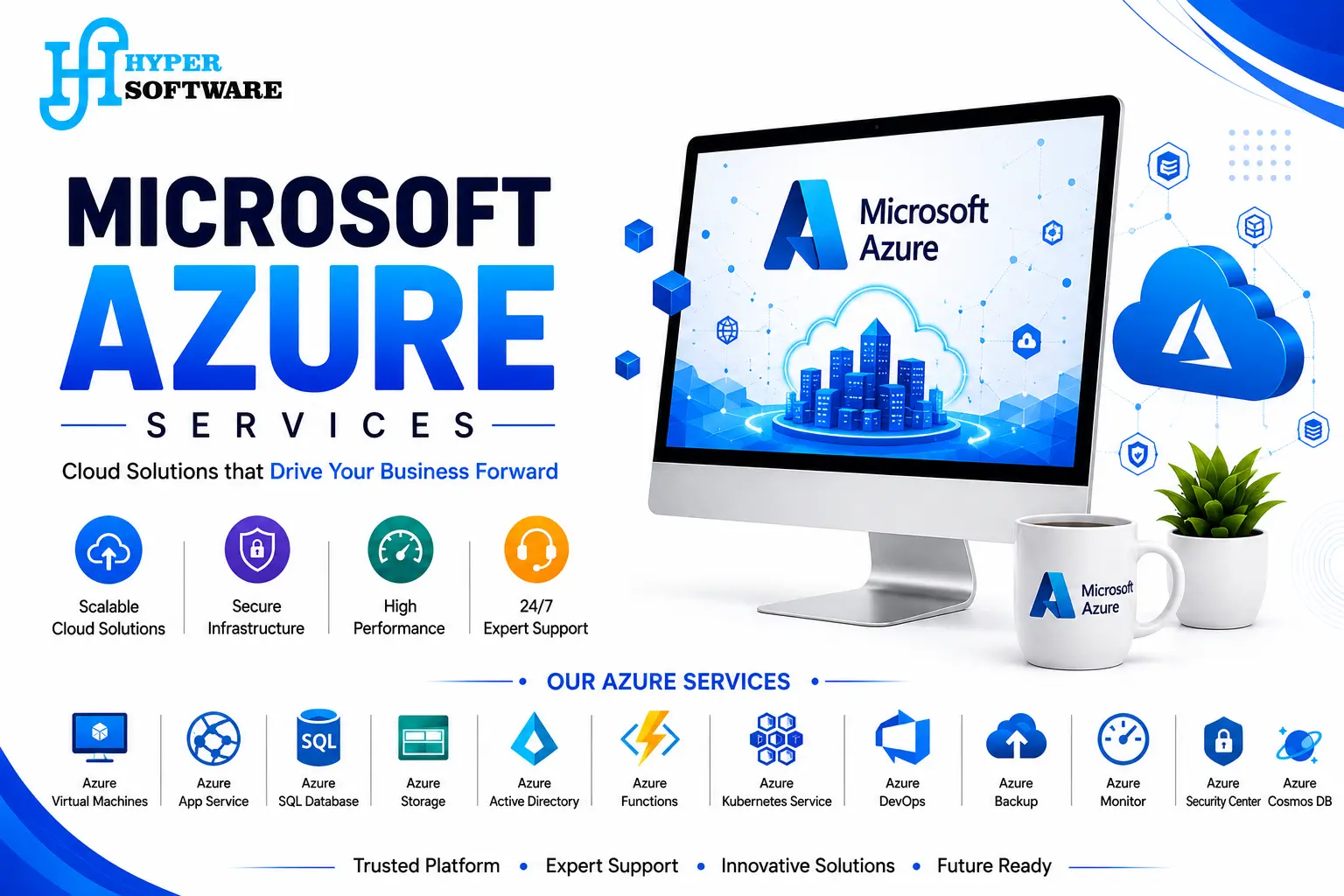
Moving to the cloud sounds simple until you're the one picking services out of a 200-item Azure catalogue at 11 PM, wondering if you just signed up for a bill you can't explain to your finance team. That's the real problem most businesses run into with Microsoft Azure — not whether the platform is good, but whether they're using it right.
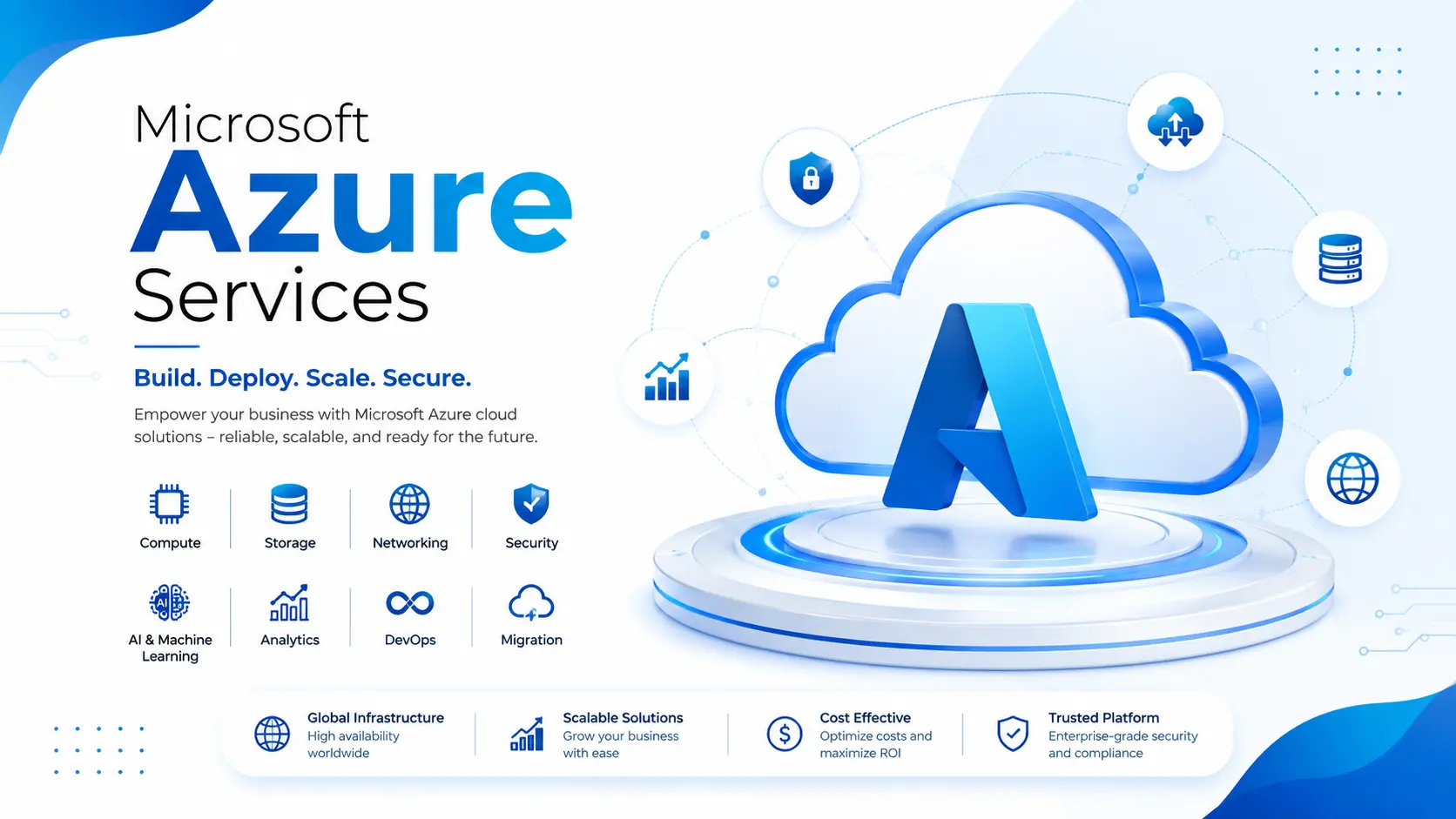
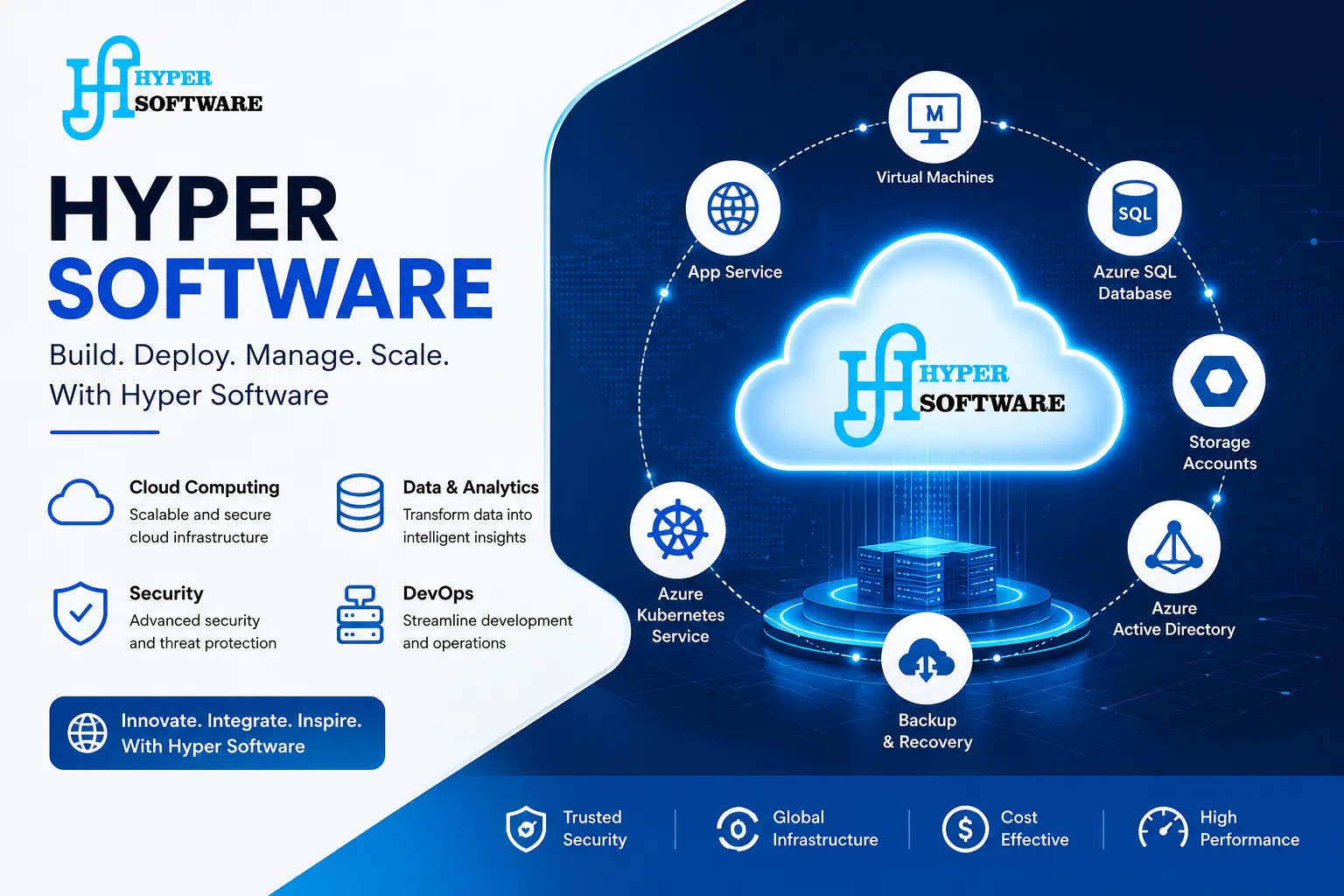
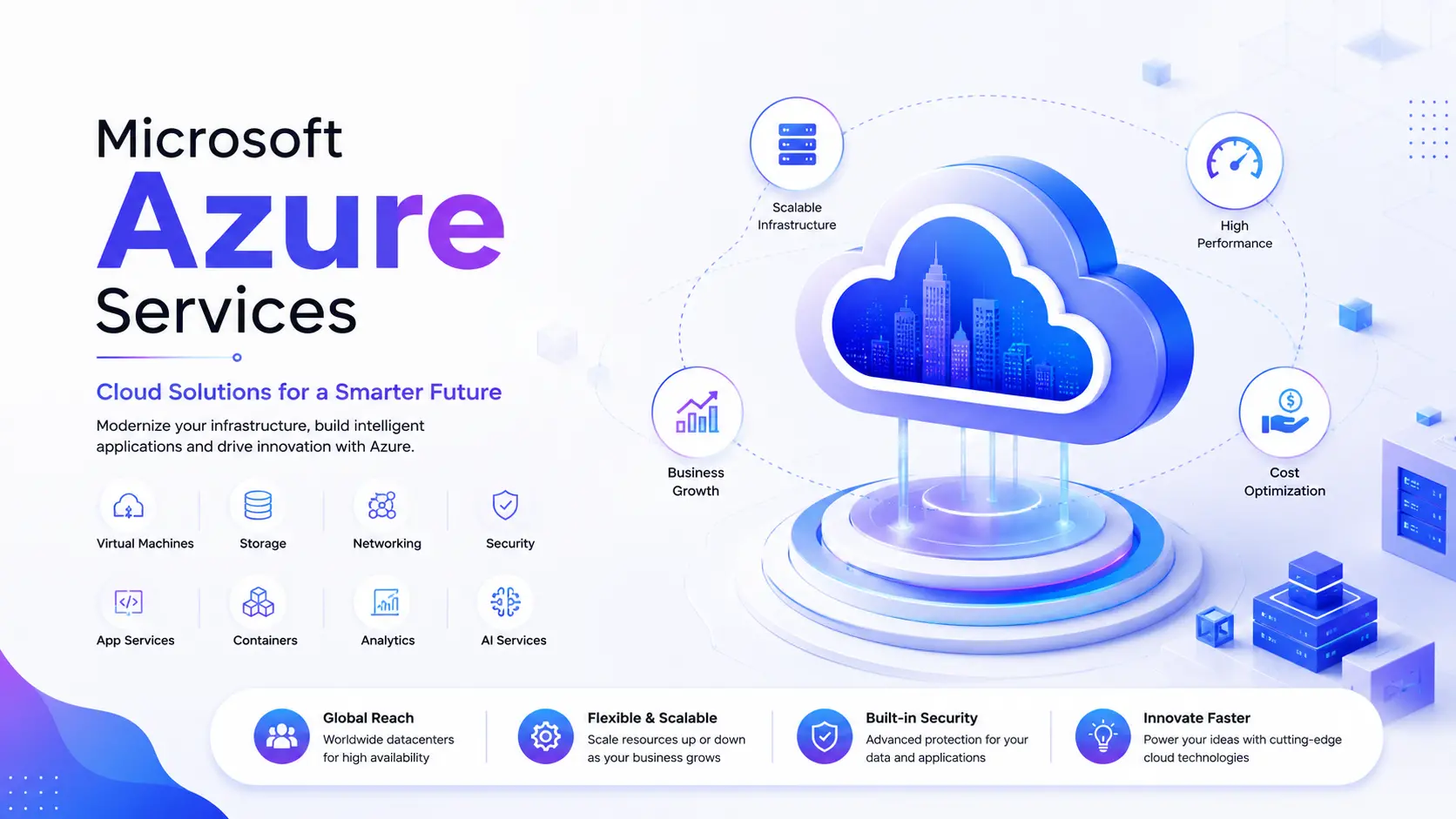
Microsoft Azure services cover everything from hosting a single business website to running a full enterprise data platform: virtual machines, databases, storage, identity and security, AI tools, and the ongoing management that keeps all of it running without surprises. Hyper Software sets up, migrates, secures, and manages Azure environments for businesses — so you get the cloud without the guesswork.
This page walks through what Azure actually offers, what it costs in the real world, how a proper migration works, where businesses go wrong, and how to decide whether to run it yourself or bring in a partner.
Microsoft Azure is Microsoft's public cloud computing platform — it rents you computing power, storage, databases, and networking over the internet instead of making you buy and maintain physical servers. It launched in 2010, was rebranded from "Windows Azure" in 2014, and today runs across more than 70 regions and 400-plus data centers worldwide, making it one of the two largest cloud platforms on the planet alongside AWS.
"Azure services" is the umbrella term for everything you can provision on that platform. Practically, this breaks down into a few buckets:
Get Free Consultation Within Minutes
You rarely need all of it. Most businesses use a small, specific slice — a few VMs, one database, a backup policy — and the skill is in picking the right slice, not deploying everything Microsoft offers.
A few reasons come up in almost every client conversation we have:
None of this is unique to Azure — AWS and Google Cloud offer similar building blocks. Where Azure tends to win is for businesses already invested in Windows Server, SQL Server, or the Microsoft 365 ecosystem, where the licensing and integration savings are real and measurable.
Hyper Software ne hamare business ko online ek nayi pehchan di. Website professional, fast aur SEO optimized hai. Website Design & Development ke liye best company.

Here's what we actually do for clients, broken down plainly:
Azure Migration Services — Moving your existing servers, databases, and applications from on-premise or another cloud into Azure, with minimal downtime and a rollback plan in case anything goes wrong.
Azure Setup & Configuration — Provisioning virtual machines, storage, networking, and databases correctly the first time, following Microsoft's Azure Well-Architected Framework so you're not rebuilding in six months.
Azure Managed Services — Ongoing monitoring, patching, backup verification, and performance tuning, so your environment doesn't quietly degrade after go-live.
Azure Security & Identity Management — Configuring Microsoft Entra ID, multi-factor authentication, network security groups, and Defender for Cloud to close the gaps that cause most cloud breaches.
Azure Cost Optimization (FinOps) — Reviewing your resource usage monthly, right- sizing VMs, and applying Reserved Instances or savings plans where they make sense, instead of leaving your account on autopilot.
Azure DevOps consulting & Application Development — Setting up CI/CD pipelines and building or modernizing applications to run natively on Azure App Service, Functions, or Kubernetes management.
Azure Backup & Disaster Recovery — Configuring automated backups and cross-region failover so a single point of failure never becomes a business-ending event.
1. Assessment — We audit your current infrastructure, applications, and traffic patterns to understand what actually needs to move and what doesn't.
2. Architecture & Planning — We design the target Azure environment: which services, which region, what the network and security layout looks like.
3. Migration or Setup — We build the environment and move data and applications in planned phases, testing at each step.
4. Security Hardening — Identity, network rules, and backup policies get locked down before go-live, not after.
5. Go-Live & Handover — We cut over with a rollback plan ready, then hand over documentation your team can actually use.
6. Ongoing Management — Monitoring, patching, and monthly cost reviews continue for as long as you need us, with a direct point of contact instead of a ticket queue.
 Do It Yourself vs Hiring an Azure Partner
This is the question almost every client asks first, so let's be direct about it.
| Factor | Doing It Yourself | Hiring an Azure Partner |
| Upfront cost | Lower — no service fees | Higher — you pay for expertise |
| Time to launch | Slower, especially first migration | Faster, with a tested process |
| Risk of misconfiguration | High if your team is new to Azure | Lower, following Microsoft's best- practice framework |
| Ongoing cost control | Easy to overspend without dedicated monitoring | Actively managed, typically recovers 15–30% in waste |
| Security posture |
Depends entirely on in-house expertise |
Configured against known attack patterns from day one |
| Best fit for |
Teams with existing certified Azure staff and time to spare |
Businesses without a dedicated cloud team, or needing speed |
DIY makes sense if you already have someone certified on Azure administration and the internal bandwidth to own it long-term. Where it goes wrong is when a generalist IT person is handed Azure as one more responsibility — the platform is forgiving enough to run for months looking fine, right up until a misconfigured storage bucket or an unpatched VM causes a real problem.
Azure pricing is usage-based, so there's no single flat number — but here's what real businesses are actually paying.
For a typical small Indian business running basic infrastructure — around five virtual machines, some storage, and a SQL database — monthlyAzure consumption tends to fall somewhere between ₹25,000 and ₹60,000, depending on VM sizing and usage patterns. Globally, managed Azure services (the human expertise layer on top of raw consumption) typically runs $3,500–$9,000/month for small business engagements, scaling to $9,000– $30,000/month for mid-market setups with 24/7 SLA coverage, and considerably higher for full enterprise scope with multiple subscriptions and compliance requirements.
A few things worth knowing before you budget:
We don't quote a flat number on this page because doing so honestly would mean guessing at your workload — the right way to get an accurate figure is a free assessment of what you actually need to run.
Azure security works on a shared responsibility model, and this is the part most businesses misunderstand. Microsoft secures the physical data centers, the underlying hardware, and the core platform. You are responsible for how you configure identity, access, networks, and data inside that platform. A breach caused by an open storage container or a weak admin password isn't Microsoft's failure — it's a configuration failure, and it's avoidable.
Our security work on everyAzure project includes:
A mid-sized logistics company came to us running their dispatch software on an aging physical server in their own office — one that had crashed twice in the previous year, each time stopping order processing for most of a day. They didn't need "the cloud" as a concept; they needed to stop losing a day of business every few months.
We assessed their application, found it could run on Azure App Service with minimal code changes, and migrated it over a weekend with the old server kept live as a fallback. We set up automated daily backups, configured Azure Site Recovery to a second region, and put monitoring in place so their team gets an alert before something becomes an outage, not after. Eighteen months on, they haven't had a single unplanned downtime event, and their monthlyAzure spend is lower than what they used to pay just to keep the old server's AMC and power running.
That's the pattern with most Azure projects worth doing: it's rarely about chasing the newest feature, and almost always about removing a specific, recurring point of failure.
| Factor | Microsoft Azure | AWS | Google Cloud |
| Best fit | Businesses on Windows Server, SQL Server, Microsoft 365 | Broadest global service catalogue, mature ecosystem |
Data analytics and AI-heavy workloads |
| Hybrid cloud |
Strong (Azure Arc, Azure Stack) |
Available but less native |
Available but less mature |
| India regions | Pune, Chennai, Mumbai | Mumbai, Hyderabad | Mumbai, Delhi |
| Licensing advantage | Azure Hybrid Benefit for existing Microsoft licenses | None equivalent | None equivalent |
| Learning curve for Microsoft-shop IT teams | Lower — familiar tools | Moderate to steep | Moderate to steep |
There's no universally "better" platform — the right choice depends on what your team already knows and what you're already running. For businesses with existing Windows- based infrastructure, Azure's licensing portability alone often settles the decision.
Microsoft Azure is used to host applications, store data, run virtual machines, manage databases, and build AI-powered software, replacing the need for physical on-premise servers.
Neither is universally better — Azure tends to suit businesses already using Windows Server, SQL Server, or Microsoft 365, while AWS has a broader raw service catalogue for greenfield builds.
A small business running basic infrastructure (a few VMs, storage, and a database) commonly spends somewhere between ₹25,000 and ₹60,000 per month in India, though actual usage determines the real figure.
You can set it up yourself if you have certified in-house expertise and ongoing bandwidth to manage it; most businesses without a dedicated cloud team find a managed partner faster and safer.
Azure's underlying platform is secure, but security inside your account depends on how identity, network, and access controls are configured — this is a shared responsibility, not something Microsoft handles entirely for you.
A straightforward single-application migration can take one to two weeks; a full enterprise environment with multiple systems can take two to six months depending on complexity.
IaaS gives you raw virtual machines you manage yourself; PaaS (like Azure App Service) manages the underlying server for you, so your team only handles the application code.
Yes — Azure's identity system, Microsoft Entra ID, is the same identity layer used by Microsoft 365, so logins, permissions, and security policies can be unified across both.
Unused or oversized resources quietly accumulate, and it's common for businesses without active cost management to be paying for 20–30% more capacity than they actually use.
Yes — Azure provides limited free usage of popular services for 12 months plus an initial credit for the first 30 days, useful for testing before committing to production workloads.
Whether you're moving a single application off an aging server or planning a full enterprise cloud rollout, the first step is the same: an honest assessment of what you actually need. Hyper Software plans, migrates, secures, and manages Microsoft Azure environments for businesses worldwide, with one accountable team instead of five disconnected vendors.
Central India (Pune) or South India (Chennai) are the primary options for full service availability and data residency; West India (Mumbai) serves mainly as a secondary/disaster-recovery region.
It's a discount model where you commit to using a resource for one or three years upfront, in exchange for meaningfully lower rates than pay-as-you-go pricing — often 30% or more.
Yes — Azure supports auto- scaling for compute and app services, so capacity increases automatically during traffic spikes and reduces again once demand drops.
It replicates your applications and data to a secondaryAzure region, so a data center outage doesn't take your business offline — it's a core piece of disaster recovery planning.
Most Azure services are billed monthly based on actual consumption (pay-as-you-go), though Reserved Instances and Savings Plans allow upfront or fixed monthly commitments for lower rates.
Have questions or need expert guidance? Our team is ready to help you with the right technology solutions for your business.