Hyper Software ne hamare business ko online ek nayi pehchan di. Website professional, fast aur SEO optimized hai. Website Design & Development ke liye best company.

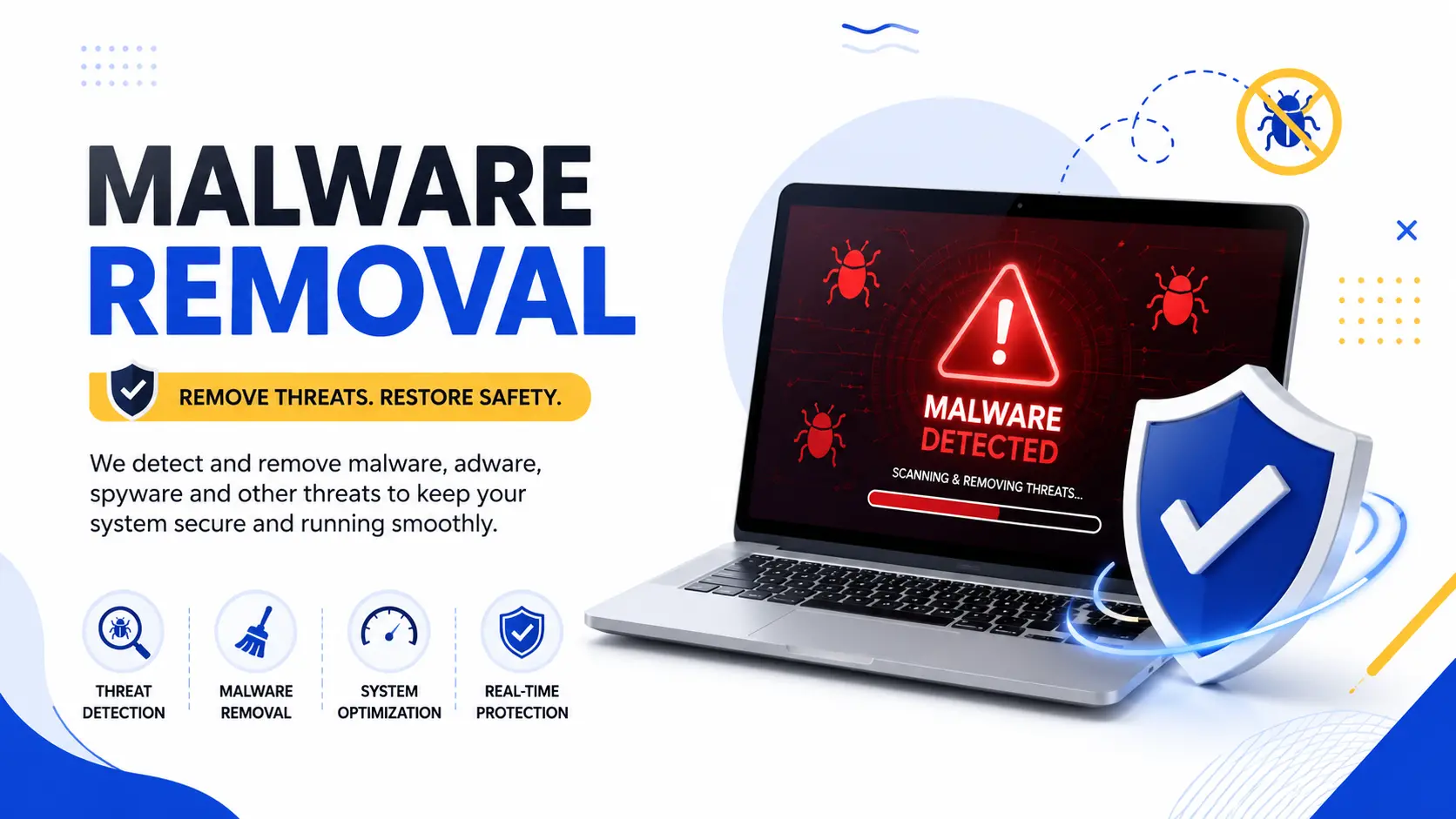
Your website is showing a Google warning, or your office computer is acting strange, and you need it fixed today, not next week. Malware removal is the process of finding every trace of malicious code on a website, server, or computer, deleting it completely, and closing the gap that let it in. Hyper Software handles this end to end, for websites built on WordPress, custom code, or eCommerce platforms, and for business computers and networks too.
We are an IT solutions company based in Jaipur, working with clients across India and abroad. If your site or system has been compromised, here is everything you need to know before you decide what to do next.
Malware removal means scanning a website, server, or computer for malicious code, removing it completely (including hidden backdoors), then patching the vulnerability that caused the infection in the first place. A proper cleanup also includes clearing any Google blacklist warning and setting up protection against repeat attacks.
Malware removal is the full process of detecting, removing, and preventing malicious software, not just deleting one suspicious file and hoping for the best.
Malware itself is any software written to damage a system, steal data, or give an attacker unauthorized access. That covers viruses, ransomware, spyware, trojans, adware, rootkits, and website-specific threats like backdoors and injected spam scripts.
Here's the part most people miss: deleting the obvious infected file rarely fixes the problem. If a hacker got in through a weak password or an outdated plugin, they usually leave a hidden backdoor behind, a small file that lets them back in even after you "clean" the site. Real malware removal finds and closes that door too.
Get Free Consultation Within Minutes
Most people find out something is wrong before they understand what it is. These are the patterns worth watching for.
Website warning signs
Computer or network warning signs
If you're seeing more than one of these at once, it's safer to assume there's an infection and get it checked rather than wait it out.
| Malware Type | What It Does |
| Viruses | Attach to files and spread across a system or network |
| Ransomware | Locks or encrypts files and demands payment to unlock them |
| Trojans | Disguise themselves as legitimate software to gain access |
| Spyware | Quietly collects data, passwords, or browsing activity |
| Rootkits | Hide deep in a system to maintain long-term, undetected access |
| Backdoors / Webshells | Give an attacker repeat access to a website even after "cleanup" |
| SEO Spam Injections | Insert hidden spam pages or links to hijack your search rankings |
| Cryptojacking Scripts |
Use your server or device's resources to mine cryptocurrency without permission |
We follow the same structured process whether it's a website, a server, or an office computer. Skipping a step is exactly how infections come back within a few weeks.
Step 1: Free Scan and Diagnosis
We run a full scan of your files, database, and system to confirm the infection, identify its type, and understand how deep it goes. This tells us whether we're looking at one bad file or a widespread compromise.
Step 2:Isolate and Back Up
Before touching anything, we take a secure backup & disaster recovery and isolate the affected system so the infection cannot spread further or get worse while we work.
Step 3: Deep Clean
This is the real work: removing malicious files, cleaning injected code from the database, and hunting down every backdoor, not just the one that triggered the alert. For websites, this includes checking core files, themes, plugins, and hidden folders. For computers and servers, it means checking startup entries, scheduled tasks, and system files.
Step 4: Blacklist andWarning Removal
If Google, your browser, or your hosting provider has flagged the site, we submit therequired review requests (through Google Search Console, for example) so the warning gets lifted once the site is verified clean.
Step 5: Security Hardening
We patch the vulnerability that let the attacker in: updating software, changing every password and access key, setting file permissions correctly, and installing a firewall (WAF) where it applies.
Step 6: Monitoring
We set up ongoing monitoring so if anything suspicious happens again, you hear about it immediately, not weeks later when it's a bigger problem.
Hyper Software ne hamare business ko online ek nayi pehchan di. Website professional, fast aur SEO optimized hai. Website Design & Development ke liye best company.

| Situation | Typical Timeframe |
| Simple WordPress infection, single file | A few hours to 24 hours |
| Standard website maintenance cleanup (WordPress, WooCommerce) |
24 to 48 hours |
| Custom-coded website or application | 2 to 4 days (manual code review takes longer) |
| Business computer or single-device cleanup | Same day to 24 hours |
| Business network or server-level infection | 2 to 5 days, depending on how far it spread |
| Google Safe Browsing blacklist removal after cleanup |
A few days to two weeks, depending on Google's review queue |
Speed matters, but thoroughness matters more. A rushed cleanup that misses one backdoor usually means the same infection comes right back, and you pay for the job twice.
Pricing depends on how deep the infection goes, not just the size of your website or business. Industry-wide, simple single-file cleanups often run in the range of a few thousand rupees (or roughly $50 to $150 USD for international clients), while severe, widespread infections with hidden backdoors and custom-code review can run considerably higher, sometimes into the tens of thousands of rupees for enterprise systems.
|
Infection Level |
What's Involved |
General Cost Range |
|
Light (1–2 files, no backdoor found) |
Quick scan and file cleanup |
Lower end ofthe scale |
|
Moderate (multiple files, database |
Full file and database cleanup, blacklist |
Mid-range |
|
spam) |
removal |
|
|
Severe (backdoors, custom code, |
Manual code review, full hardening, |
Higher end ofthe |
|
repeat infection) |
monitoring setup |
scale |
These figures reflect general industry patterns, not a fixed Hyper Software price. Every case is different, so we recommend a free scan first. Call +91 9079282750 for an exact quote once we know what we're dealing with.
|
Factor |
Doing It Yourself |
Hiring Hyper Software |
|
Best for |
A single obvious file, basic WordPress plugin alert |
Anything involving a Google warning, repeat infection, or business-critical |
|
system |
||
|
Cost |
Free or low-cost plugin |
Paid, scoped to the infection |
|
Backdoor |
Often missed, since most free tools |
Manual review specifically looks for |
|
detection |
scan for known signatures only |
hidden backdoors |
|
Blacklist |
You submit the request yourself, |
Handled for you, with follow-up if Google |
|
removal |
with no guidance ifit gets rejected |
asks for more information |
|
Risk of |
Higher, since the root cause is often |
Lower, since hardening is part ofthe |
|
recurrence |
left unpatched |
process |
|
Time investment |
Hours to days ofyour own time, with no guarantee |
Handled by someone who does this daily |
When DIY makes sense: a personal blog with a single flagged file and no sensitive data, where you're comfortable digging through code yourself.
When you need a professional: an eCommerce store, a business site with customer data, a site that's been hacked more than once, or anything showing a Google blacklist warning. The cost of downtime and lost trust almost always outweighs the cost of doing it properly the first time.
What can go wrong doing it alone: deleting the visible malware but leaving the backdoor active, breaking the site further by editing the wrong core file, losing data because there was no backup before you started, or submitting a blacklist review request too early and getting rejected, which resets the clock.
Websites are the most common target we see, and WordPress specifically gets attacked more than any other platform simply because it powers such a large share of the internet. We handle:
After cleanup, we also handle the SEO side: submitting the malware review request, checking for injected spam pages that may still be indexed, and flagging anything that needs a content or backlink cleanup.
Not every infection lives on a website. Office computers, shared servers, and business networks get hit just as often, sometimes through a single phishing email that spreads across the network.
We handle:
Malware removal is the process of finding, deleting, and preventing malicious code on a website, server, or computer. It includes closing the vulnerability that let the attacker in, not just removing the visible infection.
Common signs include a Google "this site may be hacked" warning, unexpected redirects to other websites, unfamiliar admin accounts, sudden traffic drops, or spam content you did not create.
Cost depends on how deep the infection goes. Simple single-file cleanups cost far less than severe infections involving backdoors or custom code review. Contact us for a free scan and exact quote.
Most standard website cleanups finish in 24 to 48 hours. Custom-coded sites or server-level infections can take 2 to 5 days depending on complexity.
Cleaning the site is the first step. You then need to submit a review request through Google Search Console, and the warning typically clears within a few days to two weeks.
No, as long as a proper backup is taken before cleanup begins, which is a standard first step in any professional process.
Yes. Security plugins catch known threats but often miss custom backdoors or zero-day vulnerabilities, which is why infections sometimes return after a plugin-only cleanup.
Antivirus software detects and blocks known threats automatically. Malware removal is the manual process of finding, removing, and fixing an active infection, especially for websites, where antivirus software does not apply.
For a single obvious file on a low-risk site, yes. For anything involving customer data, repeat infections, or a Google warning, a professional cleanup reduces the risk of the infection returning.
Yes, typically WordPress admin access and hosting (cPanel or FTP) access. If your admin login is locked out, server-level access alone is usually enough for us to work with.
A small eCommerce business came to us after their WooCommerce store started redirecting customers to an unrelated gambling website. They had already tried a free security plugin, which cleared the obvious redirect script, but it came back within four days.
When we ran our full scan, we found the plugin fix had missed a backdoor hidden in a fake plugin folder, the actual reason the infection kept returning. We removed the backdoor, cleaned the injected code from three theme files and the database, reset every password and API key, and submitted the Google Search Console review request. The warning cleared within five days, and we set up monitoring so the team would know immediately if anything similar happened again. Their traffic recovered to pre-hack levels within about six weeks.
We're not a plugin or a one-size-fits-all script. Hyper Software has been building and securing websites, software, and business systems since 2020, working with clients in Jaipur and across the globe. When we clean an infection, the same team that understands how websites and business software are actually built handles the fix, which means we catch things a generic scanner misses.
We handle the technical cleanup, the Google blacklist paperwork, and the prevention setup, so you're not left wondering if it will happen again next month.
In most cases, yes, though it can take anywhere from a few weeks to a few months depending on how long the site was compromised and whether spam pages were indexed by Google.
Outdated plugins or themes, weak or reused passwords, unpatched server software, and vulnerable third-party scripts are the most common causes.
Keep everything updated, use strong unique passwords with two-factor authentication, install a firewall, take regular backups, and run monthly security scans.
We clean both. Custom- coded sites built on PHP, Laravel, or similar frameworks need manual code review since there is no standard structure to check against, which typically takes a bit longer than a WordPress cleanup.
Yes. A compromised website or server is often used to send spam email, which can get your domain's sending reputation blocked, and infected office computers can disrupt daily work entirely.
Have questions or need expert guidance? Our team is ready to help you with the right technology solutions for your business.