
Hyper Software ne hamare business ko online ek nayi pehchan di. Website professional, fast aur SEO optimized hai. Website Design & Development ke liye best company.

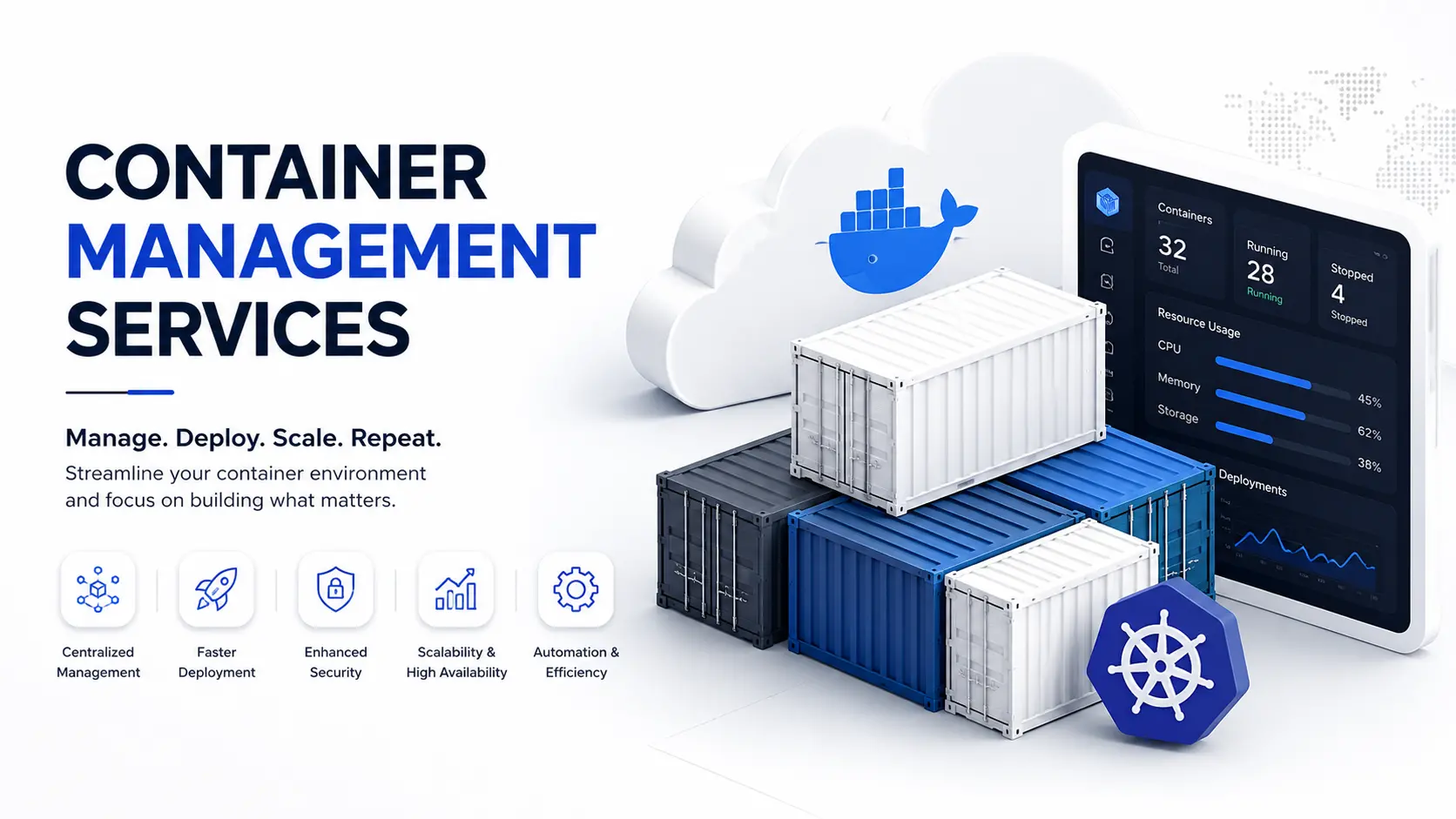
Your app crashes during a traffic spike. Your cloud bill jumps 40% with no clear reason. A container quietly stops responding at 2 AM and nobody notices until a customer complains. If any of that sounds familiar, you don't have a Docker problem or a Kubernetes problem — you have a container management problem.
Container management is the ongoing work of deploying, monitoring, scaling, securing, and fixing containerized applications so they keep running the way they're supposed to. At Hyper Software, we take that entire job off your plate. Our team manages Docker deployment and Kubernetes environments for businesses in India and abroad, so your developers can build features instead of firefighting servers.
A container packages an application with everything it needs to run: code, libraries, settings, all of it, so it behaves the same way on any server. Docker is the tool most teams use to build and run these containers. Kubernetes is the tool that manages many containers at once, spinning up new ones when traffic grows and restarting ones that crash.
Container management is what happens after the container is built. It covers:
Deployment — getting containers onto the right servers, correctly, every time.
Orchestration — coordinating dozens or hundreds of containers so they work together (this is Kubernetes' job).
Think of it like this: Docker builds the shipping crate. Kubernetes management moves crates around the warehouse. Container management is the person actually running the warehouse — checking stock levels, fixing broken crates, and making sure nothing sits around costing you money for no reason.
Get Free Consultation Within Minutes
Most businesses don't set out to mismanage their containers. It usually happens gradually: a developer sets up Docker to get an app running, it works fine for months, then traffic grows and things start breaking in ways nobody planned for.
Here's what tends to go wrong without dedicated management:
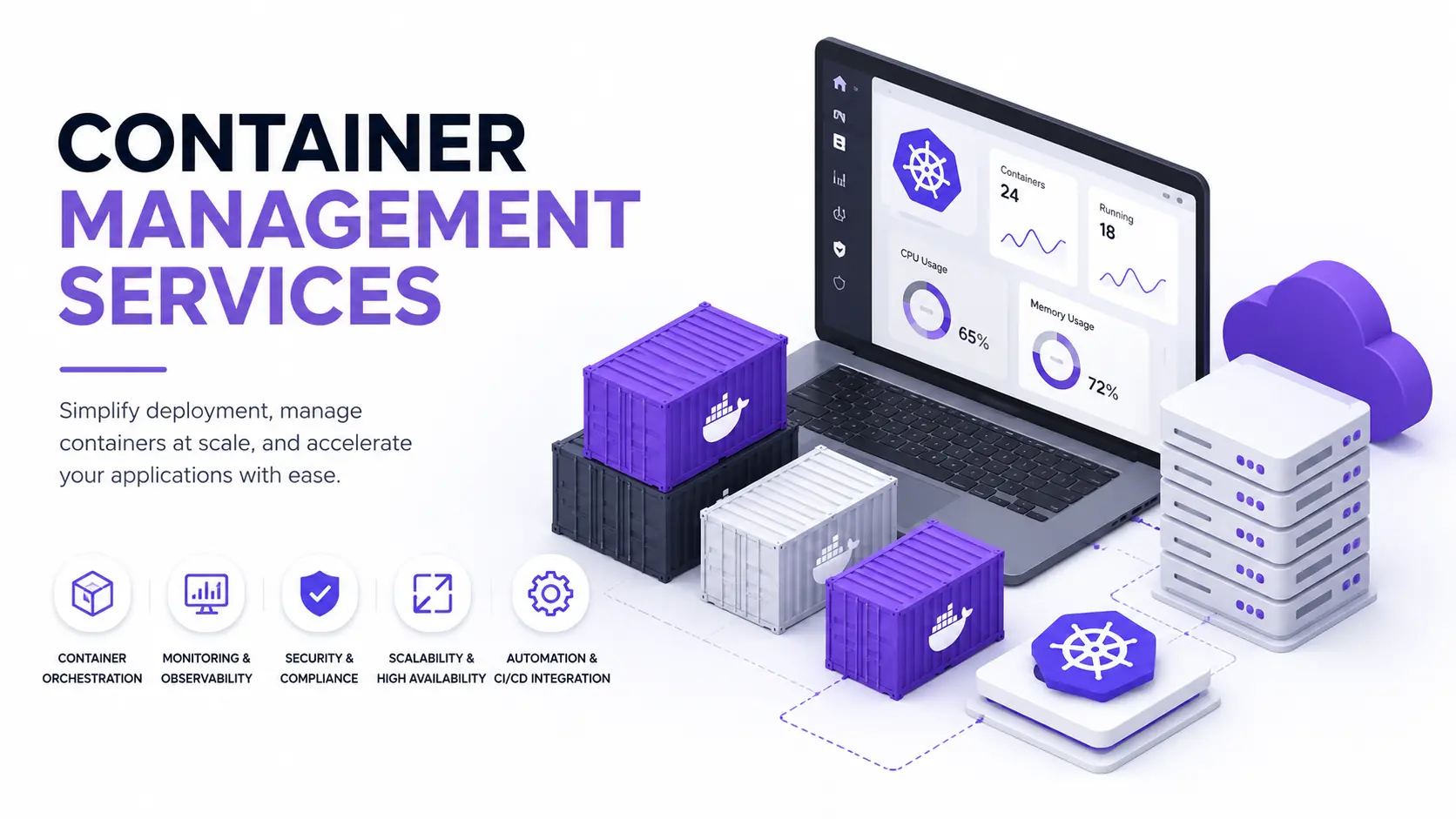
We handle container management as a complete, ongoing service, not a one-time setup. Depending on where you are today, our work typically includes:
Hyper Software ne hamare business ko online ek nayi pehchan di. Website professional, fast aur SEO optimized hai. Website Design & Development ke liye best company.

1. Audit. We review your current setup, existing containers, cloud spend, and security posture, and flag what's broken or at risk.
2. Plan. We design the target architecture, scaling rules, and monitoring setup based on your actual traffic patterns, not a generic template.
3. Set up or migrate. We implement the container management system, or migrate your existing apps into containers if you're not there yet.
4. Test. We run load tests and failure simulations before anything touches production, so surprises happen in testing, not on launch day.
5. Monitor and support. Once live, our team monitors your environment continuously and handles incidents, patches, and scaling adjustments as an ongoing service.
Most engagements move from audit to a stable, managed environment within 2 to 6 weeks, depending on how many applications and how much legacy infrastructure is involved.
|
Tool / Platform |
Best For |
Our Role |
|
Docker |
Building and running individual |
Image optimization, registry setup, |
|
containers |
security hardening |
|
|
Kubernetes (K8s) |
Orchestrating containers at scale |
Cluster setup, auto-scaling, |
|
upgrades, troubleshooting |
||
|
Amazon EKS / ECS |
AWS-hosted container workloads |
Managed deployment, cost |
|
optimization, IAM configuration |
||
|
Google Kubernetes |
Google Cloud-hosted workloads |
Cluster management, monitoring, |
|
Engine (GKE) |
scaling |
|
|
Azure Kubernetes Service (AKS) |
Azure-hosted workloads |
Deployment, RBAC, integration with Azure DevOps |
|
Rancher / Portainer |
Multi-cluster or mixed |
Centralized dashboard setup, |
|
Docker/Kubernetes environments |
access control, governance |
We pick the right combination based on your existing cloud provider and workload, not a one-size-fits-all stack.
This is the question almost every client asks us before signing on, so let's be direct about it.
|
Factor |
Doing It Yourself |
Hiring an Expert Team |
|
Best for |
Side projects, internal tools, very small apps |
Customer-facing apps, e- |
|
commerce, SaaS products |
||
|
Time cost |
High — ongoing, unpredictable, pulls developers |
Low — handled by a |
|
offfeature work |
dedicated team |
|
|
Kubernetes |
Steep; most in-house teams underestimate it |
Already handled; no |
|
learning curve |
learning curve for you |
|
|
Downtime risk |
Higher, especially during scaling events or upgrades |
Lower, with monitoring and rollback plans in |
|
place |
||
|
Security |
Often reactive, patched only after an incident |
Proactive scanning and |
|
patching on a schedule |
||
|
Cost |
Looks "free" upfront, but hidden cost in developer time and outages |
Predictable monthly cost, usually offset by cloud |
|
savings |
||
|
What can go |
Missed security patches, over-provisioned servers, |
— |
|
wrong alone |
no one available during an outage, configuration |
|
|
drift across environments |
If you're running a small internal tool with no customers depending on uptime, managing it yourself is completely reasonable. Once real customers or revenue depend on that app staying up, the calculation changes fast.
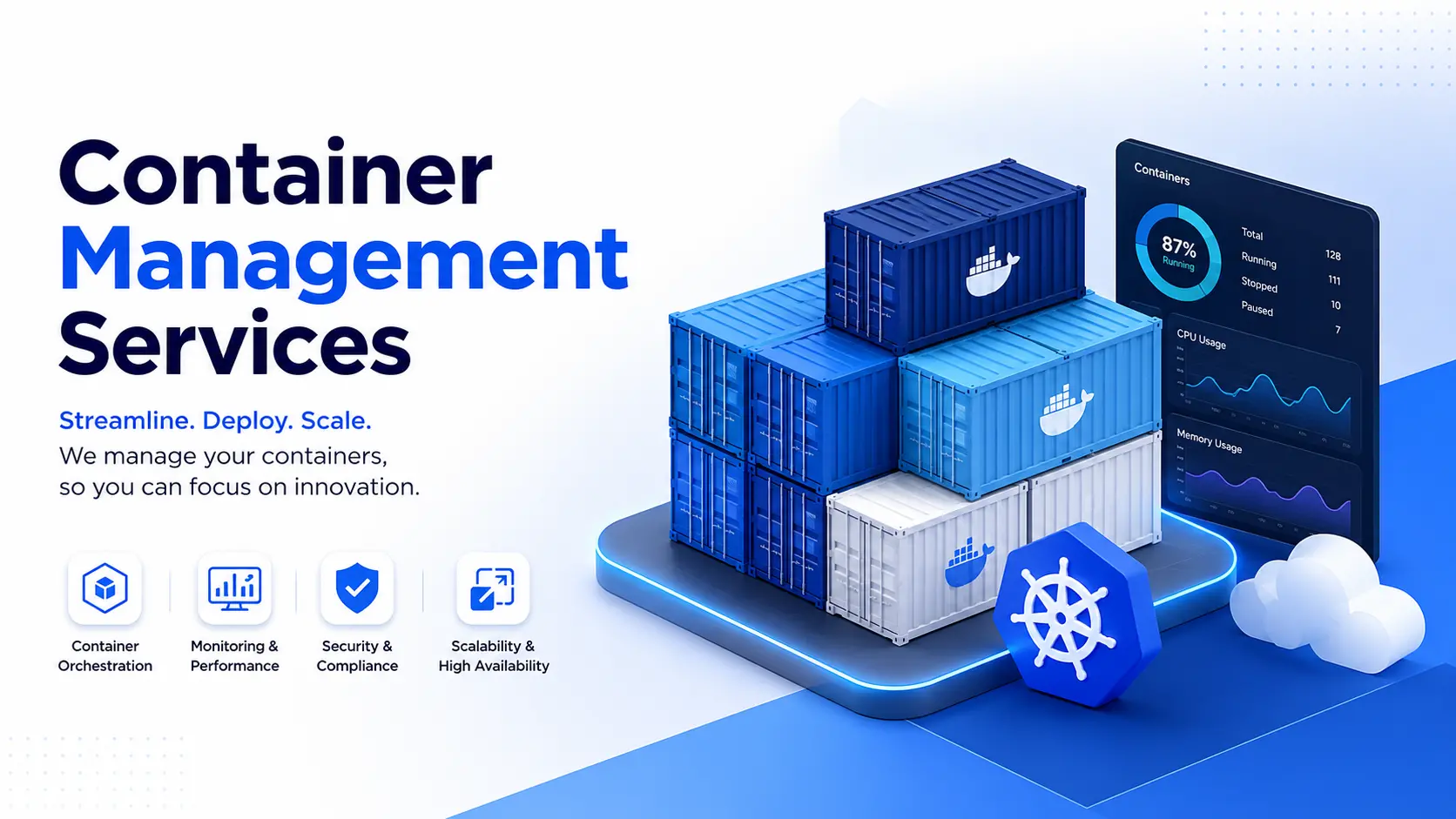
There's no single fixed number here, and anyone who quotes one without asking about your setup first is guessing. What actually drives the cost:
Number of containers and clusters you're running.
As a rough starting point, small setups (a handful of containers, single cloud provider) typically cost far less to manage monthly than multi-cluster, multi-cloud enterprise environments. We give exact numbers only after the initial audit, since a generic quote before that point is just a guess dressed up as a number.
A mid-size online retail client came to us after their app went down twice in one month,both times during flash sales, their highest-revenue days. Their existing setup ran Docker containers on a single server with no orchestration and no auto-scaling. When traffic spiked, the server simply ran out of resources and the app stopped responding.
We audited the setup in under a week and found three core issues: no horizontal scaling, an outdated container image with a known security vulnerability, and zero monitoring beyond a basic uptime ping. We migrated their application to a managed Kubernetes cluster on AWS EKS, set up auto-scaling rules based on their actual traffic patterns, patched the security issue, and put 24/7 monitoring in place.
Their next flash sale saw triple the traffic of the incident that brought them to us. The app didn't go down once. Their infrastructure cost also dropped slightly overall, because
containers now scaled down automatically during quiet hours instead of running at full capacity around the clock.
Container management is the ongoing work of running containerized applications reliably, covering deployment, scaling, monitoring, and security so the app stays up and performs well as demand changes.
Docker builds and runs individual containers, while Kubernetes manages and coordinates many containers acrossmultiple servers, handling scaling, recovery, and load balancing automatically.
Not always. If you're running one or two containers on a single server, Docker alone may be enough. Once you have multiple containers across several servers that need to scale or recover automatically, Kubernetes becomes worth the added complexity.
It depends on the number of containers, cloud provider, architecture complexity, and support level required. Small setups cost noticeably less than large, multi-cloud enterprise environments, and any provider quoting a number before an audit is estimating, not calculating.
Yes, for small, low-traffic, or internal applications. For customer-facing apps where downtime costs you money or trust, dedicated container management significantly lowers the risk.
The most common tools are Docker for building containers and Kubernetes for orchestration, often alongside platforms like Amazon EKS, Google GKE, Azure AKS, Rancher, or Portainer for centralized management.
No. Cloud management covers your overall cloud infrastructure (servers, storage, networking), while container management focuses specifically on the containers and their orchestration running within that infrastructure.
Most migrations and setups take between 2 and 6 weeks, depending on the number of applications, the state of existing infrastructure, and compliance requirements.
With proper orchestration in place, Kubernetes automatically detects the failure and restarts the container or reschedules it on a healthy node, usually within seconds, without manual intervention.
Yes, a proper container management service includes vulnerability scanning, access controls, secretsb management, and regular patching as a standard part of the offering, not an add-on.
Hyper Software has been building and supporting digital infrastructure for businesses since 2020, working with clients across India and internationally. Container management sits alongside our custom software development, cloud, and DevOps consulting work, which means the team managing your containers understands the applications running inside them, not just the infrastructure layer in isolation.
If your containers are keeping you up at night, or you're planning a move to Docker and Kubernetes and want to do it right the first time, call us at +91 9079282750 or visit www.hypersoftware.in for a free infrastructure automation audit.
Container orchestration is the automated process of deploying, scaling, networking, and managing the lifecycle of containers across a cluster of machines, typically handled by Kubernetes.
Yes. Proper auto-scaling means you only pay for compute you're actually using, and right-sizing containers avoids paying for over-provisioned resources running around the clock.
E-commerce, SaaS, fintech, healthcare platforms, and any business with variable or unpredictable traffic benefit most, since containers let infrastructure scale automatically with demand.
Yes, our container management service includes continuous monitoring with real-time alerts and incident response, not just business-hours coverage.
Unmanaged containers rely on manual monitoring, scaling, and patching, usually done inconsistently. Managed containers have dedicated oversight, automated scaling, proactive security patching, and defined incident response, reducing downtime and risk.
Have questions or need expert guidance? Our team is ready to help you with the right technology solutions for your business.