
Business website bilkul premium quality ki bani hai. Mobile responsive design aur clean layout ki wajah se customer experience bahut achha ho gaya. Highly recommended.

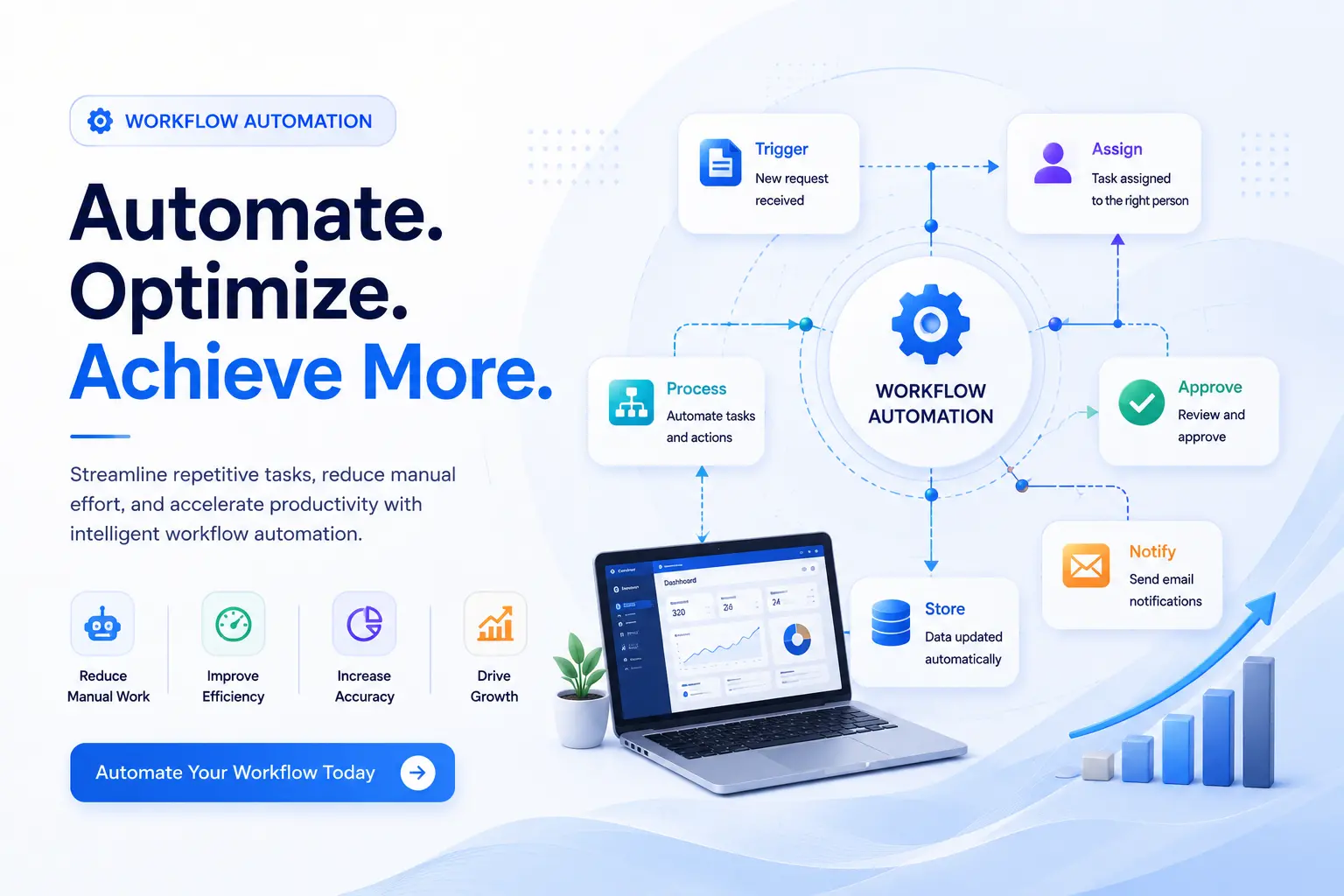
If your team spends hours every week copying data between spreadsheets, chasing approvals over email, or manually updating records in three different tools, you don't have a staffing problem. You have a workflow problem. Workflow automation fixes it by letting software handle the repetitive steps, so a task in one system triggers the right action in another, automatically, every time.
Hyper Software has been building automation systems for businesses since 2020. We don't sell you a tool and walk away. We map your actual process, build the automation around it, and stick around to maintain it.
Workflow automation is technology that carries out repetitive business tasks for you, based on rules you set once. Instead of a person manually checking an inbox, updating a spreadsheet, and then emailing a manager for approval, the software does all three steps the moment a trigger happens.
Every automated workflow runs on three parts:
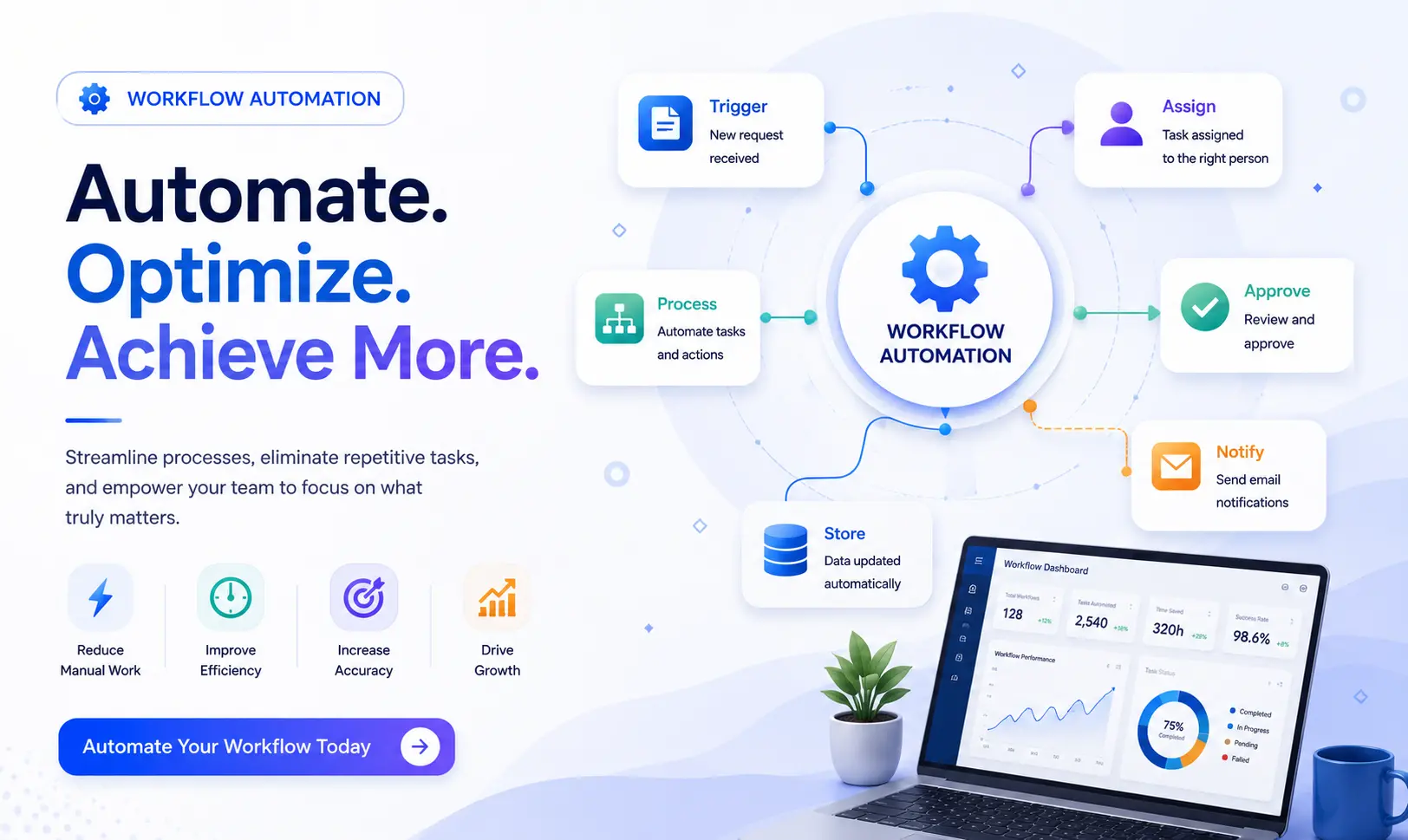
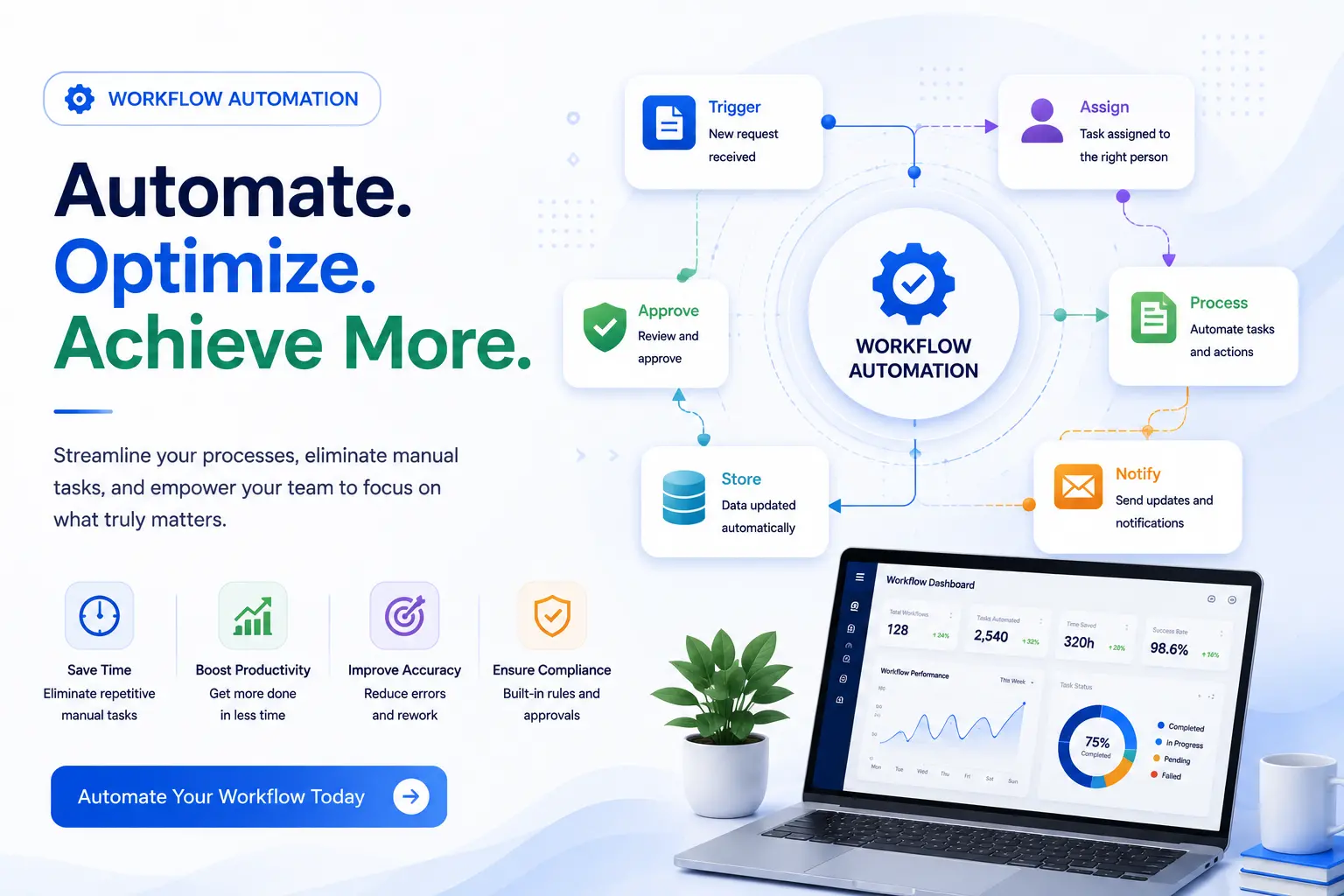
Trigger – the event that starts things off. A new lead fills a form. An invoice lands in an inbox. A deal moves to "Closed Won" in your CRM.
Logic – the rules that decide what happens next. Is this a new customer or existing one? Does this expense need one approval or two?
Action – the actual task that gets completed. A record gets created. A notification gets sent. A document gets generated and filed.
Get Free Consultation Within Minutes
Here's a simple, real example: a customer fills out a contact form on your website. Instead of that lead sitting in an inbox until someone notices it, the automation creates a contact in your CRM, assigns it to the right sales rep based on region, and sends the rep a Slack notification, all within seconds, with nobody touching a keyboard.
This is different from just using software. A CRM development is a tool. Workflow automation is what makes that CRM, your email, your accounting software, and your support desk act like one connected system instead of five separate ones.
Building a working automation isn't just "connect app A to app B." A proper build follows five steps:
1. Process audit. Map what actually happens today, not what the org chart says should happen. Most inefficiencies hide in the gap between the two.
2. Trigger definition. Decide the exact event that should kick off the automation, and what should not accidentally trigger it.
3. Logic and routing. Set the if-then rules: approvals, exceptions, escalations, and who gets notified when.
4. Data mapping. Make sure fields from one system (say, a lead's phone number in a form) land correctly in the next system (your CRM), without breaking formatting or losing data.
5. Testing and monitoring. Run the automation against real scenarios, including the messy edge cases, before it touches live data. Then keep watching it, because
connected apps change theirAPIs and workflows quietly break if nobody's checking.
Skip any one of these steps and you usually end up with an automation that works fine in the demo and falls apart the first time a customer enters their name with an apostrophe in it.
People use these three terms like they mean the same thing. They don't, and picking the wrong one wastes money.
|
WorkflowAutomation |
RPA (Robotic Process Automation) |
BPM (Business Process Management) |
|
|
Focus |
Automates the flow ofa process across multiple |
Automates a single, repetitive task a person |
The bigger discipline of designing and improving an |
|
tools and people |
used to do by hand |
entire business process |
|
|
Best for |
Multi-step processes with approvals, routing, |
Simple, high-volume, rule-based tasks like data |
Strategy-level process redesign, ofwhich automation |
|
and several connected |
entry or copying fields |
is one part |
|
|
apps |
|||
|
Example |
New hire triggers account creation in HR, IT, and payroll systems |
A bot copies invoice numbers from PDFs into an accounting system |
Redesigning the entire order-to-cash process, then automating the pieces that |
|
together |
make sense |
||
|
Needs |
Usually, yes |
Not always, it can work |
Depends on the tools chosen |
|
APIs? |
through the user |
underneath it |
|
|
interface |
Simple rule of thumb: if you're automating one repetitive task, look at RPA. If you're automating a process with multiple steps, people, and tools, that's workflow automation. If you're redesigning how an entire department works before you automate anything, that's BPM, and workflow automation is the tool you'll use to execute it.
Fewer errors. Manual data entry is where typos, duplicate records, and missed approvals creep in. Automation applies the same rule every single time.
Faster turnaround. A lead follow-up that used to take four hours because someone was in a meeting now happens in under a minute.
Lower staffing cost per task. You're not hiring another person to do repetitive admin work; you're freeing your current team to do work that actually needs a human.
Better visibility. Everyone can see where a request sits in the process instead of asking "did anyone approve this yet?" over email.
Happier employees. Nobody enjoys re-typing the same data into three systems. Automating it away genuinely improves job satisfaction and retention.
Scales without adding headcount. Double your order volume without doubling your back-office team.
| Department | Common Automations |
| HR collection | New hire onboarding, leave approvals, exit formalities, document |
| Sales |
Lead routing, follow-up reminders, quote generation, CRM updates |
| Finance |
Invoice approvals, expense reimbursements, payment reminders, reconciliation |
| Customer Support | Ticket routing, SLA alerts, canned response triggers, feedback collection |
| Operations | Inventory alerts, vendor purchase orders, delivery status updates |
| Marketing | Campaign approvals, lead scoring, content publishing schedules |
You're probably a good fit for workflow automation if:
If even two of these sound familiar, you're already losing more time than an automation
project would cost.
Step 1: Free process audit. We sit with your team (over a call, no pressure) and map the actual steps in the process you want fixed.
Step 2: Recommendation and quote. We tell you honestly whether a no-code tool like Zapier will do the job, or whether it needs a custom-built solution, and we give you a fixed project cost upfront.
Step 3: Build and test. We build the automation, test it against real data and edge cases, and walk your team through it before it goes live.
Step 4: Deployment. We roll it out with minimal disruption to your existing operations.
We don't push one tool because it pays us a referral fee. We pick the right one for your situation:
Zapier and Make – fast, no-code automation between popular cloud apps. Great for straightforward, single-department workflows.
n8n – open-source and self-hostable, ideal when you want full data control or need to connect tools without a public API development.
Microsoft PowerAutomate – the natural choice if your business already runs on Microsoft 365.
Custom-built automation – when your process is genuinely unique, or your systems don't play nicely with any off-the-shelf connector, we build it from scratch using our own development team.
A distribution business we worked with was running order confirmations, inventory checks, and delivery updates entirely by phone and email between three staff members. Orders regularly slipped through the cracks during busy weeks, and customers were calling in just to ask "where's my order?"
We mapped their order process in a single afternoon and found the real problem wasn't a lack of staff, it was that every handoff between sales, warehouse, and dispatch depended on someone remembering to send an email. We built an automation that pulled new orders straight from their order form into their inventory system, auto-notified the warehouse team the moment stock was confirmed, and sent the customer a delivery update without anyone lifting a finger.
Within the first month, missed orders dropped to zero, and their two office staff got back roughly ten hours a week they used to spend chasing status updates. That's the kind of outcome we aim for on every project: not "automation for its own sake," but hours and errors that actually go away.
Nobody likes vague pricing, so here's a straight breakdown. Costs vary widely because "workflow automation" can mean a single Zapier connection or a custom multi-system build. As a rough guide:
|
Business Size |
Typical Project Cost |
What You Get |
|
Small business, 1–2 |
Roughly ₹1.2 lakh – ₹4 lakh |
A focused automation, like lead routing or |
|
processes |
($1,500–$5,000) |
invoice approvals, built and tested |
|
Mid-market, multi- |
Roughly ₹6 lakh – ₹20 lakh |
Several connected workflows across HR, |
|
department |
($8,000–$25,000) |
sales, or finance, with custom logic |
|
Enterprise, full-scale |
₹20 lakh+ ($25,000+) |
Complex, multi-system automation with AI- |
|
driven steps and ongoing governance |
On top of the build, budget for two more things most quotes leave out:
Tool licensing. No-code platforms usually run $9–$150 a month depending on volume; this is separate from the build cost.
Ongoing maintenance. Plan for roughly 15–25% of the original build cost each year, since connected apps change theirAPIs and workflows need occasional fixing.
These figures aren't invented; they reflect the same ranges reported across multiple automation cost studies in 2026. Your exact number depends on your specific processes, so treat this table as a starting point and get a fixed quote before committing.
When DIY makes sense: You're connecting two mainstream apps in a simple, one-step way (like "new form submission adds a row to a spreadsheet"). A no-code tool and an afternoon will get this done. Cost: usually just the tool's monthly fee.
When DIY gets risky: The moment you need conditional logic, multiple approvals, or connections between three or more systems, DIY builds tend to break silently. Someone changes a field name in the CRM, and the whole automation stops without anyone noticing for weeks. We've been called in to fix more broken DIY automations than we've built from scratch.
When hiring an agency makes sense: Your process touches multiple departments, involves sensitive data, needs custom logic, or simply needs to be reliable enough that nobody has to babysit it. An agency also documents the build, so it doesn't live only in one employee's head who might leave the company next year.
What can go wrong doing it alone: Silent failures, data landing in the wrong field, duplicate records, and automations nobody remembers how to fix once the person who built it moves on.
Automating a broken process. If the underlying process is messy, automation just makes the mess happen faster.
Skipping the testing phase. Edge cases (a customer with no email address, a duplicate order) will find your automation eventually. Better to find them first.
Choosing the tool before mapping the process. Pick the platform after you know exactly what needs to happen, not before.
No ownership after launch. Someone needs to own monitoring the automation, or it quietly breaks the first time a connected app updates.
Trying to automate everything at once. Start with the one or two processes causing the most pain, prove the ROI, then expand.
Yes, for simple, single-step connections between two mainstream apps. Once you need conditional logic, multiple approvals, or several connected systems, a developer reduces the risk of the automation silently breaking.
Common tools include Zapier, Make, n8n, and Microsoft PowerAutomate for no-code and low-code builds, with custom development used when the process is too complex or unique for off-the-shelf connectors.
A simple, single-process automation can be built and tested in one to two weeks. Multi-department or multi-system builds typically take four to eight weeks, depending on complexity.
Yes, if a repetitive task is eating everal hours a week. Most small businesses recover their automation cost within 60 to 120 days through time saved and fewer errors.
HR, sales, finance, and customer support usually see the fastest returns, since they handle the most repetitive, rule-based tasks like onboarding, lead follow-up, invoice approvals, and ticket routing.
No. It removes repetitive manual tasks so employees can spend time on decisions, relationships, and problem-solving that actually need a human.
The automation can break silently if nobody's monitoring it. This is why ongoing maintenance, usually 15–25% of the build cost per year, matters as much as the initial build.
Yes, most modern CRM and ERP systems offerAPIs that workflow automation tools and custom integrations can connect to directly.
Start with a process audit: map exactly what happens today, step by step, before choosing any tool. This is the step most failed automation projects skip.
No. Most modern platforms are no-code or low-code, so business users can build and adjust simple workflows without writing code. Complex, multi-system automations still benefit from a developer's involvement.
Hyper Software builds workflow automation for retail and eCommerce businesses, professional services firms, healthcare clinics, manufacturing and distribution companies, real estate agencies, and SaaS and technology startups, across India and internationally
Founded in 2020 and based in Jaipur, Rajasthan, Hyper Software has helped businesses across websites, custom software, mobile apps, eCommerce, CRM, ERP, and business automation move away from manual, error-prone processes. We don't just configure a tool and disappear. Our team maps your real process, recommends the right platform honestly (even if that means a $20-a-month tool instead of a big custom build), and stays on to support it as your business grows.
Whether you're a small business automating your first process or a mid-market company connecting five systems together, we scope the work clearly, quote it fairly, and build it to ast.
Ready to stop doing repetitive work by hand? Call us at +91 9079282750 or visit www.hypersoftware.in for a free process audit.
Workflow automation is using software to complete repetitive business tasks automatically, based on rules you set once. Instead of a person manually moving a task from one step to the next, the software does it for you the moment a trigger happens.
A common example is lead management: when someone fills out a contact form, the automation creates a record in the CRM, assigns it to the right salesperson, and sends that person a notification, all without any manual work.
Workflow automation runs an entire process across multiple tools and people, while RPA automates one specific, repetitive task a person used to do by hand. They're often used together.
Not exactly. Business process automation (BPA) is the broader goal of automating an entire process; workflow automation is one of the main ways businesses actually achieve it.
Small business projects typically cost ₹1.2 lakh to ₹4 lakh ($1,500–$5,000) for one or two automated processes. Mid-market and enterprise projects with multiple systems cost significantly more, depending on complexity.
Have questions or need expert guidance? Our team is ready to help you with the right technology solutions for your business.