
Website design se lekar final launch tak pura process bahut smooth raha. Team har update time par deti rahi aur support bhi outstanding mila.

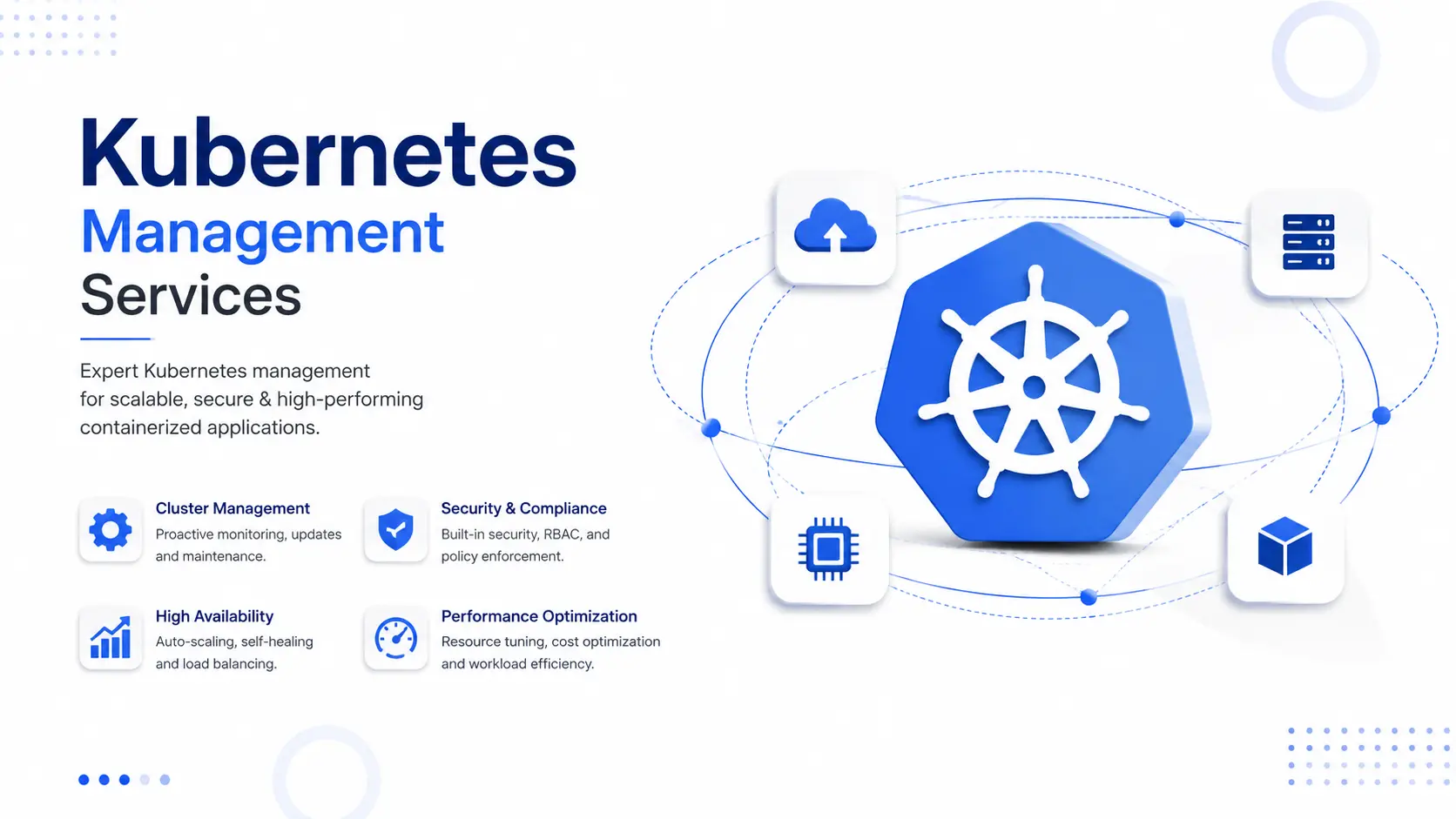
Kubernetes management is the ongoing work of keeping a Kubernetes cluster secure, stable, and cost-efficient after it's deployed — patching, scaling, monitoring, backups, and 24/7 incident response included. Most teams get Kubernetes running fine. Keeping it running well, for years, without a 2 AM outage, is the harder problem. That's the problem Hyper Software solves.
If you're reading this because your cluster works "mostly," or because your one DevOps consulting engineer just went on leave and nobody else knows how to roll back a bad Docker deployment, you're not alone. That's the exact gap managed Kubernetes services exist to close.
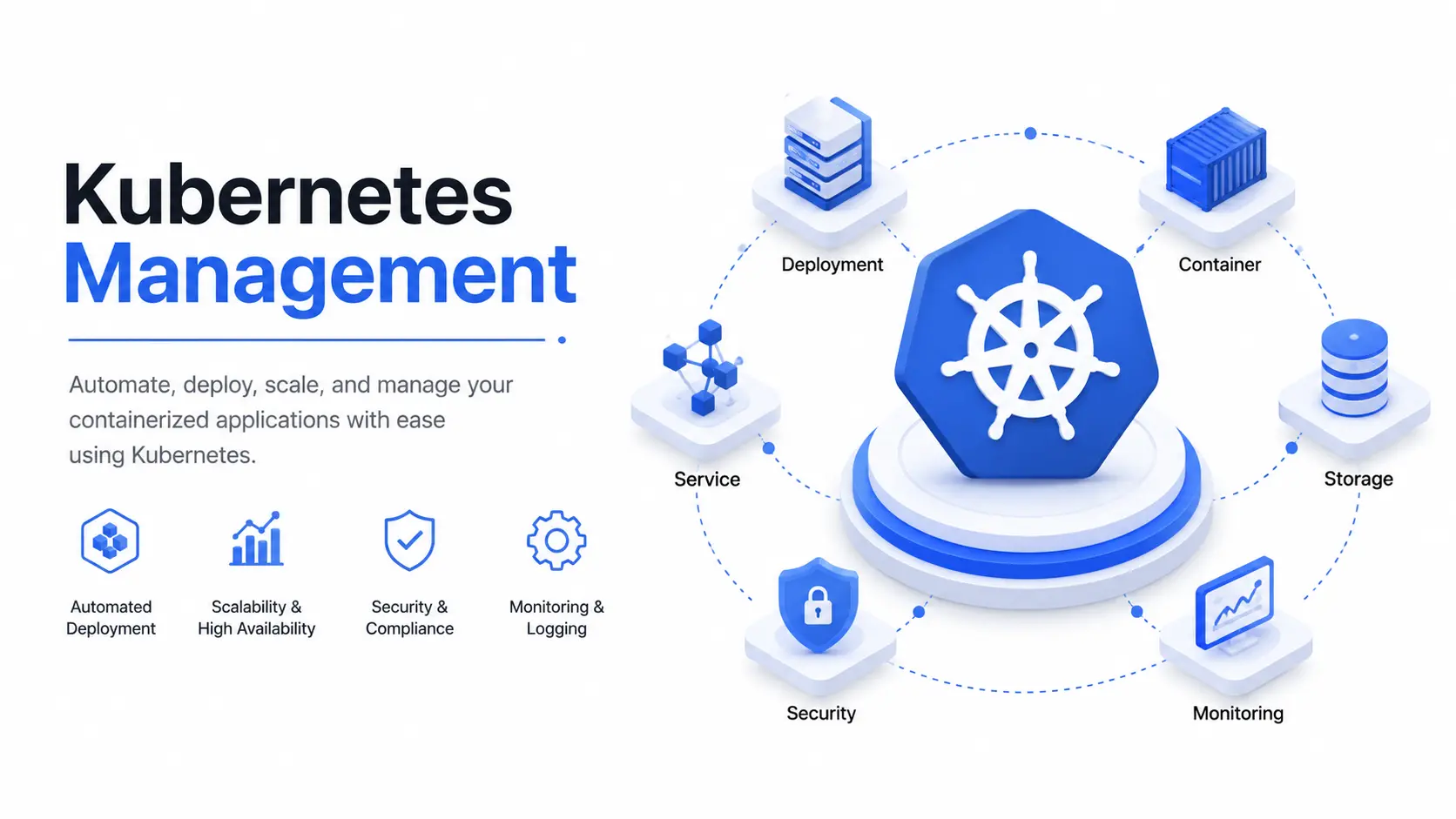
Kubernetes management covers everything it takes to run a Kubernetes cluster safely in production, on an ongoing basis. It's not a setup task you finish once. It's a discipline — the same way managing a database or a network is a discipline, not a checkbox. In practice,
it includes:
A cluster you deployed once and haven't touched since isn't "managed." It's a liability waiting for a bad week.
Get Free Consultation Within Minutes
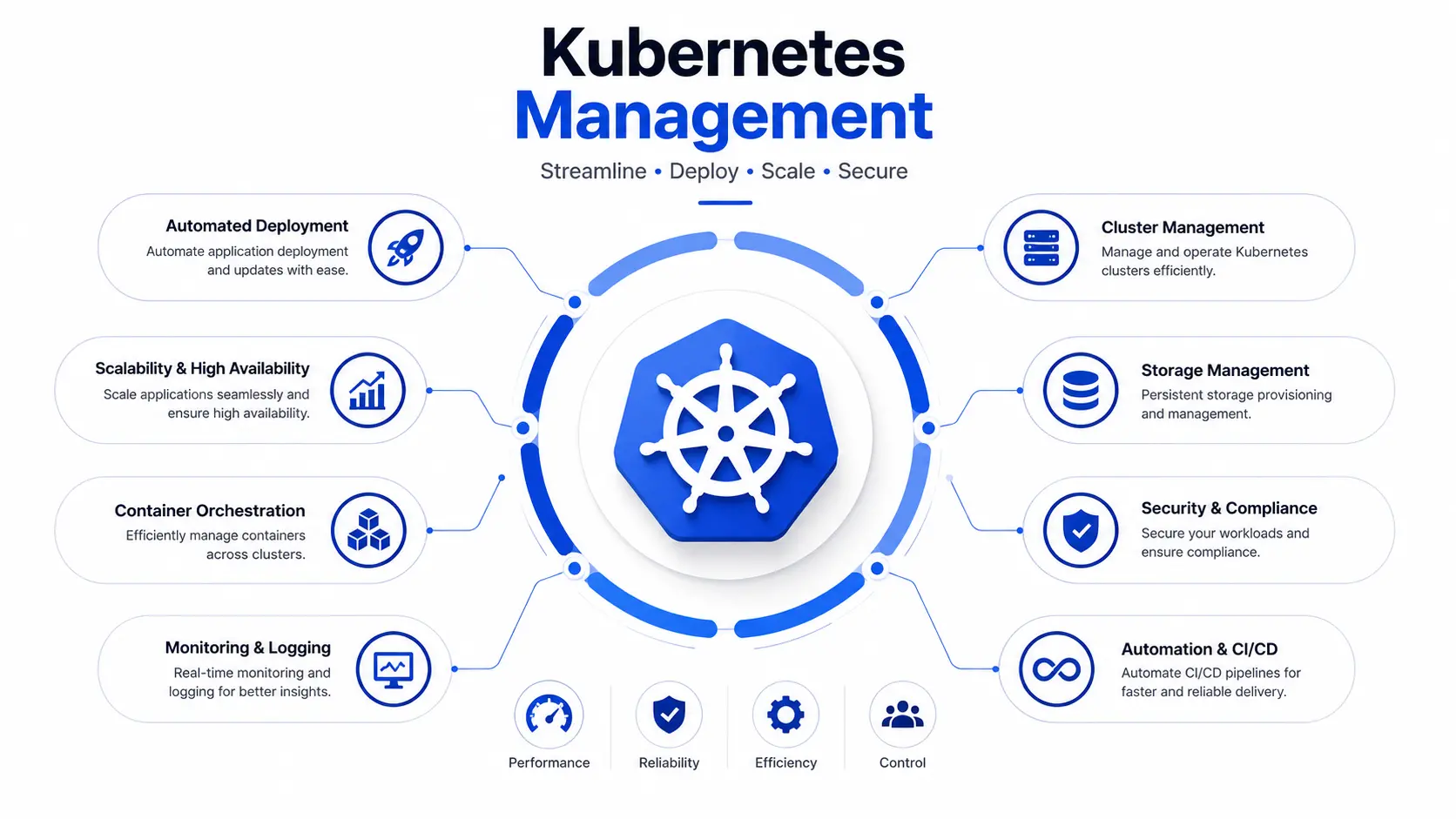
Hyper Software runs full-lifecycle Kubernetes management for businesses on AWS EKS, Google GKE, Azure AKS, DigitalOcean, and self-hosted clusters. Here's what that actually covers.
Cluster Setup & Provisioning
We design and deploy your cluster architecture from scratch, or take over an existing one —namespaces, node pools, ingress, and networking configured to match how your applications actually run, not a generic template.
24/7 Monitoring & Alerting
We set up Prometheus and Grafana (or your existing observability stack) so that CPU spikes, memory leaks, and failing pods get caught and flagged before they become downtime. Alerts go to a real person, not just a dashboard nobody watches.
Security & RBAC Management
Role-based access control, network policies, pod security standards, and image vulnerability scanning. We also handle secrets management so credentials aren't sitting in plain YAML files.
Automated Scaling & Cost Optimization
Horizontal Pod Autoscaler and ClusterAutoscaler configured to match your real traffic patterns, plus regular right-sizing reviews so you're not paying for nodes running at 8% utilization.
Backup & Disaster Recovery
Scheduled, tested backups of your cluster state and persistent volumes, plus a documented recovery plan — not just a hope that the cloud provider handles it.
CI/CD pipeline setup & GitOps Integration
We connect your deployment pipeline to the cluster using GitOps tools (ArgoCD, Flux) so deployments are consistent, auditable, and reversible.
Multi-Cloud & Hybrid Cluster Management
If you're running clusters across AWS, Azure, GCP, or on-prem, we give you a single, consistent operational process across all of them instead of three different sets of tribal knowledge.
Kubernetes solves real problems — it's why it became the industry standard for container management orchestration. But it solves them by handing you a lot of moving parts: nodes, pods, services, ingress controllers, storage classes, and a control plane that needs to stay healthy at all times.
Most teams run into the same wall. They can deploy Kubernetes. They can't sustain it. A few patterns show up again and again:
None of this means Kubernetes was the wrong choice. It usually means the operational side never got built out properly.
This is the actual decision most teams are weighing. Here's an honest breakdown.
|
Do It Yourself(In-House) |
Hire a Kubernetes Management Company |
|
|
Best for |
Teams with an experienced |
Teams without dedicated Kubernetes |
|
Kubernetes/SRE engineer already on |
expertise, or where uptime/security |
|
|
staff, low-stakes workloads |
actually matters to revenue |
|
|
Upfront cost |
Lower on paper — no service fee |
Monthly service fee, but no |
|
hiring/training cost |
||
|
Ongoing cost |
Hidden in engineering hours, on-call |
Predictable monthly cost, scoped to |
|
burnout, and mistakes |
what you need |
|
|
Coverage |
Limited to your team's hours and headcount |
24/7 monitoring and incident response |
|
Expertise |
Whatever your team has learned on the |
Exposure to many clusters, |
|
breadth |
job |
environments, and failure patterns |
|
Risk ifkey |
High — tribal knowledge walks out the |
Low — the provider's process doesn't |
|
person leaves |
door |
depend on one person |
|
Time to fix a |
Depends entirely on who's awake and |
Defined response times, dedicated on- |
|
real incident |
available |
call rotation |
|
What can go |
Missed upgrades, misconfigured |
Vendor lock-in risk ifthe provider is |
|
wrong doing it |
RBAC, no tested backups, silent cost |
inflexible (ask about exit/handover |
|
alone |
overruns, burnout-driven mistakes |
terms upfront) |
Our honest take: if you have one experienced engineer, low traffic, and nothing customer-critical running on the cluster, DIY is fine — for now. The moment downtime costs you money, or your team spends more time firefighting Kubernetes than building your product, it's time to bring in a managed partner.
1. Free cluster audit — we review your current setup, security posture, and cost structure at no charge, and tell you honestly what shape it's in.
2. Onboarding and access setup — secure, scoped access to your environment; no more than what's needed.
3. Stabilization phase — we fix urgent issues first: missing resource limits, open security gaps, unmonitored nodes.
4. Standardization — monitoring, alerting, backups, and upgrade processes are put in place and documented.
5. Ongoing management — 24/7 monitoring, monthly reviews, patching, and scaling handled continuously.
6. Quarterly business reviews — we walk you through cost trends, incidents, and what's coming up (like major version upgrades) well before they become urgent.
This is where most articles get vague. Here's what actually drives the bill.
Cloud provider costs (infrastructure):
Managed service cost (the operational layer): This varies by cluster size, number of environments, and how much hands-on support you need — anywhere from a few hundred dollars a month for a single small production cluster with basic monitoring, up to enterprise-level engagements for multi-cluster, multi-cloud environments with dedicated on-call coverage.
We don't publish a one-size-fits-all price because a 3-node startup cluster and a 40-node multi-region enterprise setup are not the same problem. What we do instead: a free audit, followed by a scoped quote based on your actual cluster size, environment count, and support needs. If a number matters to you before that call, ask us directly — we'll give you a straight answer, not a "contact sales" loop
A fast-growing e-commerce client came to us after their Kubernetes cluster went down during a flash sale — the worst possible time. Their in-house team had set up the cluster themselves eighteen months earlier and never touched the autoscaling configuration since.
We ran a free audit and found the real problem in under two days: no cluster autoscaler, resource limits that didn't match actual traffic patterns, and zero alerting on node capacity. The cluster wasn't broken. It just had no one watching it.
Over the following three weeks, we configured proper autoscaling, set up Prometheus- based alerting with on-call coverage, and put a tested backup process in place. Their next big sale — nearly triple the traffic of the outage — ran without a single incident. Their infrastructure automation cost actually dropped slightly, because the old setup had been over- provisioning nodes it didn't need.
That's the pattern we see most often: it's rarely that Kubernetes is the wrong tool. It's that nobody was managing it as an ongoing responsibility.
Kubernetes management is the ongoing work of running a Kubernetes cluster in production — setup, security, scaling, monitoring, backups, and upgrades — rather than a one-time deployment task.
It typically includes cluster provisioning, 24/7 monitoring and alerting, security and RBAC management, autoscaling, backup and disaster recovery, and ongoing patching and upgrades.
Infrastructure costs (control plane, nodes, storage) usually run from a small fixed control plane fee up to several hundred dollars a month depending on cluster size. Managed service fees vary based on cluster size and support level — get a scoped quote after a free audit rather than relying on generic pricing.
They overlap but aren't identical. DevOps is a broader practice covering CI/CD, automation, and culture. Kubernetes management is a specific, technical discipline focused on keeping clusters secure, stable, and cost-efficient.
Yes. Managed Kubernetes services from cloud providers handle the control plane, but they don't manage your workloads, security policies, scaling configuration, or cost optimization — that's still your responsibility.
Kubernetes releases a new minor version roughly every four months, and older versions eventually lose support. Upgrading one version at a time, on a regular schedule, is safer than delaying and jumping multiple versions at once.
Without monitoring, issues like memory leaks, failing pods, or capacity limits often go unnoticed until they cause downtime — by which point the fix is reactive instead of preventive.
Yes. Right-sizing nodes, configuring autoscaling correctly, and removing over-provisioned resources are common ways managed Kubernetes services reduce monthly cloud spend, sometimes significantly.
DIY relies on in-house engineering time and expertise, with coverage limited to your team's availability. A managed provider offers 24/7 coverage, broader experience across environments, and a process that doesn't depend on one individual.
Yes, especially once uptime, security, or scaling actually affects revenue. Many small businesses start with a lighter support tier and scale up support as their infrastructure grows.
Kubernetes Management Best Practices
Benefits:
Drawbacks:
A good managed Kubernetes partner should reduce your risk without reducing your visibility. If a provider can't clearly show you what's happening in your cluster at any time, that's a red flag, not a feature.
IndustriesWe Serve
Hyper Software has been building digital infrastructure since 2020 — websites, custom software, mobile apps, eCommerce platforms, CRM and ERP systems, and the DevOps and cloud infrastructure that keeps all of it running. Kubernetes management isn't a side offering for us; it's part of how we already run infrastructure for our own clients' applications.
What that means for you:
Call us at +91 9079282750 or visit www.hypersoftware.in to book a free Kubernetes cluster audit.
Common risks include overly broad RBAC permissions, unpatched vulnerabilities, exposed secrets, and missing network policies — all of which are preventable with regular security reviews.
It should. Backups need to be scheduled, tested, and documented — not just assumed to exist because the cluster runs in the cloud.
Yes. Hyper Software manages Kubernetes clusters across AWS EKS, Google GKE, Azure AKS, DigitalOcean, and self-hosted environments, including hybrid and multi-cloud setups.
A free audit typically takes a few days, followed by a stabilization phase to fix urgent issues before moving into standard ongoing management — usually within a few weeks depending on cluster complexity.
E-commerce, SaaS, fintech, healthtech, and media companies benefit most, since they typically have strict uptime, security, or scaling requirements tied directly to revenue.
Have questions or need expert guidance? Our team is ready to help you with the right technology solutions for your business.