
Website design se lekar final launch tak pura process bahut smooth raha. Team har update time par deti rahi aur support bhi outstanding mila.

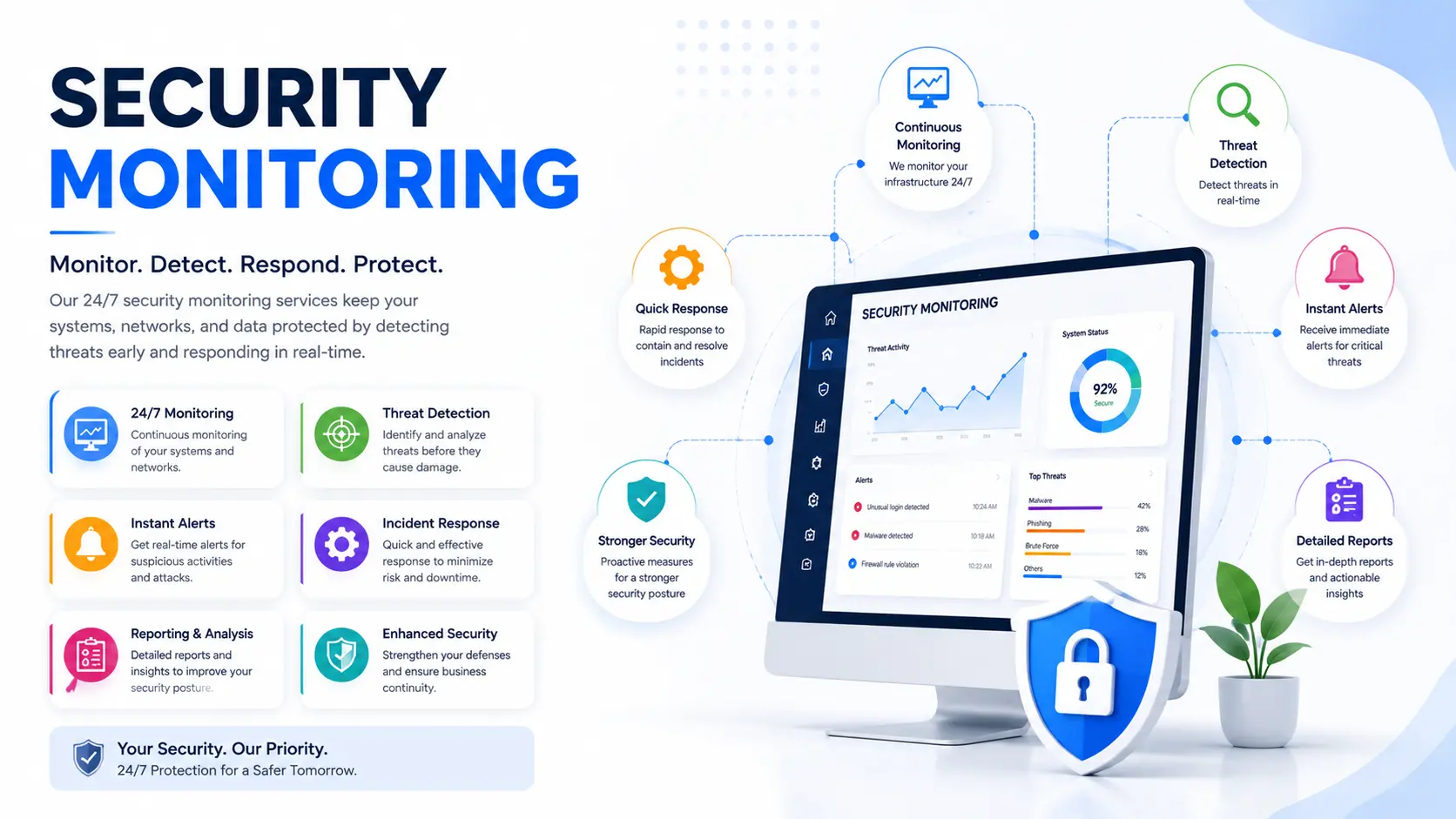
Most companies don't find out they've been breached from their own systems. They find out from a customer complaint, a bank fraud alert, or a message from a stranger telling them their data is for sale. That gap — between when an attacker gets in and when someone notices — is exactly what security monitoring is built to close.
Security monitoring is the continuous tracking of your network, servers, applications, and devices to catch suspicious activity early and stop it before it becomes a breach. It's not a one-time scan or a firewall you set up and forget. It's an active, ongoing process — usually a mix of automated tools and trained analysts — that watches your systems the way a night guard watches a building.
Hyper Software provides managed security monitoring for businesses that want real protection without hiring a full in-house security team. We work with clients across India and internationally, so wherever your infrastructure sits, we can watch it.
Security monitoring is the practice of continuously collecting and analyzing data from your IT environment — network traffic, server logs, application activity, user behavior, endpoints — to spot anything that looks like an attack, a policy violation, or an unusual pattern. When something suspicious shows up, it gets flagged, verified, and escalated so someone can act on it fast.
It's different from a one-off security audit. An audit is a snapshot: it tells you where you stood on the day it was done. Monitoring is a video feed, not a photo. Threats don't wait for your next scheduled audit, and neither should your defenses.
At the core of most monitoring setups sits a SIEM (Security Information and Event Management) system — software that pulls in data from firewalls, servers, and applications, then looks for patterns that don't fit. Paired with human analysts who review the alerts, this combination is what most people mean when they say "security monitoring" or refer to a SOC (Security Operations Center).
Get Free Consultation Within Minutes
Here's the actual process, not the marketing version:
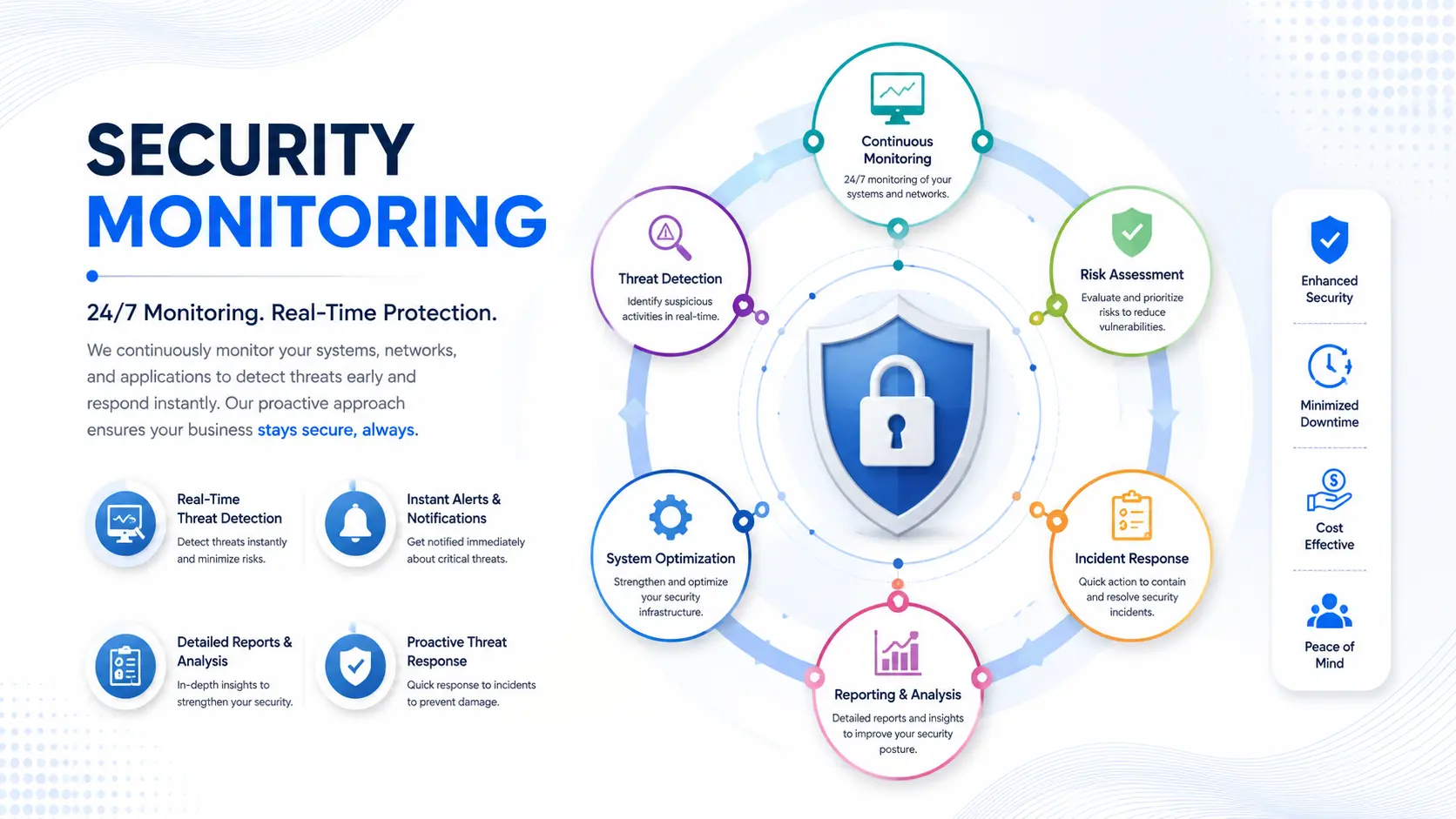
1. Data collection. Sensors and agents pull activity logs from your servers, firewalls, endpoints, cloud accounts, and applications, 24 hours a day.
2. Analysis and correlation. The SIEM (or similar tool) compares this activity against known attack patterns documented in the MITRE ATT&CK Framework and normal baselines.. A login from a new country at 3 AM, for example, gets flagged automatically.
3. Human verification. This is the step most cheap tools skip. An analyst reviews the flagged event to rule out false positives — because an automated tool alone will bury you in noise.
4. Alert and escalation. If it's a real threat, your team gets notified immediately, with context: what happened, where, and what to do next.
5. Response and reporting. Depending on the service level, the monitoring team either guides your response or takes direct containment action (this is where "monitoring" becomes "managed detection and response," or MDR).
Skip step 3, and you'll drown in false alarms within a week. Skip step 5, and you'll know you're under attack but have no plan to stop it. Both matter.data, payments, or proprietary systems:
A few numbers explain why this isn't optional anymore for any business handling customer data, payments, or proprietary systems:
If your business runs a website, stores customer data, processes payments, or connects to cloud services,
Hyper Software's security monitoring covers the layers that actually matter, not just one
Network security services monitoring — traffic analysis, intrusion detection, firewall log review. Endpoint monitoring — laptops, servers, and devices watched for malware and
unusual behavior.
Cloud monitoring — AWS, Azure, Google Cloud account activity and configuration checks.
Application and website maintenance monitoring — uptime, unauthorized access attempts, and known vulnerability assessment exploitation.
Email and phishing monitoring — since most breaches still start with a single clicked link.
Log management and reporting — so you have a clear audit trail whenever you need
one, whether for internal review or compliance. system in isolation:
We don't sell a one-size-fits-all package. A five-person startup and a 200-person company with three offices need different coverage, and we scope accordingly after an initial audit.
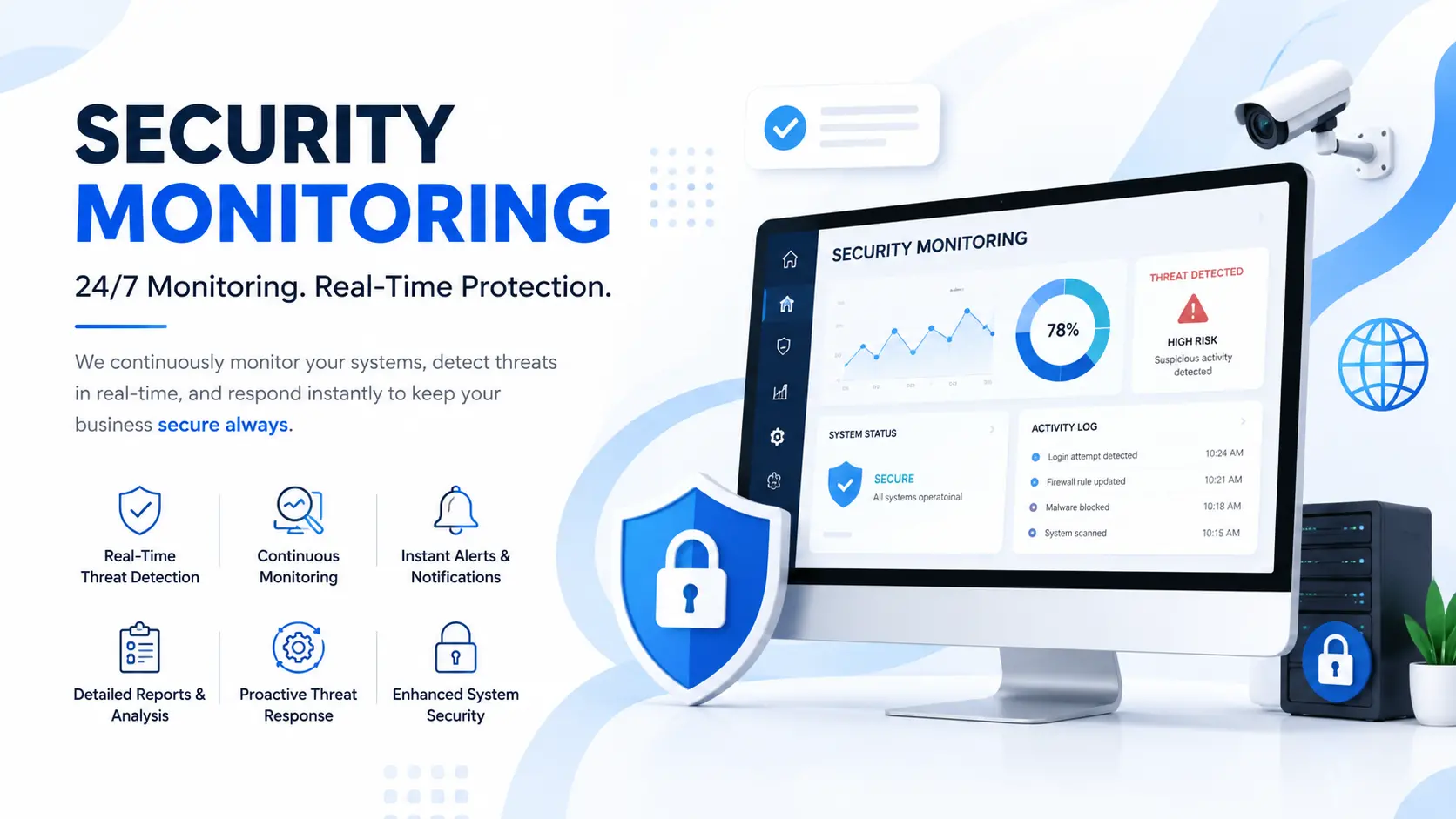
This is the question almost nobody answers honestly, so here's a straight comparison.
|
Factor |
DIY / In-House |
Hiring a Security Monitoring Company |
|
Setup time |
Weeks to months (tool selection, |
Usually live within days |
|
configuration, hiring) |
||
|
Ongoing cost |
Salaries for 3–4 analysts (24/7 |
Single predictable monthly fee, scaled to |
|
coverage needs shifts) plus tool |
your size |
|
|
licenses |
||
|
Coverage |
Gaps during nights, weekends, |
True 24/7/365 by design |
|
holidays unless you hire specifically for it |
||
|
Expertise |
Depends entirely on who you hire and |
Access to a team that watches multiple |
|
retain |
environments and sees more attack |
|
|
patterns |
||
|
False positive |
Often poor early on — new teams |
Refined over years oftuning across |
|
handling |
over-alert or under-alert |
many clients |
|
Best fit |
Large enterprises with dedicated |
Startups, SMEs, agencies, and mid-size |
|
security budgets and existing IT |
companies without a full security |
|
|
security staff |
department |
When DIY makes sense: you already have IT security staff, tight in-house data-handling requirements, or a regulatory reason to keep everything internal.
When hiring makes sense: for most businesses under a few hundred employees, the math doesn't favor building this from scratch. A managed provider gives you 24/7 coverage from day one at a fraction of the cost of hiring an internal shift-based team — and you're not theonly account they've ever watched, which matters when something genuinely new shows up.
What can go wrong doing it alone: teams new to monitoring commonly either drown in alert fatigue and start ignoring warnings, or under-configure their tools and miss real threats entirely. Both mistakes usually only get discovered after an incident.
A mid-sized eCommerce business came to us after noticing unusual traffic spikes on their checkout page — nothing had broken yet, but their developer flagged it as "weird" and wasn't sure what to do next. We ran an initial audit and found repeated automated login attempts against their admin panel, consistent with a credential-stuffing attack still in its early stage.
Within 48 hours of onboarding, our monitoring picked up and blocked the pattern, added rate-limiting on the login endpoint, and flagged two outdated plugins that were the likely entry point. No data was lost, no downtime occurred, and the client had a documented incident report to show their payment processor when asked. They've stayed on continuous monitoring since, and their monthly security review now takes fifteen minutes instead of being a fire drill.
That's the difference active monitoring makes: catching the attempt, not cleaning up after the damage.
There's no honest flat number here, and any provider who quotes one without knowing your setup is guessing. Real cost depends on:
As a rough shape of the market: monitoring-only plans tend to sit at the lower end, while full managed detection and response with active incident handling costs more, scaling with the number of devices and data volume monitored. Rather than guess at your number, we run a short infrastructure audit first and give you a scoped quote — no charge for the audit, no obligation after it.
Security monitoring is the continuous tracking of your network, servers, applications, and devices to detect suspicious activity and respond before it becomes a breach. It combines automated tools with human analysts who verify and act on alerts.
An audit is a one-time snapshot of your security posture on a given day. Monitoring is ongoing and real-time — it catches issues as they happen, not just at scheduled checkpoints.
A Security Operations Center (SOC) is the team and infrastructure responsible for continuously watching your systems, verifying alerts, and coordinating a response. It's the human layer behind automated monitoring tools.
Cost depends on the number of devices, servers, and cloud accounts monitored, plus whether you need alert-only monitoring or full managed response. We provide a scoped quote after a free initial audit rather than a generic flat rate.
Yes. Attackers frequently target small businesses precisely because they assume there's no monitoring in place. Smaller infrastructure also means smaller monitoring plans, so cost scales down with you.
Monitoring detects and alerts. MDR detects, alerts, and actively responds to contain the threat on your behalf. MDR is monitoring plus a response team.
With active 24/7 monitoring, verified alerts typically reach you within minutes of detection, not hours or days.
Yes. Our monitoring covers cloud account activity, configuration changes, and access patterns alongside on-premise network and endpoint monitoring.
Yes. Continuous monitoring produces the logs, incident records, and response documentation auditors expect to see for most major compliance frameworks.
Every automated alert is reviewed by an analyst before it reaches you. This filtering step is what separates real monitoring services from raw software alerts that bury you in noise.
If your business needs to meet ISO 27001, GDPR, PCI DSS, or India's CERT-In guidelines, active monitoring usually isn't optional — it's an explicit or implicit requirement. Auditors want to see that you're not just protecting data but actively watching for unauthorized access to it, with logs to prove it.
Hyper Software's monitoring reports are built to double as compliance evidence: timestamped logs, incident records, and response documentation your compliance officer or auditor can use directly, instead of reconstructing everything after the fact.
Buying a tool instead of a service. A SIEM license without anyone watching it is a dashboard nobody checks until it's too late.
Assuming a firewall is "monitoring." A firewall configuration blocks known bad traffic. It doesn't investigate the traffic it lets through.
Ignoring endpoint devices. Laptops and remote workers are frequently the actual entry point, not the main server.
Treating monitoring as set-and-forget. Threats evolve. Rules and baselines need regular tuning, or you'll either miss new attacks or drown in false alerts.
Waiting for a breach to start. The businesses that reach out after an incident always wish they'd started sooner — and it always costs more to respond than to prevent.
Often yes, especially for the application layer — managed hosting usually covers server-level security but not application logic, admin access patterns, or business-specific data flows.
Most setups go live within a few days to two weeks, depending on how many systems need to be connected and how complex your existing infrastructure is.
eCommerce, finance, healthcare, and SaaS companies face the highest regulatory and financial risk, but any business handling customer data or payments benefits from it.
Yes. Security monitoring is delivered remotely, so location doesn't limit coverage — we work with clients internationally as well as across India.
A summary of monitored activity, any incidents or flagged events and how they were resolved, system health notes, and recommendations for tightening your security posture going forward.
Have questions or need expert guidance? Our team is ready to help you with the right technology solutions for your business.