
Professional web development service ke liye Hyper Software ko zarur choose karein. Team experienced hai aur har problem ka quick solution deti hai. Bahut achha support.

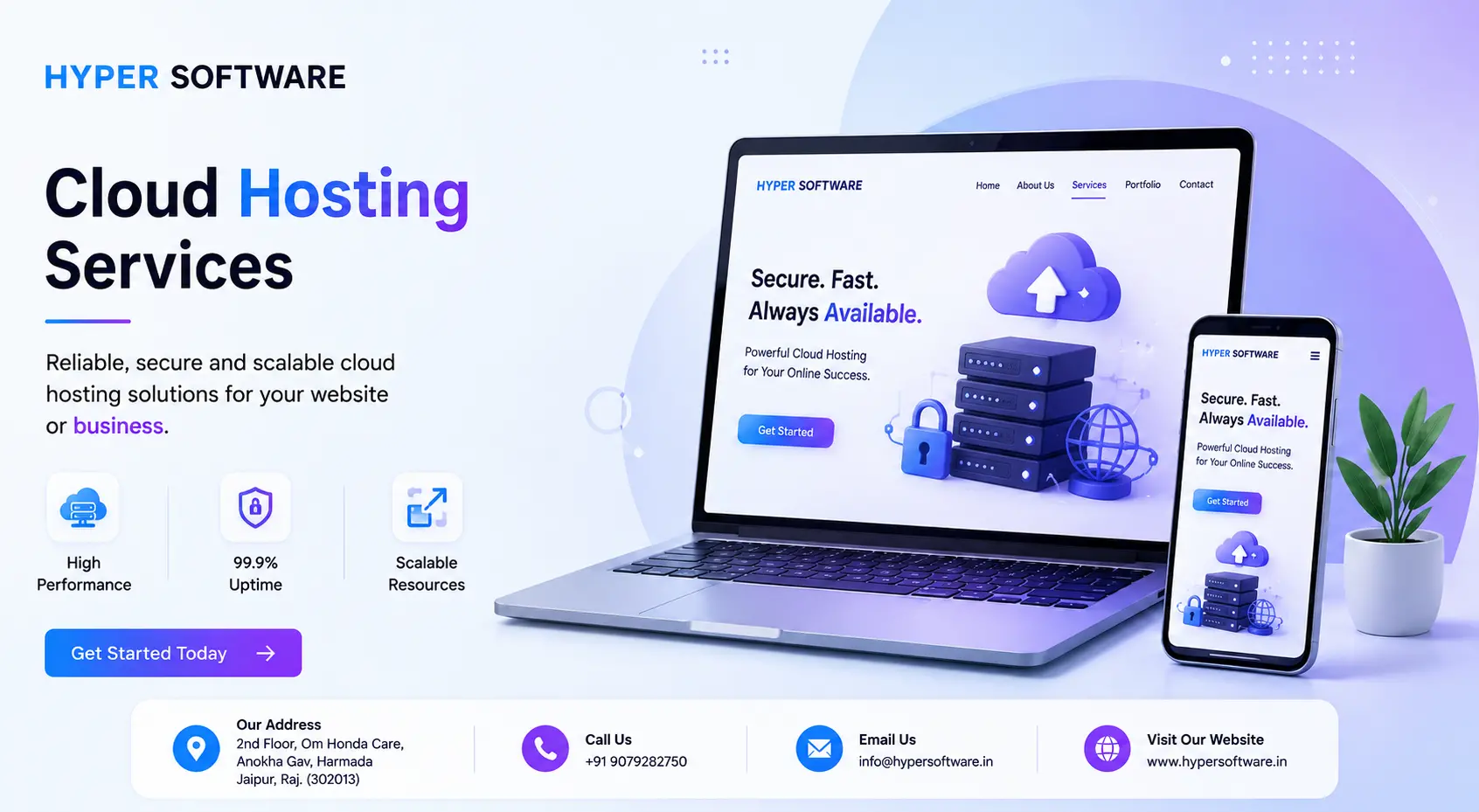
Cloud hosting runs your website or app across a network of connected virtual servers instead of one physical machine. If one server has a problem, nother one instantly picks up the load — your site stays online, loads fast, and scales automatically when traffic jumps.That's the whole idea, and it's why so many growing businesses move to it after outgrowing shared hosting.
At Hyper Software, we set up, migrate, and manage cloud hosting for businesses that can't afford downtime — eCommerce stores, SaaS products, gencies, and anyone whose website security is actually doing revenue-generating work. If you're reading this because your current host keeps letting you down, you're in the right place.
Think of shared hosting like renting a room in a shared house. You get space, but if your housemates throw a party (a traffic spike on another site), your whole experience suffers. A dedicated server is like owning the whole house — plenty of room, but you're paying for space you might not always use, and if something breaks, there's no backup.
Cloud hosting is more like living in a serviced apartment building with a shared power grid, shared water supply, and its own backup generator. Your unit is yours. But if one part of the building's systems has an issue, the building automatically reroutes power so your lights don't go out. That's cloud hosting: your website draws resources from a pool of servers, not just one.
Technically, cloud hosting uses virtualization — software that lets multiple virtual servers run across a network of physical machines. Your site isn't tied to a single box. It's spread across the network, which is exactly why cloud hosting handles traffic spikes and hardware failures so much better than older osting types.
Get Free Consultation Within Minutes
Here's the short version, without the engineering jargon:
1. Your website's files sit on a "cluster" — a group of connected virtual servers, not onemachine.
2. A load balancer sends visitor traffic to whichever server has capacity at that moment.
3. If a server in the cluster fails or gets overloaded, another one takes over automatically.Most visitors never notice.
4. Storage, CPU, and RAM can be added or removed on demand, often within minutes,without physically touching any hardware.
5. Data centers are usually spread across regions, so your host can route each visitor tothe server closest to them, cutting load time.
That last point matters more than people think. A visitor in London hitting a server in Singapore will always load slower than one hitting a server 50 kilometers away. Good cloud hosting providers manage this routing for you.
Not all cloud hosting is the same. Here's what the main options actually mean:
Public cloud: Your site shares infrastructure with other customers, but each account is isolated. Most affordable, most common for small and mid-size businesses.
Private cloud: Dedicated infrastructure just for your business, hosted either by a provider or on your own premises. Common for finance, healthcare, or any business with strict compliance needs.
Hybrid cloud: A mix — some workloads on public cloud, sensitive ones on private infrastructure. Common for larger businesses transitioning gradually.
Managed cloud hosting: The provider (like Hyper Software) handles setup, security patches, monitoring, and backups for you. This is what most businesses without an in-house server management admin actually want.
| Feature | Shared | Hosting | VPS Hosting | Cloud Hosting | Dedicated Hosting |
| Typical cost | Lowest | Moderate | Moderate to high, | Highest | |
| usage-based | |||||
| Resources | Shared with | Guaranteed slice | Pulled from a server | Entire physical server | |
| many sites | ofone server | network | |||
| Uptime | Lowest | Good | Highest (redundant | High, but no backup | |
| by design) | ifserver fails | ||||
| Handles | Poorly | Limited | Very well | Not automatically | |
| traffic spikes | |||||
| Technical | skill needed | None | Some | Low ifmanaged, high ifself-managed | High |
Simple rule of thumb: if your site has ever gone down during a busy period, or if "just wait for the sale to end" isn't an option for your revenue, cloud hosting is worth the extra cost over shared or basic VPS.
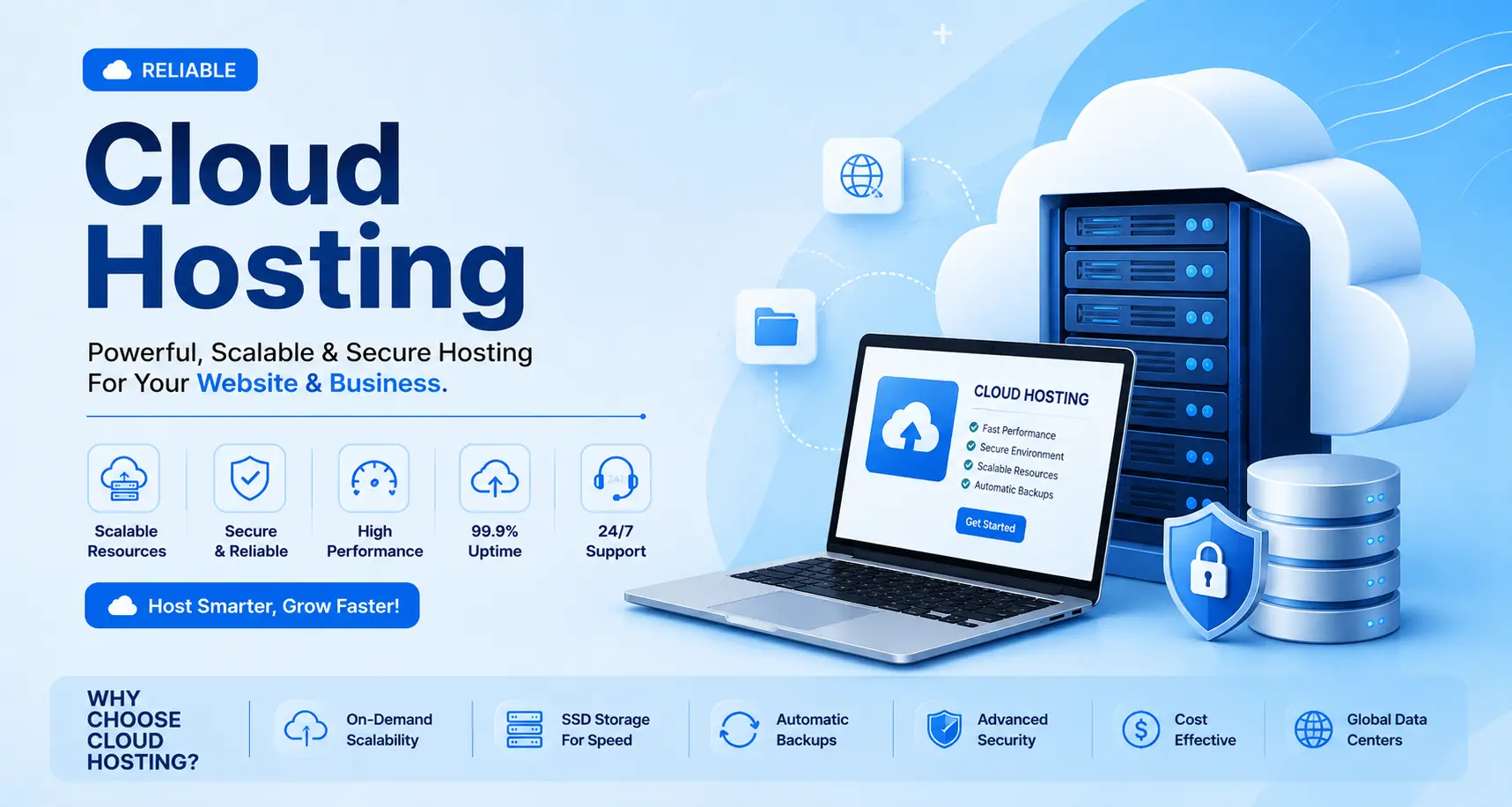
Not every website needs it, and we'll tell you that honestly. Cloud hosting makes sense if you:
It's probably overkill if you run a small local brochure site with steady, low traffic. In that case, solid shared or VPS hosting will do the job for far less money, and we'll tell you that too if you ask us.
We've been helping businesses with their digital infrastructure since 2020, working out of Jaipur, Rajasthan, and serving clients across India and internationally. Our cloud hosting service includes:
We also build the website, app, or store that sits on top of it, so if you need both the hosting and the platform, one team handles the whole thing end to end.
Cloud hosting pricing works differently from a flat monthly plan. Your bill is driven by a few real factors:
business. Rather than quote a number that won't apply to your actual traffic, we'll size a plan based on your current visitor numbers and where you expect to be in a year, and give you a fixed quote before anything is set up.

This is the decision most people skip, and it's the one that actually matters most.
Managing cloud hosting yourself makes sense if:
Cost: cheaper on paper (you pay only the raw server cost), but your time has a cost too, and mistakes here get expensive fast.
Hiring a managed provider makes sense if:
Cost: a bit more per month, but it includes monitoring, security, backups, and support that would otherwise eat your own time (or get skipped entirely until something breaks).
What typically goes wrong doing it alone: we've seen businesses skip backups to save a small monthly fee, then lose weeks of orders and customer data when a server had an issue. We've also seen sites left on default security settings for years, which is exactly how they get compromised. A managed provider catches these gaps before they become a crisis.
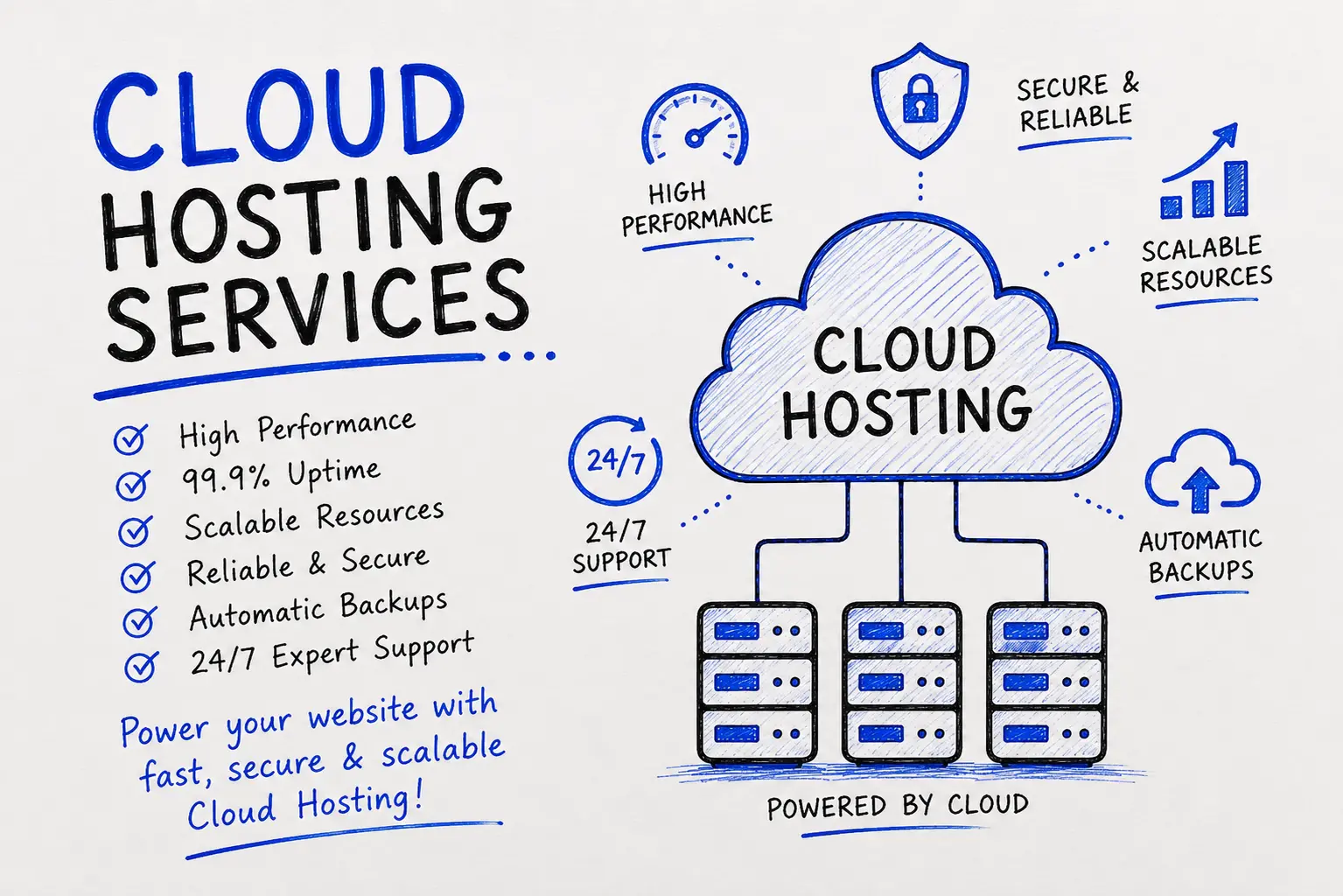
A regional retail business came to us after their online store went down twice during their biggest sale weekend of the year. They were on a basic shared hosting plan that simply couldn't handle the traffic spike from their marketing campaign. Every minute of downtime during that weekend meant lost orders.
We reviewed their traffic patterns, sized a cloud hosting plan around their actual peak load (not just their average day), and migrated the entire store overnight with zero downtime. We also set up automated scaling so the server adds resources on its own the moment traffic climbs, instead of someone having to notice and react manually.
The following sale weekend, the same traffic spike hit. The site didn't go down once. That's the whole point of doing this properly the first time.
1. Audit — we review your current hosting, traffic, and any custom configurations.
2. Plan — we size the right cloud plan for your actual traffic, not a generic package.
3. Staging migration — your site is copied and tested on the new server before anything goes live.
4. Cutover — DNS is switched over during low-traffic hours, so visitors barely notice.
5. Verification — we test every page, form, and integration on the live server.
6. Monitoring — the server is watched closely for the first 48–72 hours after cutover.
Cloud hosting isn't automatically secure just because it's "cloud." Good providers build in:
If your business handles payment data or sensitive customer information, ask your provider directly what compliance standards their infrastructure meets, and get it in writing.
Oversizing the plan "just in case." You end up paying for capacity you never use. Size it to your real traffic and scale up when you need to.
Skipping backups to save a small monthly cost. This is the single most expensive mistake we see, usually discovered right when it's too late to fix.
Migrating without a rollback plan. If cutover goes wrong, you need a way back to the old server, fast.
Assuming "managed" always means "monitored." Ask specifically what's included. Some cheap "managed" plans only mean the dashboard is pre-configured, not that anyone is watching it.
Choosing a provider based on price alone. The cheapest plan often has the weakest support, and support is what matters the day something goes wrong.
Cloud hosting is a way of hosting a website or app across a network of connected virtual servers instead of a single physical machine, so a hardware failure on one server doesn't take your site down.
VPS hosting gives you a guaranteed slice of one physical server. Cloud hosting pulls resources from a network of servers, which makes it more resilient to hardware failure and better at handling sudden traffic spikes.
It costs more than basic shared hosting but usually less than a dedicated server. Since it's usage-based, the exact price depends on your traffic, storage, and support level, so ask for a quote based on your actual numbers rather than assuming a flat rate.
Not with a managed plan. The provider handles the technical setup, security, and monitoring. Self-managed cloud hosting does require server administration experience.
With properly configured cloud hosting, another server in the network automatically takes over the load, so most visitors won't notice any interruption at all.
Yes, that's one of its core strengths. Resources scale up automatically to handle the spike, then scale back down once traffic returns to normal.
Yes, especially for stores that run sales, seasonal promotions, or paid ad campaigns, since downtime during those periods directly costs revenue.
A typical migration takes anywhere from a few hours to a couple of days, depending on site size and complexity. With a staged migration, your live site stays untouched until the new server is fully tested.
Not negatively, if the migration is done correctly with proper redirects and no downtime. In fact, faster load times on cloud hosting often help rankings over time.
Public cloud shares infrastructure across multiple customers with isolated accounts. Private cloud dedicates infrastructure to a single business, usually for compliance or security reasons.
Use this checklist before you sign up with anyone:
We're not a hosting-only company reselling someone else's infrastructure with a markup. We're an IT cloud solutions company that builds the website or software first, so we understand exactly how it needs to be hosted — not just how to sell you a server plan.
If your site has outgrown its current host, or you're just tired of guessing whether it'll survive the next traffic spike, talk to our team and we'll size a plan around your actual numbers.
For sites with growing or unpredictable traffic, yes. Cloud hosting handles spikes and hardware failures far better than standard shared web hosting, though it usually costs more.
Yes, with a proper migration process your site, database, and files move over without data loss, and downtime can be reduced to minutes or avoided entirely with a staged cutover.
Yes. WordPress sites benefit especially from cloud hosting's speed and uptime, since page load time directly affects both user experience and SEO rankings.
Most quality cloud hosting plans include automated backups, but the frequency and retention period vary by provider, so always confirm this before signing up.
Managed cloud hosting means the provider handles server setup, security patching, monitoring, and backups for you, so you don't need in- house technical staff to keep things running.
Have questions or need expert guidance? Our team is ready to help you with the right technology solutions for your business.