
Website design se lekar final launch tak pura process bahut smooth raha. Team har update time par deti rahi aur support bhi outstanding mila.

Website maintenance is the ongoing work of keeping a live website secure, fast, and functional after it launches, updates, backups, uptime checks, bug fixes, and content refreshes included. Most small business websites need somewhere between $50 and $500 a month (roughly ₹4,000 to ₹42,000) depending on size, traffic, and how hands-on the support needs to be.
If you're reading this, there's a decent chance your website hasn't been touched since the day it went live. That's normal. Most business owners treat a website like a signboard: put it up once, walk away. But a website isn't a signboard. It's software, and software rots the moment nobody looks after it.
We're Hyper Software, an IT solutions company based in Jaipur that's been building and maintaining websites since 2020. We've inherited more neglected sites than we can count, sites with plugins from 2019, expired SSL certificates, contact forms silently failing for months. This guide walks through what maintenance actually covers, what it costs, and how to decide whether you need a person, a plan, or just five minutes a week.
Website maintenance covers everything that keeps a site running after launch: software updates, website security, backups, uptime monitoring, speed checks, broken link fixes, and content updates. Think of it less like a service and more like an insurance policy that also happens to improve performance.
Here's the part most people miss: a website development services isn't a static file sitting on a server management. It's built on a CMS (WordPress, Shopify, a custom framework) that depends on dozens of moving parts, plugins, themes, PHP versions, database software. Each of those gets updated by someone else, on their own schedule. If your site doesn't move with them, it eventually breaks or gets exploited.
We had a client last year running a WooCommerce store that hadn't updated a single plugin in fourteen months. Nothing had "broken" in an obvious way. But their checkout page was throwing a silent JavaScript error on Safari, which meant every iPhone user hit "Place Order" and got nothing. They'd been quietly losing roughly 30% of mobile orders for months and had no idea, because the desktop version worked fine and nobody was checking analytics by device.
Get Free Consultation Within Minutes
Neglect doesn't announce itself. It shows up as small, deniable problems that compound.
None of this needs to happen. It happens because nobody was assigned to watch for it.
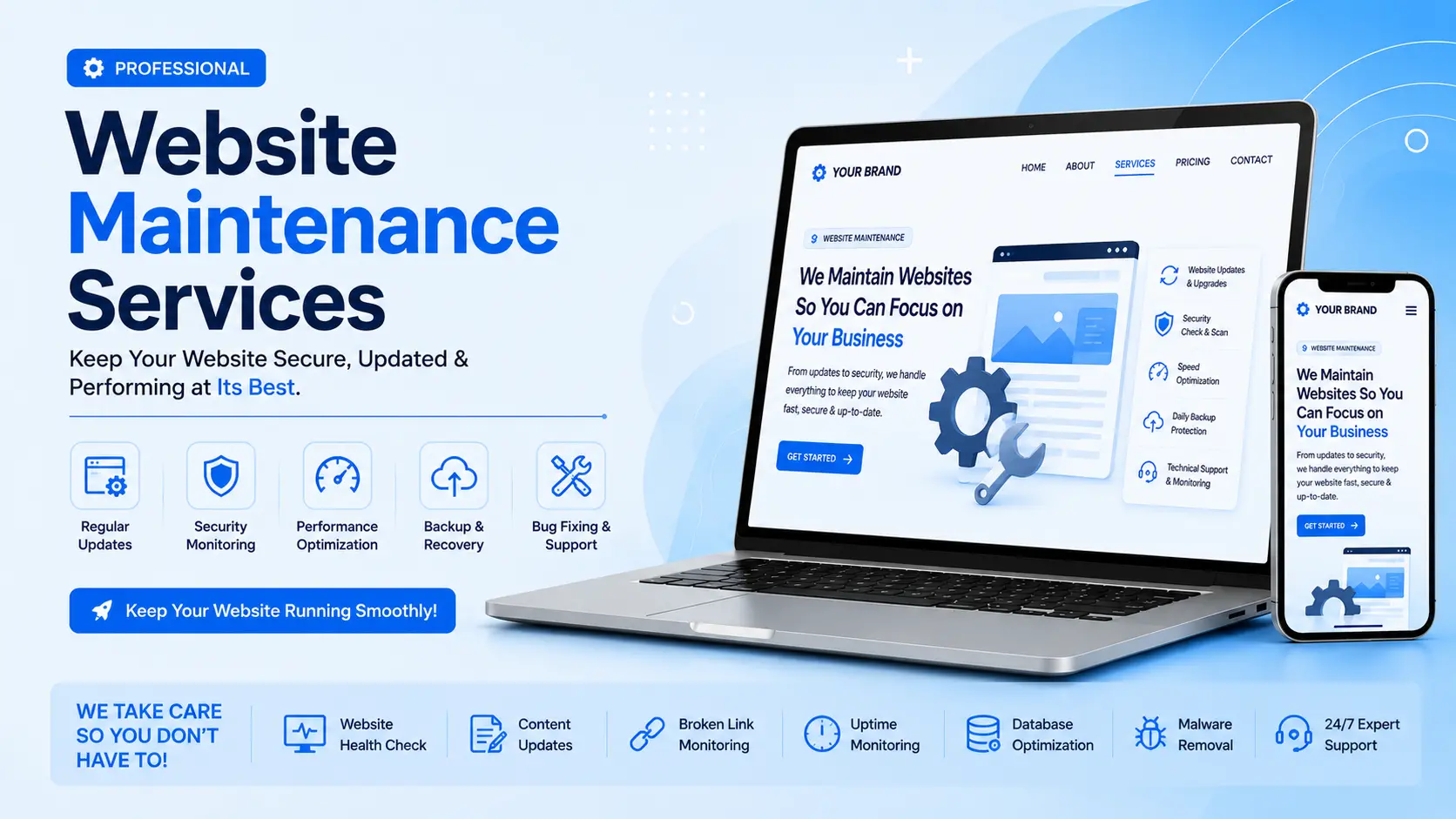
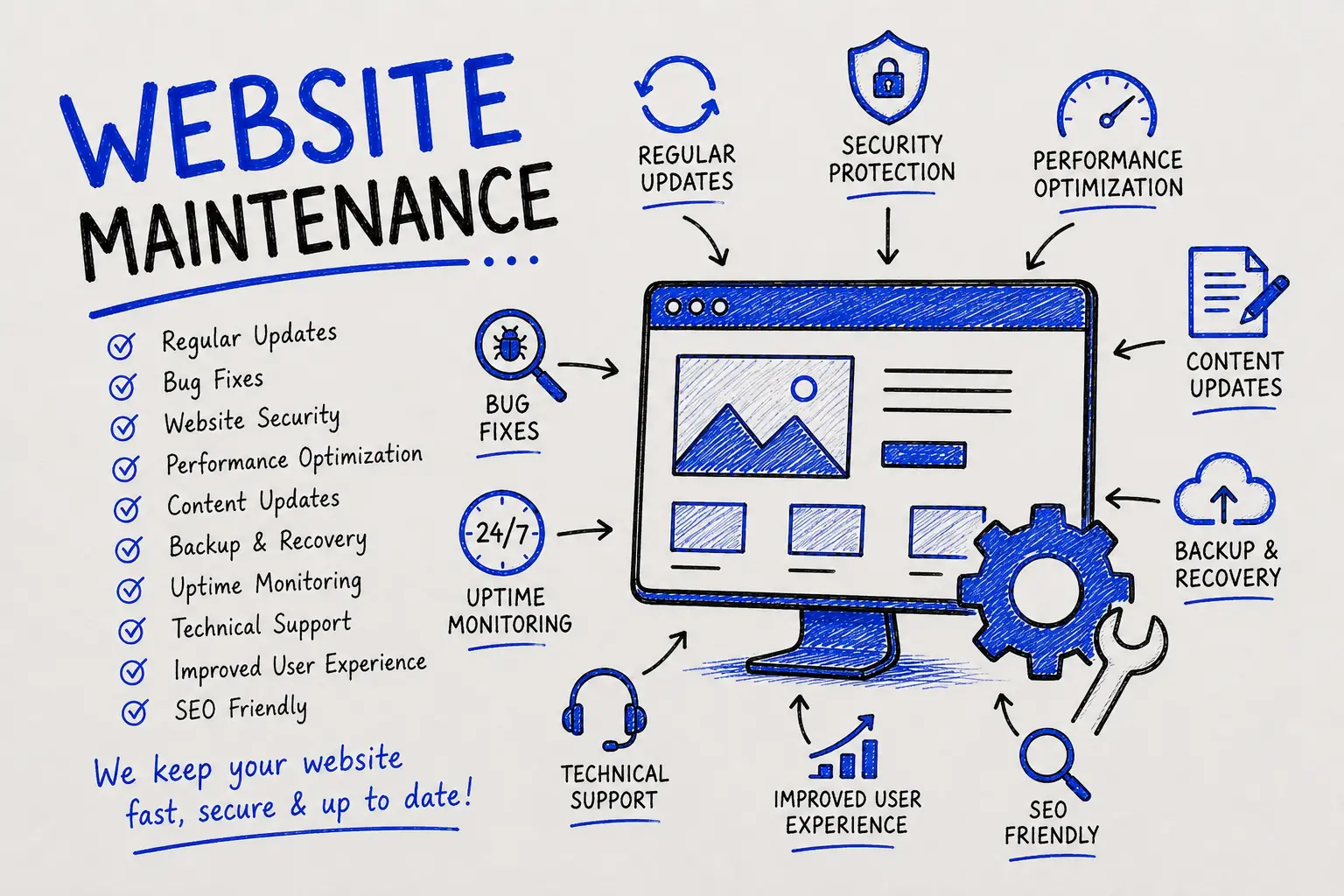
A proper maintenance plan generally covers these areas:
Here's the rhythm we follow across the sites we manage.
Prices vary by site type, platform, and how much support you want. Here's a realistic breakdown based on current market rates globally, shown in USD with an approximate INR equivalent for our India-based clients.
| Plan Tier | Best For | Monthly Cost (USD) | Approx.INR | What's Typically Included |
| DIY / Self- managed | Owners comfortable with tech, simple sites | $15–$50 | ₹1,300– ₹4,200 | Manual updates, basic backup plugin, no human support |
| Basic / Essential | Small brochure or service websites | $50–$150 | ₹4,200– ₹12,500 |
Core updates, backups, uptime monitoring, 1–2 small edits |
| Standard / Business | Growing sites, lead generation | $150–$500 | ₹12,500– ₹42,000 |
Everything in Basic plus security hardening, speed work, monthly report, more edit hours |
| E-commerce / Enterprise | Online stores, high-traffic or complex sites | $500– $2,500+ |
₹42,000– ₹2,10,000+ |
24/7 monitoring, incident response, performance tuning, dedicated support, priority turnaround |
If someone quotes you $10 a month for "full maintenance" with no clear scope, ask exactly what's included. Cheap plans that skip security monitoring and real backups often cost more later, one malware cleanup alone commonly runs $500 to $3,000, plus whatever traffic and trust you lose during the outage.
A quick gut-check on freelancer vs. agency rates: freelance developers typically charge $30–$200 an hour for ad-hoc fixes, while agencies bundle the same work into fixed monthly retainers, usually better value if you need more than the occasional fix.
There's no universally "right" answer here. It depends on your time, your technical comfort, and how much risk you're willing to carry.
| Factor | DIY | Freelancer |
Agency (like Hyper Software) |
| Cost | Lowest ($15–$50/mo) | Mid ($75–$250/mo) | Fixed plans ($50–$2,500+/mo) |
| Your time required | High, 2–3+ hours/week | Low to medium | Minimal |
| Response speed |
Depends entirely on you |
Varies by availability | Defined turnaround times |
| Security expertise | Only what you know | Individual skill level |
Team coverage, backup expertise |
| Risk if something breaks | High, no second opinion | Medium |
Low, dedicated support and rollback process |
| Best for | Simple sites, technical owners | One-off fixes, small budgets | Businesses where downtime costs money |
When DIY genuinely makes sense: a personal blog, a portfolio site, or a very simple brochure site where an hour of downtime costs you nothing.
When it doesn't: any site that generates leads or sales. The math rarely works in your favor once you count your own hourly value against the time spent troubleshooting a plugin conflict at 11 pm.
Website maintenance is the ongoing process of updating software, monitoring security, backing up data, and fixing issues to keep a website running smoothly after launch.
Most small business websites cost $50 to $500 (₹4,000–₹42,000) a month. Simple sites can run as low as $15–$50, while e- commerce or high-traffic sites often exceed $500.
Over time you risk security breaches, slow load speeds, broken functionality, and declining search rankings. Small issues compound into expensive ones.
For a small business site, 2–3 hours a month of focused work usually covers the basics. Larger or more complex sites need proportionally more.
No. Hosting is where your site's files live. Maintenance is the active work of keeping what's on that hosting secure, updated, and functional.
Yes. We regularly take over maintenance for sites built by other agencies or freelancers, as long as we get access to hosting, admin login, and file access.
Typically: core and plugin updates, backups, uptime monitoring, and one or two small content edits per month. Security hardening and speed work usually sit in higher tiers.
Most do, though response time depends on the plan tier. Confirm the guaranteed turnaround time before signing up.
Yes. Updates should ideally be applied on a staging copy of the site first, then pushed live once confirmed safe, this avoids breaking the live site in front of visitors.
Assuming "nothing's broken" means nothing needs attention. Most damage (security gaps, slow leaks in speed, silent form failures) is invisible until it's serious.
A Jaipur-based furniture exporter came to us in early 2025 with a WordPress core updates site that had been "maintained" by whoever was free at the time, no fixed process, no backups anyone could locate. Their site got hit with a malware injection that silently redirected mobile visitors to a spam page, invisible on desktop, which is exactly why it went unnoticed for almost three weeks. Google had already started flagging the site with a security warning by the time they called us.
We ran a full malware scan and removal, restored clean files from an old cPanel snapshot, patched the vulnerable plugin that let the attacker in, and put them on our Standard maintenance plan with weekly scans and verified backups going forward. Within 10 days, Google lifted the warning and organic traffic recovered to its prior level within six weeks. They've been on a fixed monthly plan with us since, no surprise bills, no repeat incidents.
That's the pattern we see constantly: the problem was never a lack of a website. It was a lack of anyone actually watching it.
Founded in 2020, Hyper Software is an IT solutions company based in Jaipur, Rajasthan, helping businesses across India and internationally keep their websites secure, fast, and up to date. Beyond maintenance, our team builds custom websites, software, mobile apps, eCommerce platforms, CRM and ERP systems, and handles UI/UX design and digital marketing, which means when your maintenance plan flags something bigger (a redesign, a new integration, a slow database), we already have the team in-house to fix it rather than outsourcing to a third party.
We work with WordPress, Shopify, custom PHP applications, and modern JavaScript stacks. Every plan includes a monthly report, and every new client starts with a free audit so you know exactly what state your site is in before you commit to anything.
Talk to us: Call +91 9079282750 or visit www.hypersoftware.in for a free website health check.
Yes. Most problems (security gaps, slow load times, broken forms) are invisible until they cause real damage. "Still works" usually means "hasn't failed publicly yet."
Core software and plugins should be checked weekly; content and performance should be reviewed monthly; a full audit should happen at least once a quarter.
Yes, if you're comfortable with basic tech tasks and your site is simple. For anything generating leads or revenue, the time and risk usually outweigh the savings.
Hosting is the server space that keeps your site online. Maintenance is the active work of updating, securing, and monitoring what runs on that server. You need both, and they're not the same thing.
Yes, as long as you own your domain, hosting account, and files outright. Confirm ownership terms before signing with any provider, some retain file access as leverage.
Have questions or need expert guidance? Our team is ready to help you with the right technology solutions for your business.