Website design se lekar final launch tak pura process bahut smooth raha. Team har update time par deti rahi aur support bhi outstanding mila.

You shot the footage. Now it's sitting in a folder, half-organized, waiting for someone to turn it into something people will actually watch to the end. That's where video editing services come in.
At Hyper Software, we cut, color, and polish raw footage into finished videos for YouTube channels, businesses, and social media brands, wherever they're based. No long contracts. No guessing what you'll pay. Just an experienced editor, a clear process, and a video that's ready to publish.
Video editing is the process of taking raw, unedited footage and turning it into a finished video. That means cutting out the dead space, arranging clips in the right order, correcting the color, mixing the audio, and adding titles, transitions, or graphics where they help.
Think of raw footage as ingredients and the final video as the finished dish. The footage on its own isn't the product. What an editor does with it is.
A basic edit might just trim and arrange clips. A full edit adds color grading, sound design, motion graphics, subtitles, and multiple output formats for different platforms. Most businesses need something in between.
Get Free Consultation Within Minutes
Every project is different, but a professional video editing service should cover:
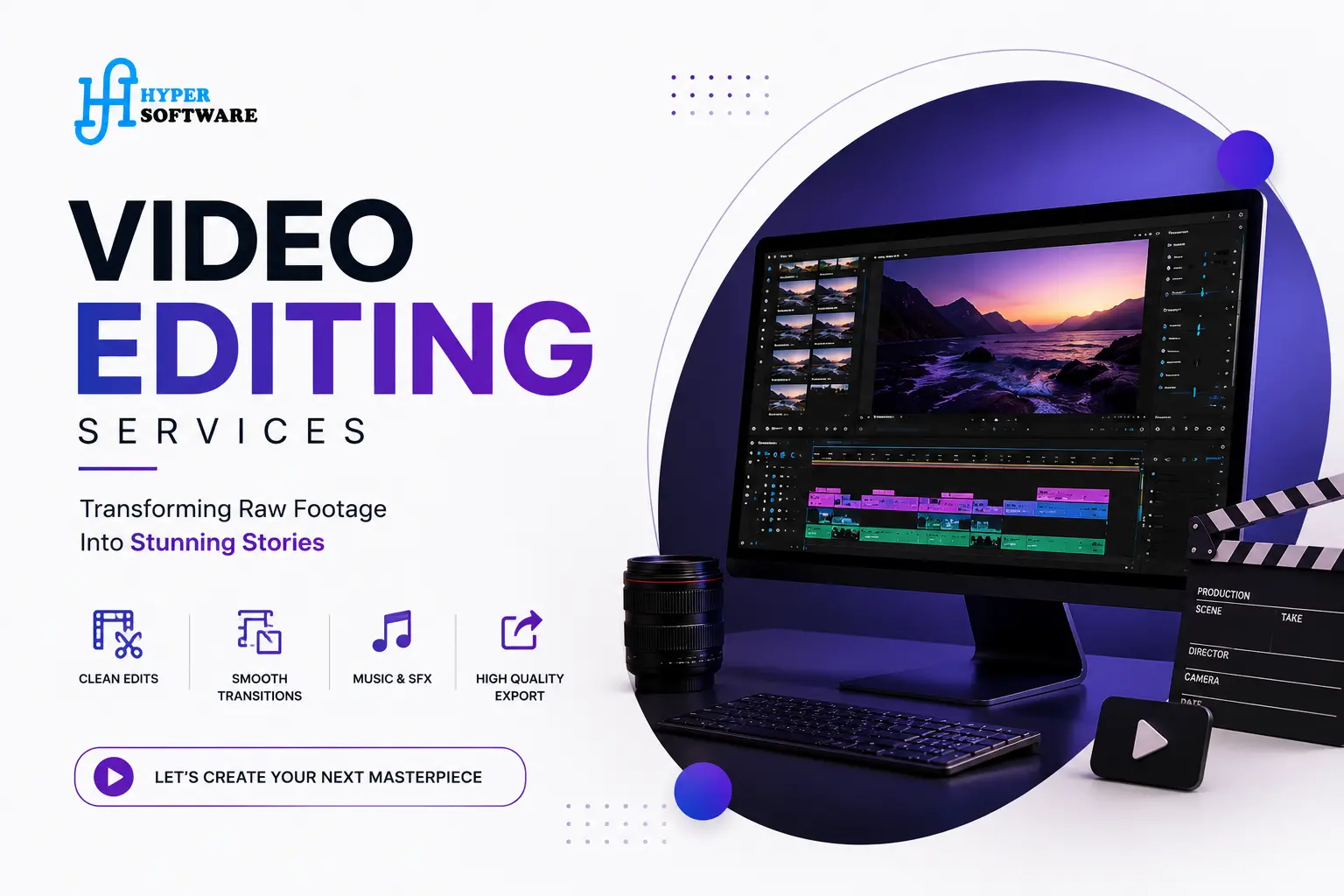
Different videos need different editing approaches. Here's how we break it down.
YouTube Creator Academy and Content Creator Editing
Long-form YouTube videos need pacing, jump cuts, B-roll, and a hook in the first 15 seconds that stops people from clicking away. We edit for retention, not just polish.
Corporate and Business Videos
Training videos, internal communications, and company overviews need a clean, professional look with your brand's colors, fonts, and tone carried through every clip.
Social Media Reels and Shorts
Fast cuts, bold captions, trending audio where it fits, and a hook that works with the sound off. Built for the scroll, not the sofa.
Wedding and Event Videos
Emotional pacing, music-led storytelling, and a highlight reel alongside the full ceremony cut. We know how to protect a moment instead of rushing past it.
E-commerce and Product Videos
Short, benefit-led cuts built forAmazon listings, Meta ads, and product pages, usually under 60 seconds and built to convert, not just inform.
Explainer and Animated Videos
Screen recordings, voiceover sync, and simple 2D animation to explain a product or process in under two minutes.
Podcast Video Editing
Turning a long recorded conversation into a clean full episode plus a batch of short clips for social, with captions burned in for sound-off viewing.
Here's exactly what happens after you send us your footage.
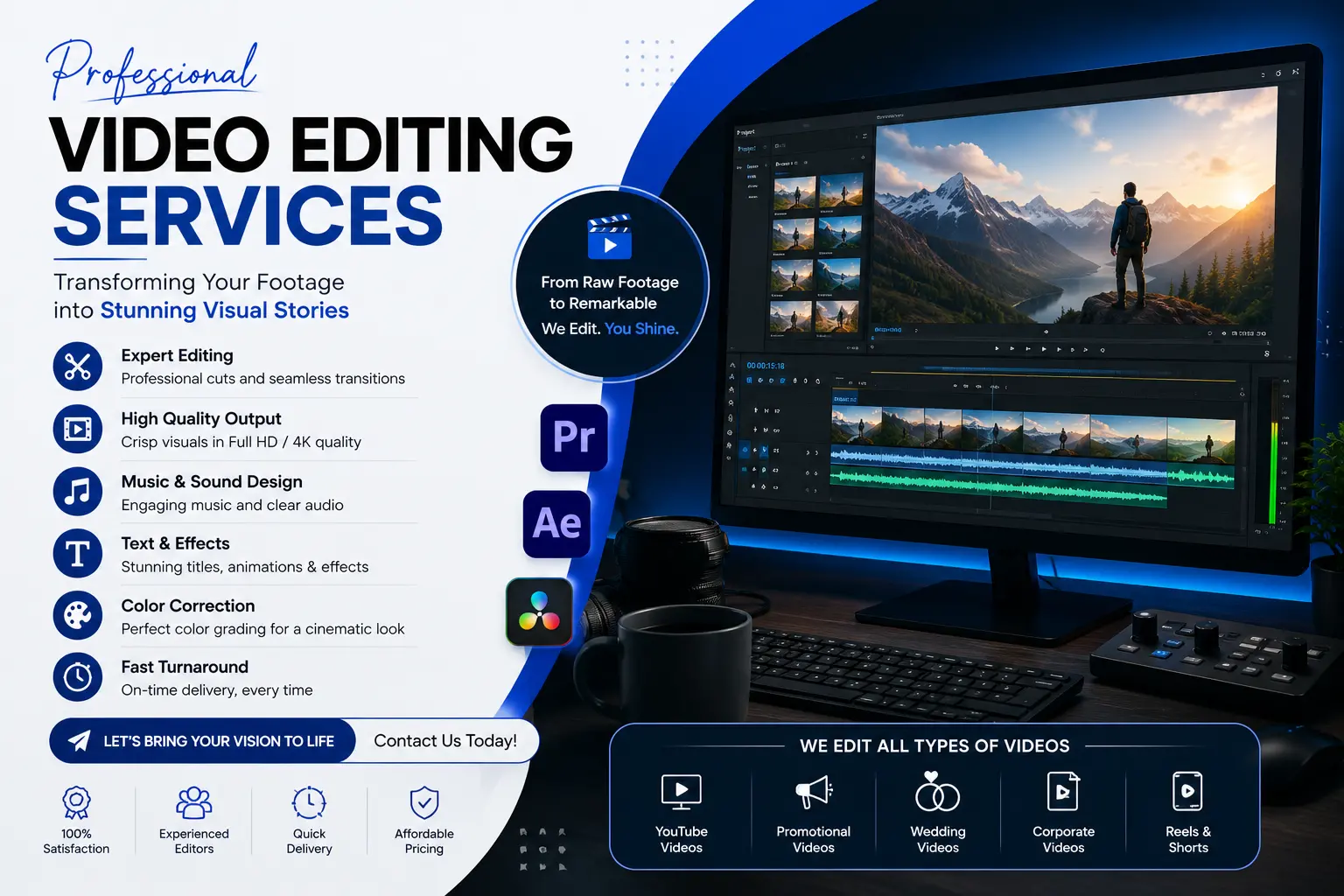
Video editing pricing varies a lot depending on who you hire and how the video is scoped. Here's what the market actually looks like in 2026.
| ModelTypical RateBest For | ||
| Freelancer (entry-level) | $20–$45/hour or $150–$400/video | Simple cuts, low budget, occasional projects |
| Freelancer (experienced) | $50–$150/hour or $400–$1,200/video | Regular content with some complexity |
| Agency / Studio | $100–$250/hour or $300–$20,000+/project | Corporate video, heavy animation, brand campaigns |
| Monthly subscription editing | Roughly $300–$3,000/month | Ongoing content: weekly YouTube, daily social clips |
A simple social media clip can run as low as $20 to $50. A heavily animated corporate video can run past $2,000. Most small and mid-size businesses land somewhere between $100 and $500 per finished video, depending on length and complexity.
At Hyper Software, we quote per project after a short brief, so you know the exact cost before work starts. No surprise invoices after delivery.
This is the question almost every business asks before spending a rupee or a dollar on editing. Here's the honest answer.
When DIY makes sense:
When hiring makes sense:
What can go wrong doing it alone:
Software and Tools We Use
We build every project in industry-standard software, not budget tools that limit what's possible:
Using the same tools the top studios use means your project files stay flexible if you ever need edits down the line.
A fitness coach came to us posting one YouTube video a week, edited by herself at midnight after a full day of client sessions. Her upload schedule was slipping, and the edits she did finish were inconsistent, sometimes tight and punchy, sometimes flat.
We took over her weekly long-form edit and added three short clips per video for Instagram and YouTube Shorts. Within the first month, her upload schedule became reliable again. Within three months, her average watch time on long-form videos had climbed, and the short clips were pulling in new subscribers she hadn't reached before.
Send raw, unedited footage straight from your camera or phone in its original format (MP4, MOV, or similar). Don't compress or pre- trim it; the editor works best with the original files.
Most professional services include 2 to 3 rounds of revisions in the base price. Additional rounds beyond that are usually billed separately.
Yes. Professional editing services typically include titles, lower thirds, and simple motion graphics. Heavier animation, like custom explainer graphics, is often quoted separately due to the extra time involved.
Yes, color correction and grading are standard parts of a professional edit. Color correction fixes exposure and balance; grading adds a consistent, intentional look across the video.
Most professional editors use Adobe Premiere Pro or DaVinci Resolve for editing and color, and Adobe After Effects for motion graphics.
Yes. A single video can be cut into multiple formats, 16:9 for YouTube, 9:16 for Reels and TikTok, from the same footage and story.
Yes, most established video editing services, including Hyper Software, work with clients across countries and time zones, coordinating through shared cloud folders and scheduled calls.
Video production covers filming, planning, and shooting the footage. Video editing happens after, turning that footage into the finished video. Some companies offer both; others, like a pure editing service, focus only on post-production.
Share your goal, target length, tone, reference videos you like, and any brand guidelines (colors, fonts, logo). The clearer the brief, the fewer revision rounds you'll need.
Yes, within reason. Audio cleanup and stabilization are standard parts of the process, though extremely poor source footage may limit how much can be fixed.
Before you commit, check for:
If a company can't answer these plainly, that's worth noticing before you send them your footage.
Hyper Software has been building digital solutions for businesses since 2020, from websites and apps to CRM systems and digital marketing. Video editing sits alongside that: a practical, results-focused service, not a side hustle bolted onto a tech company.
We work with clients across time zones, so wherever your audience is, we can fit your schedule.
A video editing service takes your raw footage and turns it into a finished video: cutting clips, correcting color, mixing audio, and adding titles or graphics where needed.
Costs range from around $20 for a simple social clip to $2,000 or more for a heavily animated corporate video. Most businesses pay between $100 and $500 per finished video, depending on length and complexity.
A single video typically takes 2 to 5 business days, depending on length and how much motion graphics or color work it needs. Rush turnaround is usually available for an added fee.
Freelancers suit occasional, simple projects. Agencies suit high-budget, high-complexity work like brand campaigns. Subscription editing suits businesses publishing regularly, since it gives predictable monthly costs for ongoing volume.
If editing is taking hours you could spend filming, running your business, or resting, and the quality of your videos affects your results, outsourcing usually pays for itself quickly.
Have questions or need expert guidance? Our team is ready to help you with the right technology solutions for your business.