Business website bilkul premium quality ki bani hai. Mobile responsive design aur clean layout ki wajah se customer experience bahut achha ho gaya. Highly recommended.

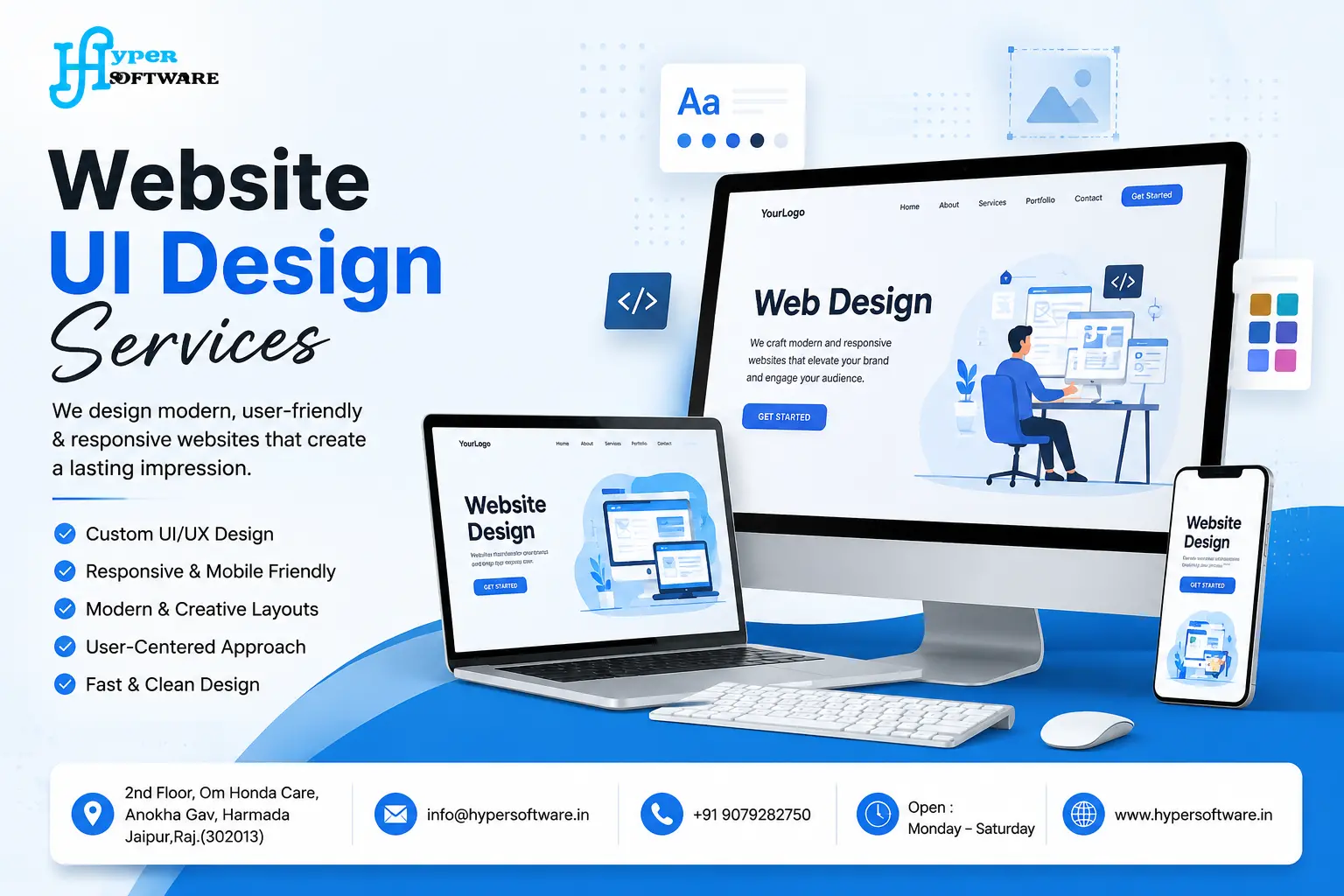
A website's UI/UX design services is the first thing a visitor judges, usually within the first three seconds. It's the layout, the colors, the buttons, the fonts, everything a person sees and taps on before they decide whether to stay or leave. Get it right, and visitors find what they need and act. Get it wrong, and they bounce, no matter how good your product actually is.
At Hyper Software, we design website interfaces for businesses that need more than "nice looking." We build UI that's built to convert, load fast, and hold up on every screen size, from a 6-inch phone to a 27-inch monitor.
Website UI (User Interface) design is the practice of designing the visual and interactive layer of a website: layout, typography, color palette, icons, buttons, forms, and navigation. It's the part of a website you physically see and click.
UI design decides how information is grouped, what stands out first, and how a visitor moves from landing on a page to completing an action, whether that's filling a form, adding a product to a cart, or booking a call.
Good UI design isn't just decoration. It's a functional layer that either helps a visitor get where they're going or gets in their way.
Get Free Consultation Within Minutes
Here's the part most business owners underestimate: UI design has a direct line to revenue.
A cluttered layout or a confusing menu doesn't just look unprofessional, it costs sales. Visitors who can't find a "Contact" button or can't tell what a page is offering leave within seconds. Multiply that across thousands of monthly visitors, and a weak UI quietly drains a business month after month.
On the flip side, a clear, well-structured UI does three things at once:
Builds instant trust. Visitors decide whether a business looks credible before they read a single word of copy.
Reduces friction. Clear buttons, readable text, and logical navigation mean fewer people give up halfway through a form or checkout.
Improves search visibility. Google's Core Web Vitals reward pages that load fast and don't shift around as they load, and clean UI code tends to score better on both.
We've seen clients double their contact form submissions purely from a UI cleanup, no new traffic, no new offer, just a design that stopped fighting the visitor.
People use "UI" and "UX" like they're interchangeable. They're not, and the difference
matters when you're briefing a designer or reading a quote.
| UI Design | UX Design | |
| Focuses on |
What the visitor sees andtouches |
How the whole experience feels and flows |
| Includes |
Colors, fonts, buttons, icons, layout |
User research, site structure, User flows, testing |
| Answers the question | "Does this look clear and usable?" | "Does this make sense from start to finish?" |
| Deliverables | Visual mockups, UI kit, style guide | Wireframes, user journey maps, prototypes |
| Example problem it fixes | A button that's hard to spot | A checkout process with too many steps |
Think of it this way: UX decides that a checkout should take three steps instead of seven. UI decides how those three steps actually look, what the buttons say, where the progress bar sits, whether the form fields feel easy to fill in. You need both working together, and at Hyper Software, our design team handles both as one connected process, not two separate handoffs.
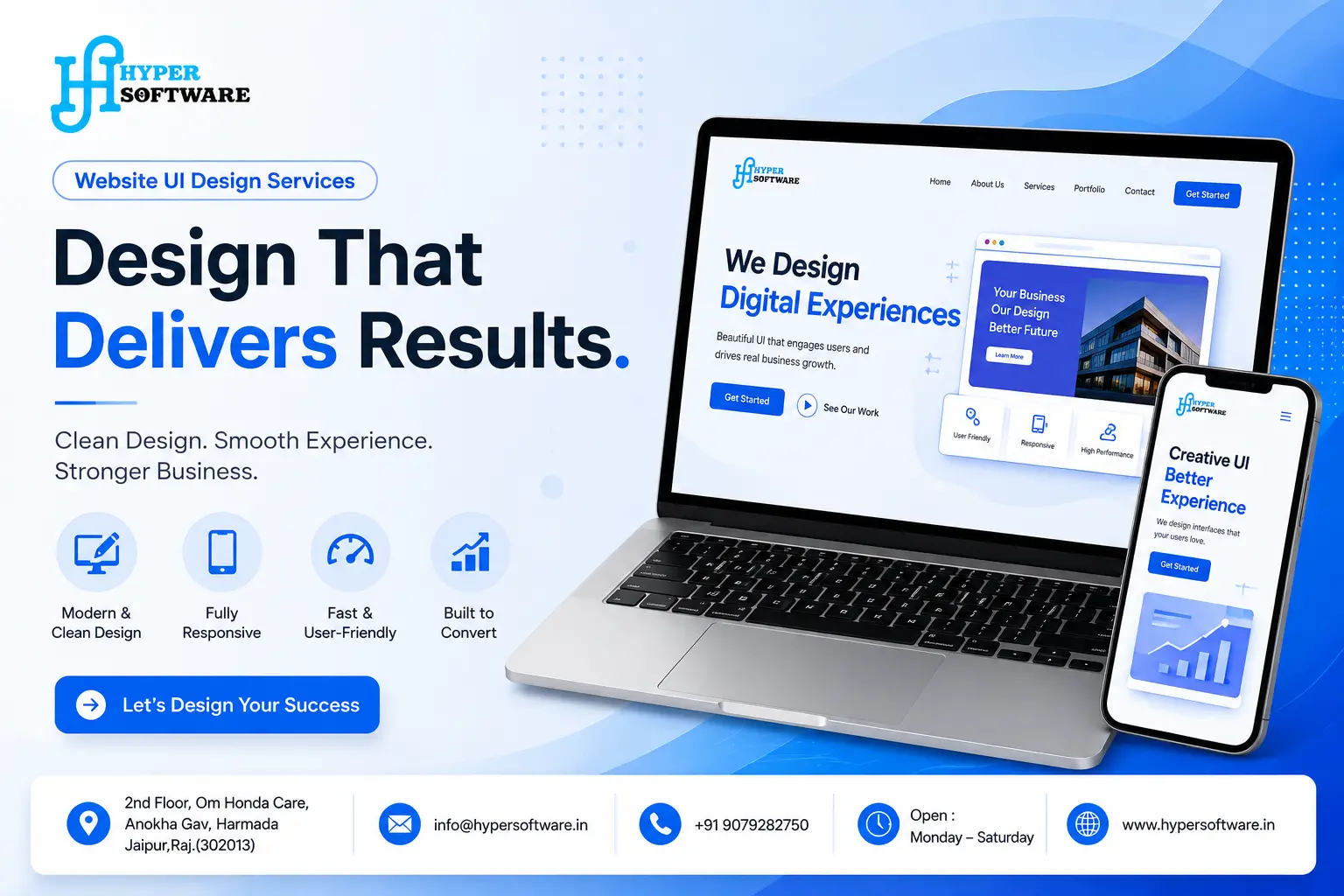
Every project runs through the same structured process. We don't skip steps to save time, because the steps that get skipped are usually the ones that cause revisions later.
1. Discovery call (1–2 days). We ask about your business, your audience, your competitors, and what "success" looks like for this design.
2. Research and wireframing (3–5 days). We map out the page structure, low on visuals, focused entirely on layout and flow.
3. Visual design (5–8 days). Typography, color, imagery, and components get built out on top of the approved wireframe.
4. Clickable prototype (2–3 days). You get a working, clickable version in Figma so you can click through it before a single line of code is written.
5. Review and revisions (3–5 days). Two structured rounds of feedback, built into every project quote.
6. Developer handoff (1–2 days). Final files, a UI kit, and specs get handed to the development team (ours or yours) ready to build.
Most website UI design projects run 3 to 6 weeks start to finish. Larger platforms with dashboards or multiple user roles run longer, usually 6 to 10 weeks.
A UI can look polished on a mockup and still fail in the real world. These are the elements we check on every project:
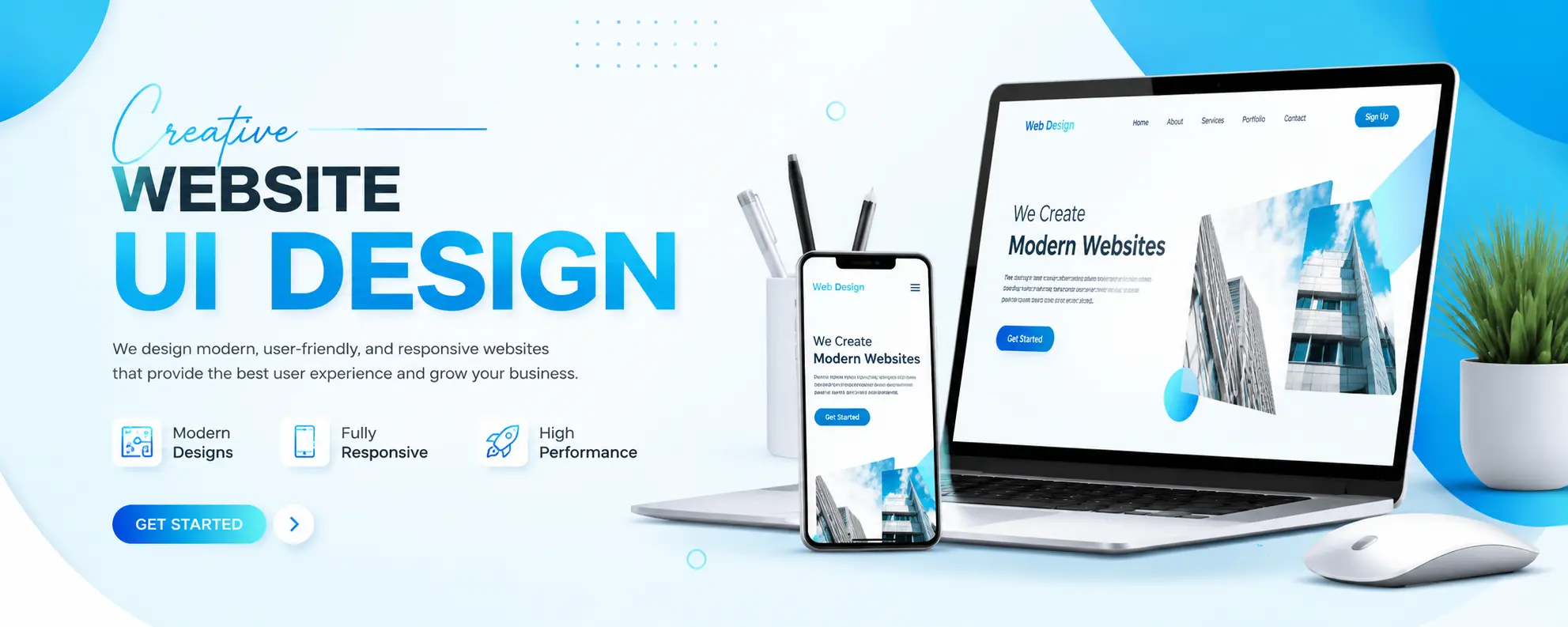
Pricing for website UI design in India varies quite a bit, and most agencies don't publish real numbers. Here's what the market actually looks like:
| Project Type | Typical Cost (INR) | What's Included |
| Template-based design | ₹8,000 – ₹25,000 | Customized theme, brand colors, limited layout changes |
| Semi-custom UI design (5–10 pages) | ₹25,000 – ₹75,000 | Custom homepage, template-based inner pages, basic UI kit |
| Fully custom UI design (5–15 pages) | ₹75,000 – ₹2,00,000 | Custom wireframes, full visual design, prototype, complete UI kit |
| Enterprise / SaaS platform UI | ₹2,00,000 – ₹8,00,000+ | Multi-role dashboards, design system, ongoing design support |
For international clients, Hyper Software's rates typically run well below US and UK agency pricing, since a fully custom UI design that costs $2,000–$8,000 abroad often comes in significantly lower when built out of Jaipur, without a drop in quality.
What actually drives the price up: number of unique page templates, whether you need a full design system, how many revision rounds you need, and whether user research or usability testing is part of the scope.
This is the decision most business owners actually have to make, and it deserves an honest answer, not a sales pitch.
What it costs either way: DIY is cheaper upfront but the ongoing cost is time and, often, lost conversions from a UI that doesn't quite work. Hiring an agency costs more at the start but comes with a structured process, revisions, and a UI kit you can reuse.
After auditing hundreds of existing websites, the same problems keep showing up:
A real example: A Jaipur-based furniture retailer came to us with an existing WordPress site that looked dated and converted almost nobody. Their bounce rate sat above 70%, and their contact form got maybe two submissions a week.
We ran a discovery call, mapped their actual customer journey (mostly mobile visitors searching for specific furniture categories), and found the core problem fast: their menu buried categories three clicks deep, and product images loaded slowly enough that impatient visitors left before the page finished rendering.
We rebuilt the UI around a simpler top-level navigation, compressed and properly sized images, and a clearer product card layout with visible pricing and a one-tap "Enquire" button. Within six weeks of launch, their bounce rate dropped to 41%, and form submissions went from roughly 8 a month to over 40. Same traffic, same offer, different UI.
That's the pattern we look for on every project: not "what looks impressive," but "what's actually stopping a visitor from taking the next step."
Website UI design is the process of designing the visual and interactive parts of a website, including layout, colors, fonts, buttons, and navigation, so visitors can use the site easily and take action.
Costs typically range from ₹8,000 for a template-based design to ₹2,00,000+ for a fully custom design with a complete UI kit, depending on the number of pages and level of customization.
UI design is the visual and interactive layer of a site. Web design is the broader process, which includes UI, content structure, SEO, and often development.
Most business websites take 3 to 6 weeks from the discovery call to final handoff. Larger platforms take longer.
Often just the UI. If your site's structure and content already work but it looks dated or performs poorly, a UI-only redesign is usually faster and cheaper than a full rebuild.
Figma is the most widely used tool today for UI design, prototyping, and handing designs to developers. Adobe XD and Sketch are still used by some teams.
Yes. Clearer navigation, visible CTAs, and faster-loading pages consistently reduce bounce rates and increase form submissions and sales, often without any change in traffic or offer.
A standard package includes wireframes, visual design for each page template, a clickable prototype, a UI kit (colors, fonts, buttons, components), and 1–2 rounds of revisions.
Yes. Mobile UI design has to account for smaller screens, touch input instead of a mouse, and slower average connection speeds, so layouts, tap targets, and image sizes all need separate attention.
Warning signs include a bounce rate above 60%, low time on page, visitors abandoning forms or carts partway through, and feedback that the site "feels outdated" or "hard to use" on mobile.
We've built website UI for:
Run through this before any new UI goes live:
Yes. UI design is one part of the overall web design process, specifically the visual and interactive layer. Web design also covers content structure, SEO setup, and often development.
Most projects take 3 to 6 weeks for a standard business website. Larger platforms with custom dashboards can take 6 to 10 weeks or more.
Not always. Many agencies, including Hyper Software, combine both roles into one connected process for small to mid-sized projects. Very large platforms sometimes benefit from dedicated specialists for each.
Often yes, especially if the site runs on a flexible CMS like WordPress. A UI refresh can update the look and feel without touching backend logic, though some changes may need light development work.
Figma is the current industry standard for UI design, prototyping, and developer handoff. Some teams still use Adobe XD or Sketch.
Have questions or need expert guidance? Our team is ready to help you with the right technology solutions for your business.