
Website design se lekar final launch tak pura process bahut smooth raha. Team har update time par deti rahi aur support bhi outstanding mila.

A dedicated server is a single physical machine rented entirely to your business — no shared CPU, no shared RAM, no other tenant slowing you down. If your website, app, or database has started struggling under real traffic, or your compliance team won't accept shared infrastructure anymore, this guide walks you through everything you need before you buy one: what it actually costs, how it compares to VPS and cloud, and the mistakes that quietly inflate the bill.
We've set up and managed dedicated servers for clients across India and internationally at Hyper Software since 2020. What follows isn't recycled marketing copy — it's what we actually tell clients in the first call.
A dedicated server is a physical server that belongs to one customer only. There's no virtualization layer splitting it between other accounts, so every CPU core, every gigabyte of RAM, and every inch of storage is yours.
Think of it this way. Shared hosting is a room in a hostel — you get a bed, but the kitchen, bathroom, and Wi-Fi are shared with strangers. VPS hosting is a private flat inside a larger building — your own space, but you're still connected to shared plumbing and electricity. A dedicated server is the whole building. Nobody else's traffic spike, nobody else's misconfigured script, and nobody else's security breach can touch your performance.
In practice, that means:
The trade-off is cost and responsibility. You're either managing more yourself, or paying a provider to manage it for you. That decision shapes almost everything else in this guide.
Get Free Consultation Within Minutes
Most buyers land on "dedicated server" after they've already tried shared hosting or a VPS and hit a wall. Here's the honest comparison.
| Factor | Shared Hosting | VPS Hosting | Cloud Hosting | Dedicated Server |
| Resource sharing | Fully shared | Virtually partitioned, physically shared | Pooled across multiple nodes | None — entire machine is yours |
| Performance consistency | Low, affected by other sites | Moderate | High, but usage-dependent | Highest, fully predictable |
| Root access | No | Yes | Usually yes | Full, unrestricted |
| Scalability | Very limited | Limited to host machine | Instant, on- demand |
Limited to machine capacity (upgrade = new hardware) |
| Typical monthly cost (India) | ₹100–₹1,000 | ₹800–₹8,000 | ₹1,500–₹15,000+ (usage-based) | ₹6,000–₹60,000+ |
| Best for | Small blogs, personal sites | Growing websites, staging environments | Unpredictable or spiky traffic | High-traffic sites, databases, compliance-driven workloads |
A quick way to decide: if your traffic is steady and high, a dedicated server usually beats cloud hosting on cost per unit of performance. If your traffic swings wildly — a flash sale one day, near-nothing the next — cloud hosting's pay-as-you-go model often works out cheaper.
Not all dedicated servers are the same product wearing different labels. Three distinctions matter before you buy.
If you don't have an in-house sysadmin, unmanaged hosting is almost always a false economy — the hours your team spends firefighting cost more than the management fee you were trying to avoid.
A traditional bare-metal server is one fixed physical machine. A "cloud dedicated" server is a virtualized instance that gets the entire capacity of its parent server — you get isolation with slightly more flexibility to migrate, at a small premium.
The honest downside: dedicated servers cost more upfront than VPS or shared hosting, and scaling means moving to bigger hardware rather than a one-click upgrade. That's the trade you're making for control and consistency.
Not everyone does — and a good provider should tell you that plainly instead of upselling you. A dedicated server usually makes sense if you fall into one of these:
If your traffic is under a few hundred visitors a day and steady, a good VPS plan will likely outperform a dedicated server on cost — save the upgrade for when you actually need it.
This is where most comparison pages stop short. Here's what dedicated server pricing looks like in India, and where the real costs hide.
| Tier | Monthly Price Range | Typical Specs | Best For |
| Entry- level | ₹6,000 – ₹12,000 | 4-core CPU, 16–32GB RAM, SSD storage | Small business websites, growing blogs |
| Mid-range | ₹12,000 – ₹25,000 | 8–16 core CPU, 32–64GB RAM, NVMe SSD | eCommerce, SaaS applications, agencies |
| Enterprise | ₹25,000 – ₹60,000+ | High-core-count Xeon/EPYC, 128GB+ RAM, RAID storage | High-traffic platforms, large databases, compliance-heavy workloads |
Windows licensing typically adds ₹1,000–₹5,000/month on top of any tier.
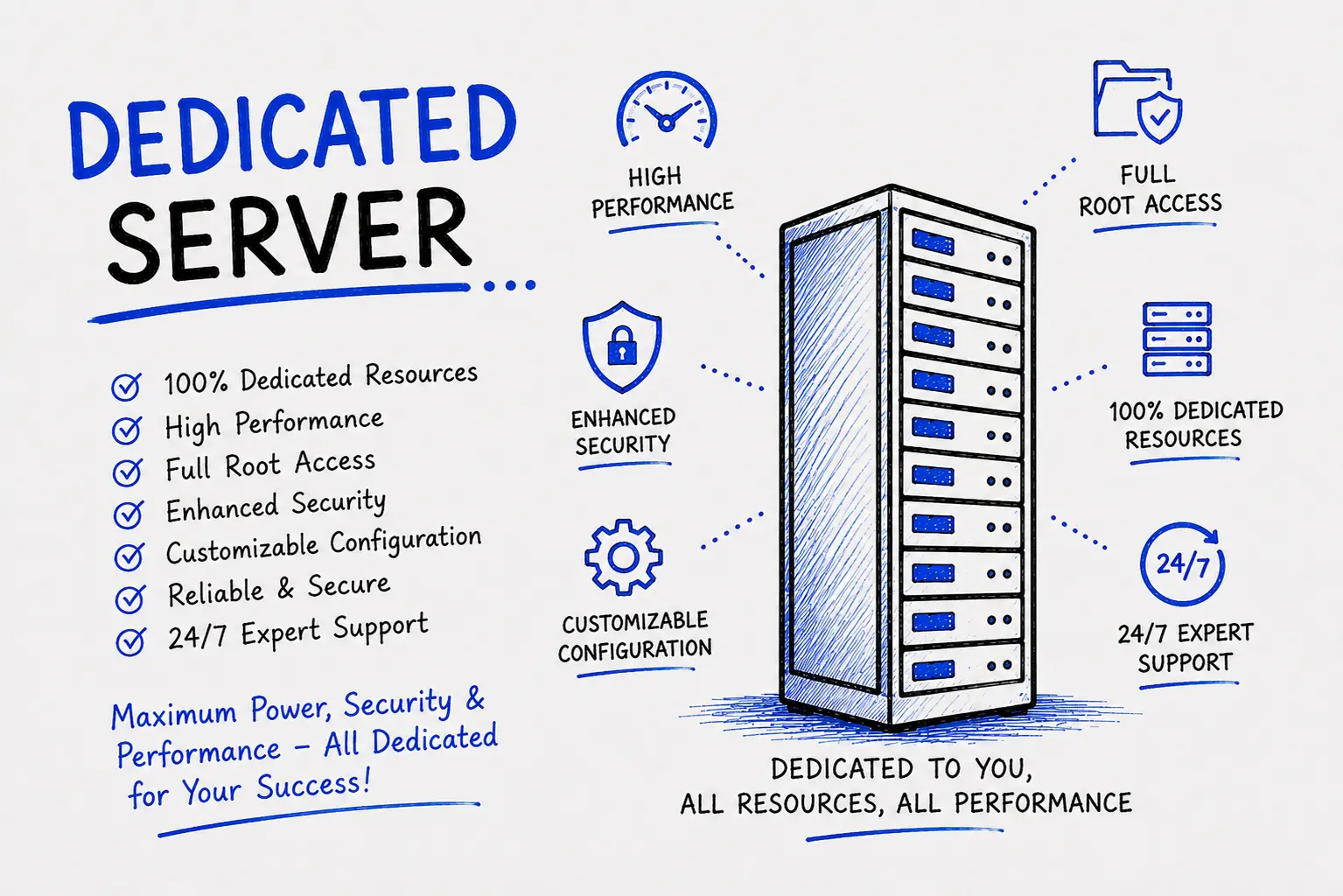
A realistic rule of thumb: whatever the advertised price is, budget 30–50% more for the real monthly cost once bandwidth, security, backups, and support are included properly. A provider that shows you this breakdown upfront is usually more trustworthy than one that doesn't.
This is the decision most guides skip entirely — and it's the one that determines whether your server actually stays online.
What it costs: just the server rental, plus your time (or your developer's time).
What it takes: comfort with Linux/Windows server administration, firewall configuration, security patching on a schedule, and being on call when something breaks at 2 AM.
What typically goes wrong: missed security patches leading to breaches, misconfigured backups that only get noticed after data loss, and DNS or firewall mistakes that take a site offline for hours because no one was monitoring it.
DIY makes sense if you already have an in-house system administrator with dedicated server experience, or the technical curiosity to genuinely learn it — and the tolerance for downtime while you do.
What it costs: the management fee on top of hardware — usually ₹2,000–₹8,000/month extra, sometimes bundled into the plan.
What you get: proactive monitoring, security patching, backup verification, and a support team that answers when something breaks, instead of a support ticket that sits for two days.
What can go wrong: picking a provider that "manages" the server on paper but takes 24+ hours to respond to a real incident. Always ask for the actual support SLA in writing before signing.
For most businesses without a dedicated IT team, hiring an agency costs less in total than the hours lost to a self-managed server going down during business hours — even before counting the security risk of missed patches.
Work through these in order — most buyers get this backwards and start with price instead of requirements.
1. Traffic and workload: current concurrent users, database size, and expected growth over the next 12 months.
2. CPU: more cores for parallel workloads (databases, applications); higher clock speed for single-threaded tasks.
3. RAM: 16–32GB covers most small-to-mid business sites; database-heavy or high- traffic apps need 64GB+.
4. Storage type: NVMe SSD for speed-sensitive applications; SATA SSD or HDD only for archival/backup storage.
5. Bandwidth: get the actual number in TB or Mbps, not the word "unlimited."
6. Server location: choose a data center close to your primary user base to cut latency; Mumbai-based hosting suits Indian and South Asian traffic well.
7. Management level: be honest about your in-house technical capacity before choosing unmanaged.
8. Support SLA: get the response-time guarantee in writing, not just "24/7 support" as a slogan.
9. Security features included: DDoS protection, firewall, and backup frequency should be confirmed line by line.
Here's the process we actually follow with clients, start to finish.
1. Requirement assessment: we review your current traffic, application type, and growth plans — often this call alone rules out overspending on hardware you don't need yet.
2. Configuration and quote: we spec the CPU, RAM, storage, and bandwidth to match your workload, and give you one transparent price with no hidden add-ons.
3. Provisioning: the server is built, OS installed, and hardened with firewall rules, security patches, and monitoring before it ever touches your traffic.
4. Migration: if you're moving from another host, we handle the data transfer and DNS cutover during a low-traffic window to minimize downtime.
5. Go-live and monitoring: once live, we monitor uptime, resource usage, and security continuously, with a support team you can actually reach.
A dedicated server is used for hosting high-traffic websites, databases, applications, and services that need consistent performance and full control, without sharing hardware resources with any other customer.
It depends on your traffic and budget. A dedicated server offers better raw performance and full isolation, but a VPS is more affordable and sufficient for small-to-medium websites that haven't outgrown shared hardware yet.
Dedicated server hosting in India typically costs between ₹6,000 and ₹25,000 per month for standard business plans, with enterprise configurations going higher depending on CPU, RAM, and management level.
Managed hosting means the provider handles security patching, monitoring, and backups for you. Unmanaged hosting gives you the hardware only, leaving all server administration to you or your team.
For unmanaged hosting, yes — you need server administration skills. For managed hosting, the provider handles the technical maintenance, so you only need to manage your website or application itself.
Yes. Because all CPU, RAM, and bandwidth belong to a single customer, dedicated servers handle high and sustained traffic more predictably than shared or VPS hosting.
A dedicated server is one fixed physical machine allocated to you. Cloud hosting draws resources from a pooled network of servers, allowing instant scaling but with usage-based pricing that can rise sharply under heavy load.
Only if traffic, security requirements, or compliance needs justify it. Many small businesses are better served by VPS hosting until their traffic consistently outgrows it.
Provisioning typically takes anywhere from a few hours to 48 hours, depending on hardware availability and whether custom configuration or migration from another host is required.
Common included or optional features are DDoS protection, firewalls, RAID storage redundancy, regular backups, and full root access to configure security settings yourself.
A Jaipur-based eCommerce business came to us after their site crashed twice during a festival sale weekend, running on a budget shared hosting plan. Every time traffic crossed a few hundred concurrent visitors, checkout pages timed out and they were losing orders in real time.
We assessed their traffic pattern, average order volume, and database size, then moved them onto a mid-range managed dedicated server with NVMe storage and DDoS protection standards built in. We handled the migration overnight to avoid disrupting live sales, tested backups before cutover, and set up monitoring so our team gets alerted before a problem becomes downtime.
The next big sale weekend, the same traffic pattern that had crashed their old host didn't even register as a strain. No downtime, no lost checkouts, and their page load time dropped from around 4 seconds to under 1.2 seconds. That's the difference a correctly-sized dedicated server — set up properly — actually makes.
Yes, but upgrading usually means moving to new or additional hardware, since a dedicated server's capacity is fixed to the physical machine, unlike cloud hosting's instant scaling.
Most dedicated servers support Linux distributions (Ubuntu, CentOS, AlmaLinux, Debian) at no extra cost, and Windows Server for an additional licensing fee.
Generally yes, because there are no other tenants on the same hardware, reducing the risk of cross-account vulnerabilities that can affect shared hosting environments.
A bare metal server is another term for a dedicated physical server with no virtualization layer between the hardware and the operating system, giving maximum raw performance.
Yes, dedicated servers come with one or more dedicated IP addresses, which helps with email deliverability, SSL configuration, and certain compliance requirements.
Have questions or need expert guidance? Our team is ready to help you with the right technology solutions for your business.