
Hyper Software ne hamare business ko online ek nayi pehchan di. Website professional, fast aur SEO optimized hai. Website Design & Development ke liye best company.


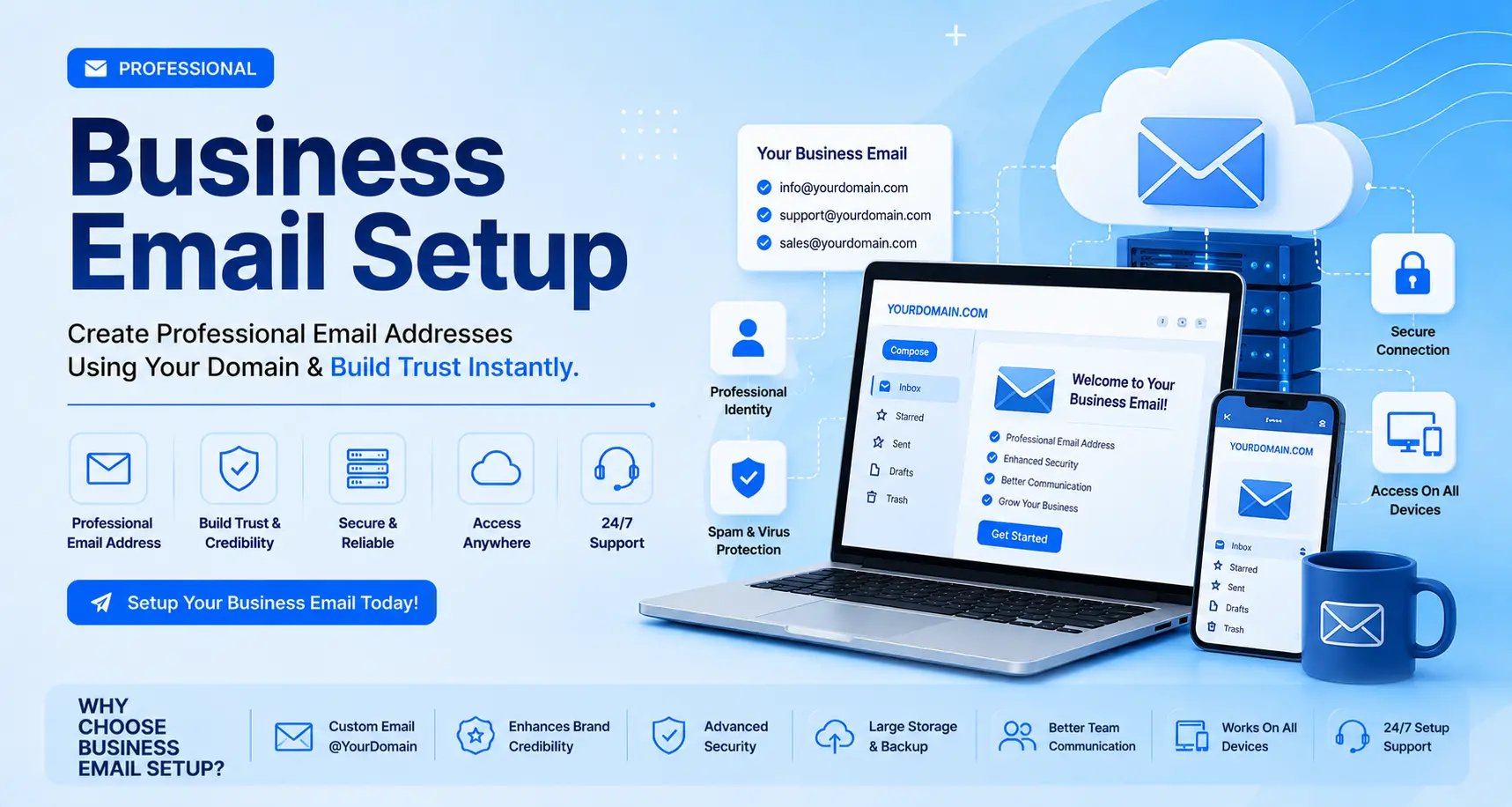
A business email address uses your own company domain, like priya@hypersoftware.in,instead of a free provider like Gmail or Yahoo. Setting one up takes five steps: buy a domain,choose an email host, point your MX records, add SPF/DKIM/DMARC authentication, and create your mailboxes. Most businesses are fully set up within an hour, though DNS changes can take up to 48 hours to fully propagate.
If that sentence made you nervous, don't worry. We'll walk through every step in plain English, compare the real costs of the major providers, and tell you honestly when it's worth doing yourself versus handing it to someone who does this every day.
Business email setup is the process of connecting a professional email address to your company's own domain name through an email hosting service. Instead of yourname@gmail.com, you get yourname@yourcompany.com.
It isn't just cosmetic. Under the hood, setup involves configuring DNS records (MX, SPF, DKIM, DMARC) so that mail servers around the world know your domain is allowed to send email, and know where incoming mail for your domain should go. Skip this part, and even a perfectly good email account will bounce messages or land in spam folders.
Get Free Consultation Within Minutes
A free email address costs you credibility the moment someone reads it. Here's what changes when you move to a domain-based address:
Trust. A message from sales@yourcompany.com reads as a real business. A message from yourcompany2024@gmail.com reads as a side hustle.
Deliverability. B2B buyers and procurement teams routinely ignore cold emails fromfree providers, and some spam filters treat them with extra suspicion.
Brand recall. Every email you send is a small ad for your domain. People remember yourcompany.com; they don't remember your Gmail handle.
Scale. You can create unlimited role-based addresses, sales@, support@, billing@,hr@, that keep working even after the person behind them changes.
Control. You own the domain and the data. If an employee leaves, you keep the address, the history, and the client relationships tied to it.
We've set up email for clients who lost a six-figure deal because a decision-maker didn't trust a Gmail quote. That's an expensive way to learn this lesson. A domain email costs less than a client lunch.
Hyper Software ne hamare business ko online ek nayi pehchan di. Website professional, fast aur SEO optimized hai. Website Design & Development ke liye best company.

Here's the exact sequence, whether you're doing this yourself or just want to understand what a provider is doing for you.
Step 1: Register or Confirm Your Domain
If you already have a website, you already have a domain, use it. If not, register one through a domain registrar. Pick something short, easy to spell over the phone, and as close to your brand name as possible. Domain registration typically costs $10–$35 per year depending on the extension (.com, .in, .io, and so on).
Step 2: Choose an Email Hosting Provider
This is the biggest decision in the whole process. Your three realistic options for most businesses are Google Workspace, Microsoft 365, and Zoho Mail (full comparison below). Smaller or budget-conscious setups sometimes use email hosting bundled with a web hosting plan on cPanel instead.
Step 3: Verify Domain Ownership
Your provider will ask you to prove you own the domain, usually by adding a TXT record to your DNS settings. This is a copy-paste step, but it's also where most first-time setups get stuck if they don't have DNS access or forget their registrar login.
Step 4: Configure MX Records
MX (Mail Exchanger) records tell the internet which servers should receive email for your domain. Your provider gives you the exact records to add, you paste them into your domain's DNS panel. This single step is what actually "switches on" incoming email.
Step 5: Set Up SPF, DKIM, and DMARC
These three DNS records authenticate your outgoing mail so it doesn't get flagged as spam or spoofed by scammers. We break each one down in plain language further down this page. As of 2026, all three are effectively mandatory: Gmail and Yahoo actively penalize sending domains that skip them.
Step 6: Create Mailboxes, Users, and Aliases
Add individual mailboxes for team members (firstname.lastname@yourcompany.com is the easiest format to scale) and role-based aliases like info@, sales@, and support@ that forward to the right people.
Step 7: Connect Devices and Email Clients
Set up mobile mail apps, Outlook, orApple Mail using the IMAP/SMTP settings your provider supplies. Most providers also offer a webmail login that works without any extra setup.
Step 8: Migrate Old Emails (IfApplicable)
If you're switching from a personal address or another provider, migrate your inbox history so nothing gets lost. Most major providers include a built-in migration tool for this.
Step 9: Set Team Policies
Decide on a naming convention, a password policy, and what happens to an address when someone leaves the company. This step gets skipped constantly, and it's the one that causes the most headaches a year later.
| Provider | Starting Price (per | user/month) | Storage (entry | plan) | Best For | Free Tier |
| $7 | 30 GB | Teams that live in Docs, | No | |||
| Workspace | Drive, and Meet | |||||
| Microsoft 365 | Business Basic | $7 (rising to this rate from July 2026) | 50 GB mail + 1 TB OneDrive | Businesses already | using Word, Excel, | No |
| Outlook | ||||||
| Zoho Mail | $1 (Mail Lite) | 5–10 GB | Startups, freelancers, | Yes, up to 5 | ||
| budget-conscious | users | |||||
| teams | ||||||
| cPanel / | Often bundled with | Varies by host | Businesses that already | Sometimes | ||
| hosting-based | hosting (~$3–$5) | have shared hosting | ||||
| Titan / Neo Mail | $2–$4 | 10–25 GB | Solopreneurs wanting a | Limited free | ||
| simple Gmail | trial | |||||
| alternative |
A quick way to decide: if your team already lives inside Google Docs or Microsoft Office,stay in that ecosystem, the productivity tools built into the email plan are worth more than the price difference. If you just need reliable, professional email with minimal extras, ZohoMail gives you the most for the least.
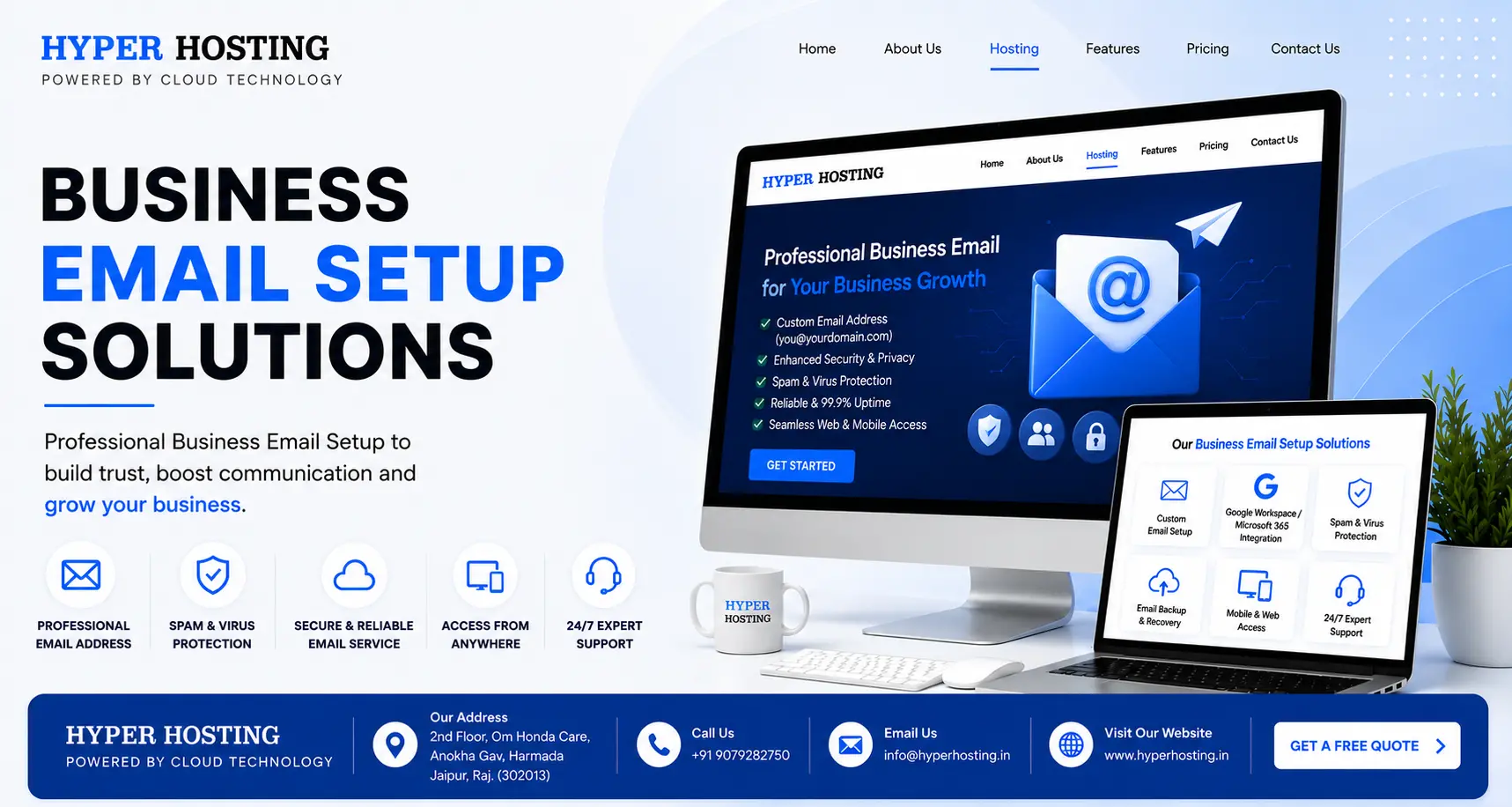
Setup isn't just the monthly per-user fee. Here's the full picture:
Domain registration: $10–$35/year (often free for the first year with some hosts)
Email hosting: $1–$22/user/month depending on provider and tier
Storage upgrades: Extra cost once you outgrow the base plan, typically $2–$6/user/month
Migration (if hiring help): One-time fee, varies by mailbox count and data volume
Security add-ons: Advanced threat protection or S/MIME encryption, usually a higher plan tier
For a 5-person team, expect anywhere from $60/year (Zoho free tier, once you cross 5 users you're on the paid plan) to over $1,300/year (Microsoft 365 Business Premium). Most small businesses land comfortably in the $360–$840/year range for 5 users on a mid-tier plan.
Yes, with real limits. Zoho Mail's free plan supports up to 5 users at 5 GB each, using your own domain, with no advertising. That covers a genuine business email address at zero cost. The trade-off: no IMAP/POP access, so you're limited to Zoho's webmail and mobile app, and you'll need to upgrade the moment you hire a 6th person.
There's no legitimate free option from Google or Microsoft for a custom-domain business email. If someone offers you "free Gmail for your domain," check carefully, it's usually a forwarding trick, not a real business mailbox, and it will look unprofessional the moment someone hits reply.
| Do It Yourself | Hire a Professional | |
| Best for | A single mailbox, one domain, comfortable with DNS | Teams, multiple domains, migrations, or "I don't want to touch DNS" |
| Time | 30 minutes to a full day (longer if | Usually same-day, handled for you |
| something goes wrong) | ||
| Cost | Free (your time), plus provider fees | Small one-time setup fee, plus |
| provider fees | ||
| Risk of | Real, missed SPF/DKIM records are the #1 | Low, done by someone who does this |
| mistakes | cause of"my emails go to spam" tickets | daily |
| Ongoing | You're on your own | Usually included for a period after |
| support | setup |
DIY setup makes complete sense if you're a single founder registering one mailbox on Zoho's free plan. It stops making sense the moment you have more than a couple of people,more than one alias, existing email history to migrate, or a client-facing deadline you can't afford to miss because a DNS record didn't propagate in time.
We've walked into more than one client's account where SPF and DKIM were never configured, sometimes for over a year, quietly hurting deliverability the whole time. Nobody noticed because the emails still "sent." They just weren't landing.
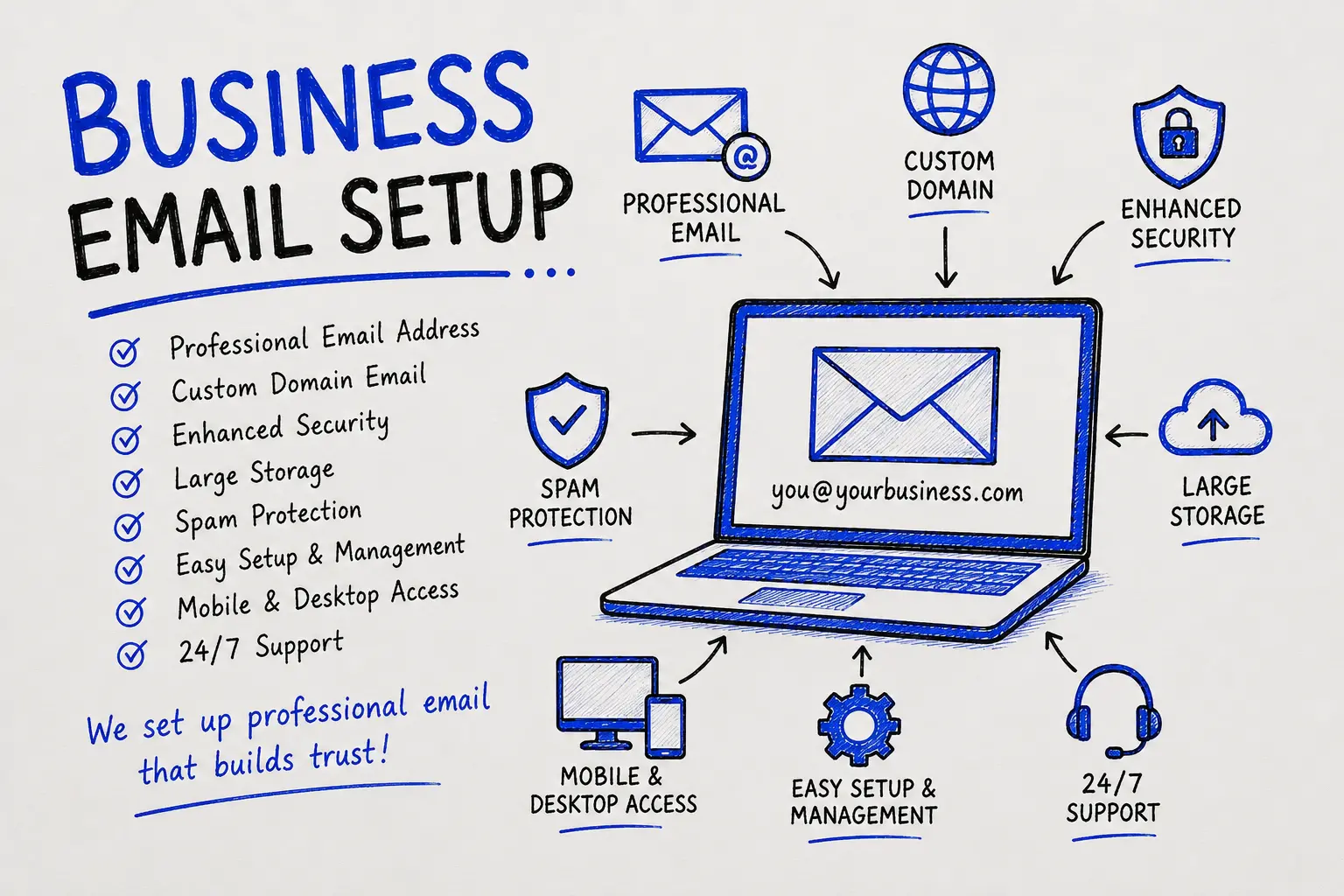
These three DNS records work together to prove your emails are really from you.
SPF (Sender Policy Framework): A list of servers allowed to send email for your domain. Think of it as a guest list at the door.
DKIM (DomainKeys Identified Mail): A digital signature added to every email you send, proving the message wasn't altered in transit. Think of it as a wax seal on a letter.
DMARC (Domain-based Message Authentication, Reporting & Conformance): The rulebook that tells receiving servers what to do if SPF or DKIM fails, reject it, quarantine it, or let it through, and sends you reports on who's sending mail as your domain.
Set them up in that order: SPF first, then DKIM, then DMARC, checking each one before moving to the next. Start your DMARC policy at "none" so you can monitor without risk,then tighten it to "quarantine" or "reject" once you've confirmed every legitimate sender (your CRM, your invoicing tool, your marketing platform) is properly authenticated.
Skipping SPF/DKIM/DMARC entirely. The single biggest cause of "why is my email marketing going to spam."
Using a free personal emailfor business communication "for now." It never gets fixed later; it just becomes the permanent habit.
Picking a domain extension that doesn't match the brand. A mismatched domain and business name confuses customers searching for you.
Forgetting to remove old MX records when switching providers, causing mail to bounce or split between two inboxes.
Not planning for employee offboarding. An ex-employee's inbox left open (or deleted with no forwarding) can lose client history or, worse, stay accessible after they leave.
Overbuying storage and features nobody uses, or underbuying and hitting limits mid-quarter.
No naming convention, leading to a messy mix of firstname@, firstnamelastname@,and initials@ addresses that looks disorganized to clients.
Pick one format and stick to it as you grow:
For departments and shared functions, use role-based aliases instead of personal names: info@, sales@, support@, billing@, careers@. These survive staff turnover and look more established to outside contacts.
Business email setup is connecting a professional email address on your own company domain to an email hosting provider, so you can send and receive mail as you@yourcompany.com instead of a free provider.
Provider fees range from free (Zoho, up to 5 users) to $22+/user/month for premium plans. Add domain registration ($10–$35/year) and, if you hire help, a one-time setup fee.
There's no single best option. Google Workspace suits teams using Google's productivity tools, Microsoft 365 suits Office-based teams, and Zoho Mail suits budget-conscious startups. Pick based on the tools your team already uses daily.
No. You only need a registered domain name. A website is optional; the domain is what your email address is built on.
MX (Mail Exchanger) records are DNS entries that tell the internet which servers should handle incoming email for your domain. Without them configured correctly, you won't receive mail at your business address.
SPF (Sender Policy Framework) lists which servers are allowed to send email for your domain. Yes, you need it. Without it, your legitimate emails are more likely to be marked as spam, and it's easier for scammers to spoof your domain.
DKIM (DomainKeys Identified Mail) adds a digital signature to your emails so receiving servers can confirm the message wasn't altered in transit.
DMARC tells receiving mail servers what to do if an email claiming to be from your domain fails SPF or DKIM, reject it, quarantine it, or deliver it anyway, and sends you reports on who is sending mail as your domain.
Yes, for a single mailbox on a well-documented provider like Zoho or Google Workspace. It gets more complex with multiple users, aliases, or a migration involved.
It depends on your plan. Most providers let you create as many mailboxes as you have paid user licenses, plus unlimited forwarding aliases (info@, sales@, and similar) on most tiers.
If you're moving from a personal Gmail or Yahoo account to a business domain, don't just start fresh and hope people notice. Set up email forwarding from the old address for at least a few months, update your website, invoices, business cards, and social profiles with the new address, and send a short heads-up note to your existing contacts. Most providers include a migration tool that copies over your old inbox, contacts, and folders so you're not starting from zero.
A retail brand based in Jaipur came to us using a mix of personal Gmail accounts across five team members, sales@, orders@, and support@ were all forwarding to one overloaded inbox. Client emails were getting missed, and two large B2B leads had already asked why quotes were coming from a Gmail address.
We registered a matching domain extension for their existing brand name, set up Google Workspace for the team, configured MX, SPF, DKIM, and DMARC the same day, and split the shared inbox into proper role-based addresses with rules routing each type of enquiry to the right person. We migrated three years of email history so nothing was lost. Within a week, their deliverability issues were gone and two team members told us cold outreach replies noticeably picked up once messages stopped landing in spam.
That's the kind of fix that takes a professional a few hours and would take a non-technical business owner a frustrating weekend of Googling DNS terms.
Solopreneurs and freelancers: One mailbox, Zoho's free tier or a low-cost Titan/Neo plan is usually enough.
Small teams (2–15 people): Google Workspace or Microsoft 365 Business Basic, with 2–3 role-based aliases.
Growing companies (15–50 people): Standard or Premium tiers for advanced security, shared calendars, and admin controls, plus a written email policy.
Agencies managing client domains: Hosting-based or provider-agnostic setups (like MXroute) that scale by domain rather than by user, or a managed setup service that handles multiple client domains at once.
Zoho Mail offers a genuine free tier for up to 5 users with your own domain. Beyond 5 users, or if you need IMAP/POP access, you'll need a paid plan from Zoho or another provider.
You can use a personal Gmail account, but it won't carry your company domain. For a real business email, you need Google Workspace, which lets you use the Gmail interface with an address like you@yourcompany.com.
Most setups finish in 30–90 minutes of active work. DNS changes can take up to 48 hours to fully propagate worldwide, though they often work within a few hours.
A registered domain name, access to your domain's DNS settings, and a chosen email hosting provider.
The account creation is simple. The part that trips people up is DNS: MX records, SPF, DKIM, and DMARC. None of it is technically hard, but it's easy to get wrong if you've never done it before.
Have questions or need expert guidance? Our team is ready to help you with the right technology solutions for your business.