

Best Cleaning Software
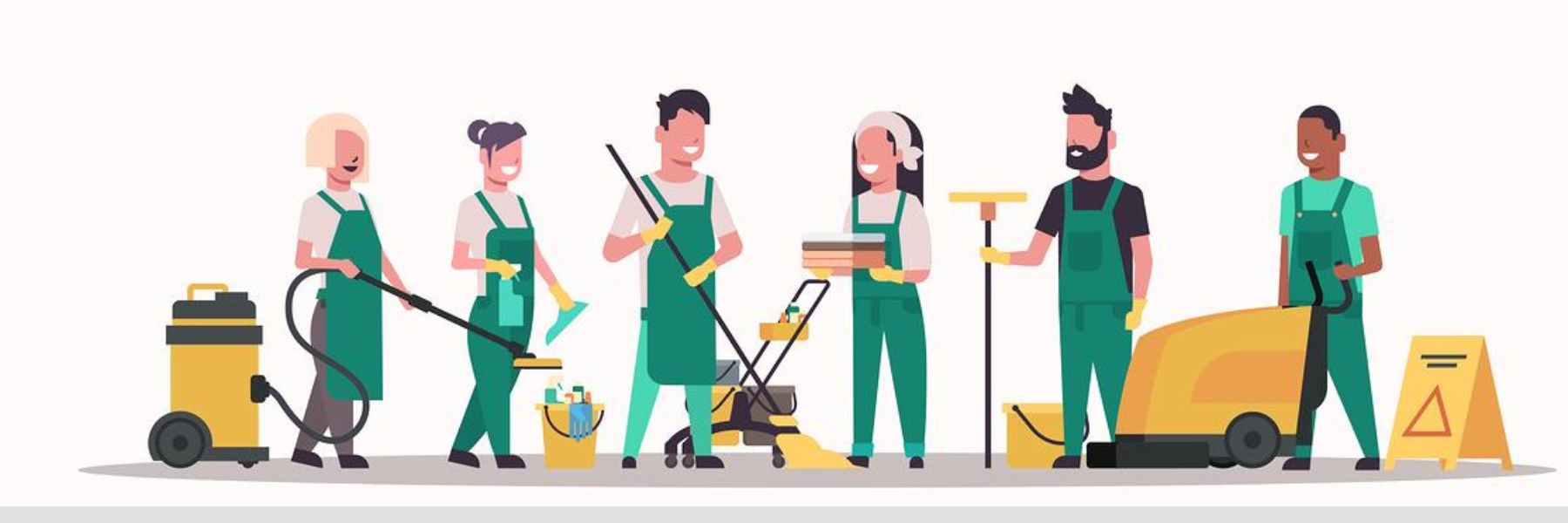
What Is Claening Software
Cleaning software, also known as system cleaning or PC cleaning software, refers to a type of computer software designed to optimize and maintain the performance of a computer system. Its primary purpose is to clean up and organize various aspects of a computer's operating system and storage, such as removing unnecessary files, managing system settings, and enhancing overall system responsiveness. Here are some common features and functions of cleaning software:
- Junk File Cleanup: Cleaning software scans the system for temporary files, cached data, old logs, and other unnecessary files that accumulate over time and take up valuable disk space. These files can be safely removed to free up storage space.
- Registry Cleanup: Some cleaning software tools offer registry cleaning, which involves scanning and fixing issues in the Windows Registry. The Windows Registry is a database that stores configuration settings for the operating system and installed applications. Over time, it can become cluttered or contain errors that may impact system performance.
- Browser Data Cleanup: Many cleaning software tools can help clear browser history, cookies, cached files, and other browsing data. This can improve browser performance and privacy.
- Uninstall Management: Cleaning software may provide a feature to help users uninstall programs cleanly, removing all associated files and registry entries.
- Startup Management: Some software tools allow users to manage which programs launch at system startup. Reducing the number of startup programs can help improve system boot times.
- System Optimization: Cleaning software might include optimization features that adjust system settings for better performance, such as adjusting power settings or disabling unnecessary visual effects.
- Disk Defragmentation: While modern operating systems usually handle disk defragmentation automatically, some cleaning software still offers this feature. It rearranges files on the hard drive to improve access times and overall system performance.
- Privacy Protection: Certain cleaning software tools can help users maintain their privacy by securely deleting sensitive files, such as temporary files or browsing history.
- Driver Updates: Some cleaning software tools can scan for outdated or missing device drivers and help users update them to ensure hardware compatibility and performance.
- Malware Detection and Removal: While not all cleaning software includes this feature, some may have basic malware detection and removal capabilities to complement traditional antivirus software.
It's important to note that while cleaning software can be helpful in maintaining system performance, users should exercise caution when choosing and using such tools. Not all cleaning software is created equal, and some may make exaggerated claims or even cause harm to the system.
Get Free Consultation Within Minutes
Popular Post
Android Training: Complete Guide to Learning Android App Developmentin 2026
Web Design and Development Course in Jaipur
What Is SEO? The Complete 2026 Guide to Search Engine Optimization
Content Management System Development Company: The Complete Guide for 2026

Domain Hosting: The Complete Guide to Choosing, Buying and Managing It (2026)