

How to Protect Your Website From Malware
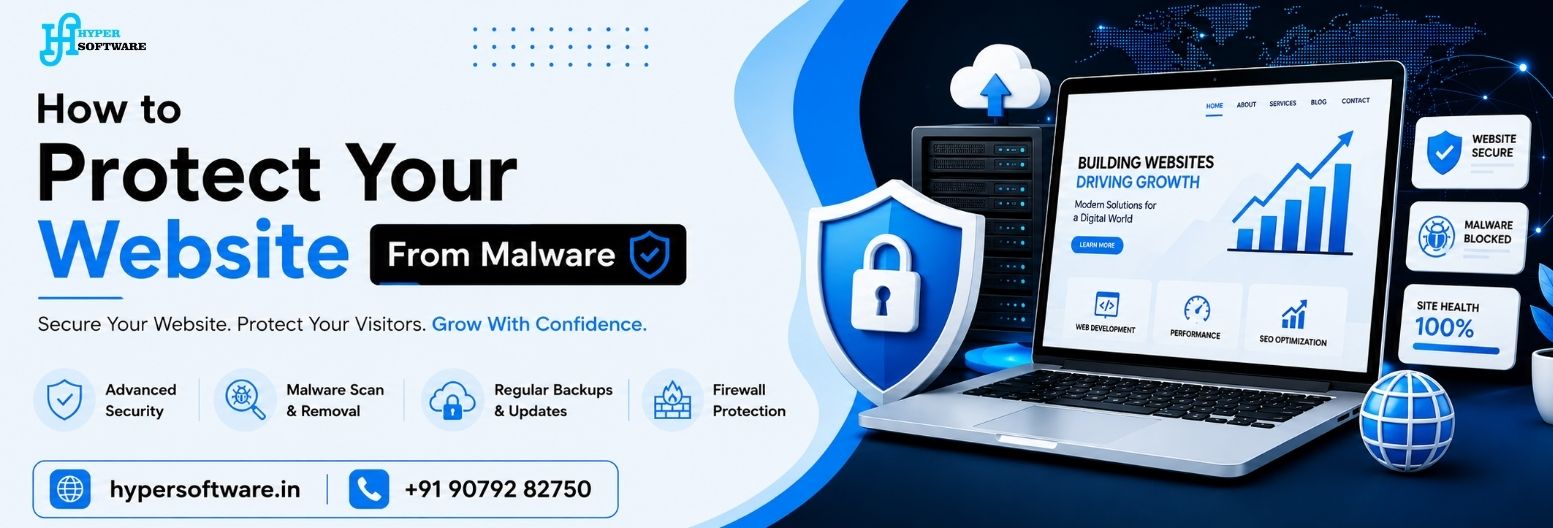
In today’s technologically driven world, your website isn't only your online identity but also represents your company's reputation, sales portal, and customer interface. No matter whether you operate your start-up, your local business, your e-commerce store, or your corporate website, it's important to ensure that your website stays safe.
The problem is that the number of cyber threats increases annually. Malware attacks become more sophisticated and dangerous, affecting small- and medium-sized businesses. In most cases, small and medium-sized business owners believe that only large companies can become victims of hacking. However, that's not entirely true.
To help you prevent your website from becoming the victim of cyber crimes, the guide describes the risks of such incidents, best security practices, common mistakes made by people, and useful tips from professionals.
Key Benefits of Keeping Your Website Malware-Free
Are you still doubting? This is what a secure website can bring to you:
1. Continuous business – No unexpected closure or maintenance page for your business.
2. Improved ranking on Google search engines – Web security is one of the ranking factors.
3. Increased customer confidence – The padlock symbol makes them comfortable sharing their information.
4. Secure customer data – Their personal, payment, and company data remains confidential.
5. Saved millions in remediation costs – Fixing your hacked website is way costlier than preventing it.
6. Peace of mind – You invest in building your company and not on battling cyber risks.
Features That Ensure Web Site Security
It is not sufficient to just rely on any means to secure your website. There are particular features that should be in every secure website. These include:
1. Web Application Firewall (WAF)
Picture yourself a guard standing outside of your website, making sure no malicious activity ever gets close to your server.
2. Malware Scans and Removals
Automated daily scans make sure that there is nothing dangerous in your files on your website.
3. SSL Certificate
The tiny padlock you see next to your URL – this encrypts all data being sent between your website and your clients. Necessary for 2026.
4. Regular Backups
Think about the risk of losing everything—your products, your blog entries, customer data—forever. Backing up is essential; automated daily backups are best.
5. Secure Logins
Do you have poor password security? No two-factor authentication? Then you are asking for trouble. Your admin account requires secure logins.
6. Updates
This means the updates of your plugins, themes, and the CMS itself. Being outdated makes them susceptible and lets the virus through. Having automatic updates is life-saving.
7. DDoS Protection
It will protect against the malicious attack aimed at bombarding your site with false traffic and crashing it. With all of them combined, you create a real fortification around your site.
Professional Advice for Preventing Malware on Your Website (2026 Edition)
We have contributed to the security of hundreds of websites. These are our tried-and-true suggestions:
1. Change default login page addresses
Changing the default name for the /wp-admin page is advised for WordPress sites. It's a basic first step hackers will try to take.
2. The second recommendation is about login attempts
Only three attempts to log into the system should be allowed from the same IP before the attempt stops being possible.
3. Ensure file integrity
Ensure alerting whenever there's any change made to the files. An alert will be sent in case any core file gets changed without consent.
4. Consider using CDN with added security
It is recommended for the faster loading of your website as well as an additional security layer in India.
5. Remove all unused plugins and themes
Unused plugins can serve as potential backdoors. If you aren't using it, then it is better to delete it.
6. Train your team
If just one person in your team opens a phishing email, your whole server will get infected. So train them with cyber hygiene.
7. Conduct a security audit every month
Take half an hour out each month and check logs, detect anomalies, and perform a backup test.
Why Choose Hyper Software for Safeguarding Your Site From Malware Attacks?
- Expert services from India – Our team knows all about Indian web hosting platforms, payment methods (Razorpay, PayU, etc.), and types of malware prevalent in India.
- Budget-friendly pricing packages for emerging startups – Why should website security be expensive? Our most affordable packages are suitable for Indian SMEs.
- 24/7 support is provided because viruses can strike at two o'clock in the morning. We don’t take a breather with our team. Our eyes catch potential dangers before you do.
- Clarity in reportage- We ensure that every month, you receive a security report that’s easy for anyone to comprehend. No technical language to confuse you.
- Fast recovery method- If there’s ever any danger, we can simply recover your site from a fresh backup.
- Software that’s 100% genuine—we don’t use nulled plugins. No short cuts. Just tidy, expert protection.
We don't wait for attacks; we are proactive rather than reactive. From day one, we harden your website.
Hyper Software - Contant Now
Email: info@hypersoftware.in
Call: +917372991000, +919079282750
Website Link: https://www.hypersoftware.in
Frequently Asked Questions (FAQs)
Qus 1 What is the primary reason for getting malware in your website?
Answer: Using old software, insecure passwords, and vulnerabilities in plugins are some of the common reasons behind having malware in your website.
Qus 2 Can a hacker attack on a small business website take place?
Answer: Definitely. Hackers often target small business sites as they lack proper protection compared to other websites.
Qus 3 How often should I scan my website for malware?
Answer: You should run daily scans for a high traffic website, whereas, for smaller websites, weekly scans are required.
Qus 4 Is SSL safe from malware?
Ans: Yes, SSL encryption secures your data transfer but needs to be used along with other security measures.
Qus 5 Do SEO rankings suffer from malware attacks?
Ans: Yes. Google can demote an infected website in search results due to malware.
Get Free Consultation Within Minutes
Popular Post
Android Training: Complete Guide to Learning Android App Developmentin 2026
Web Design and Development Course in Jaipur
What Is SEO? The Complete 2026 Guide to Search Engine Optimization
Content Management System Development Company: The Complete Guide for 2026

Domain Hosting: The Complete Guide to Choosing, Buying and Managing It (2026)